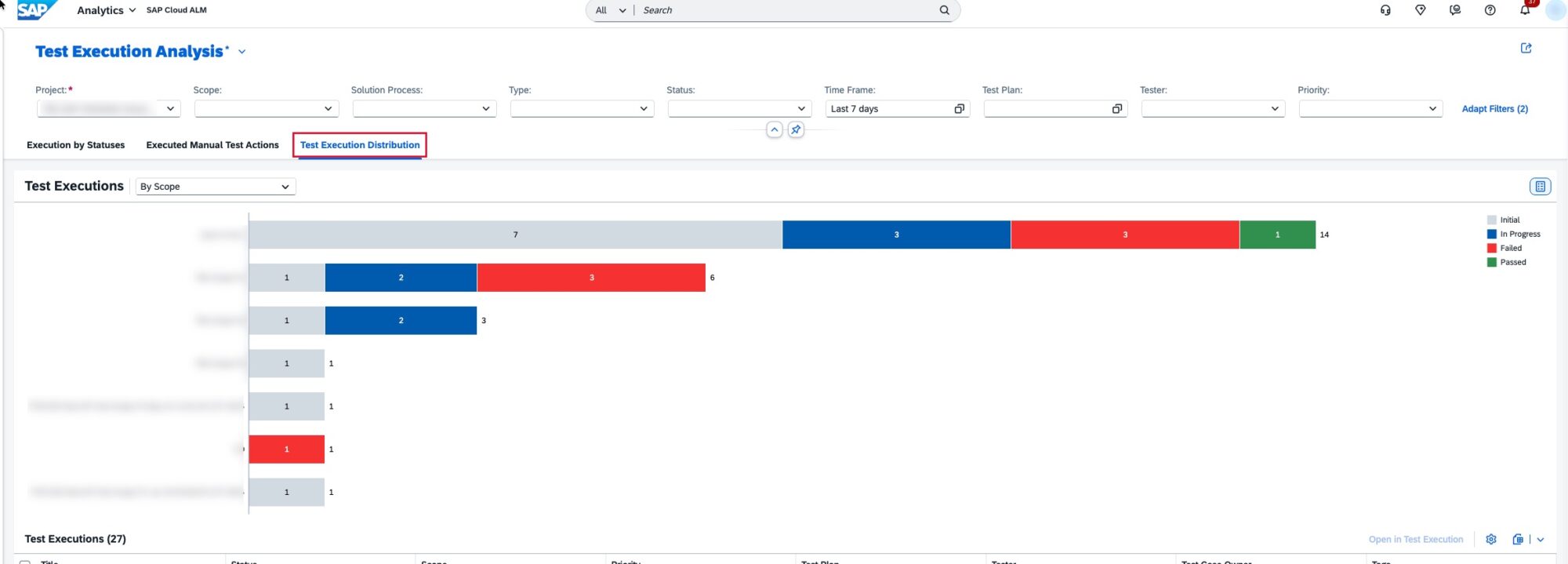
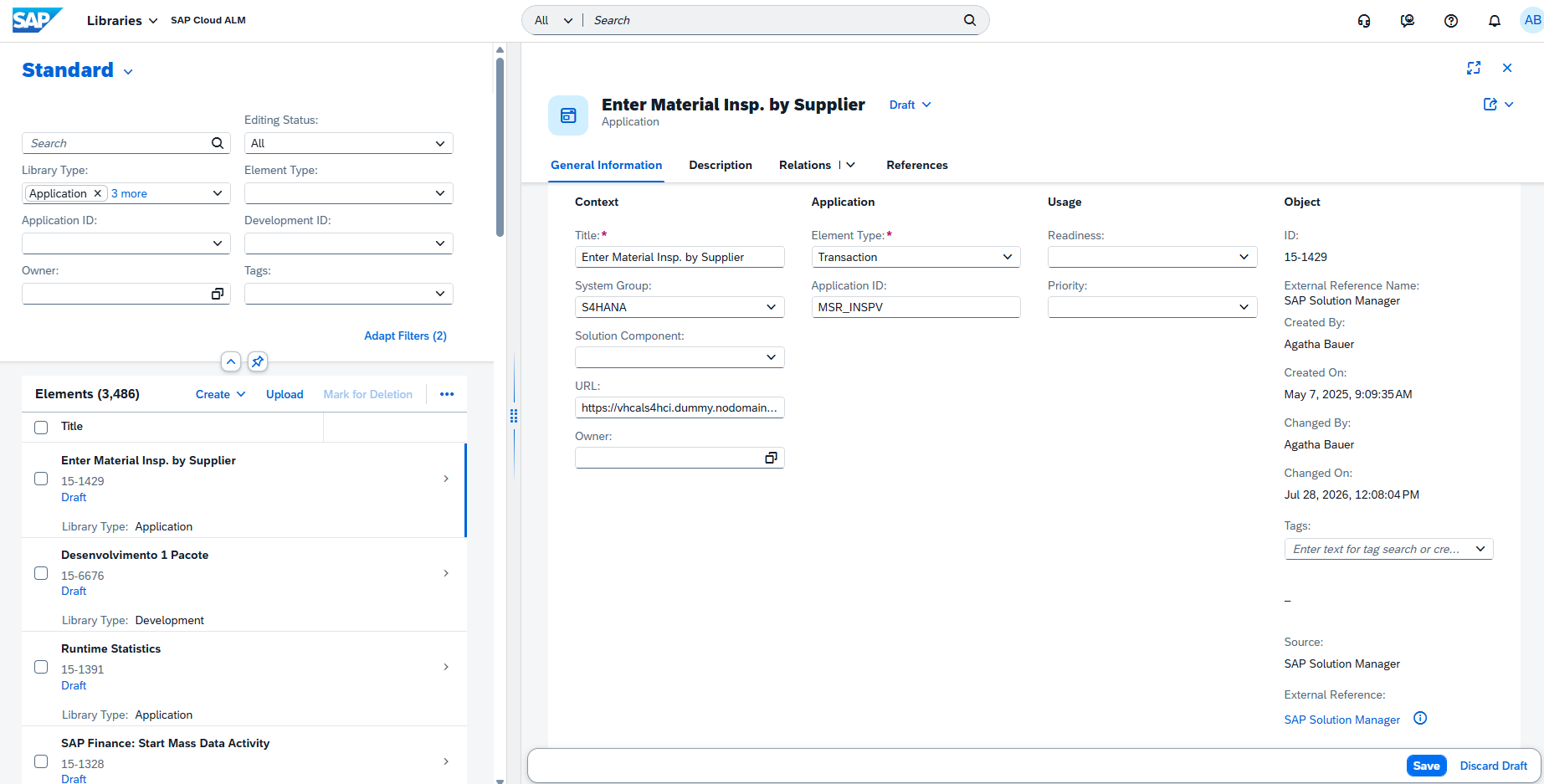
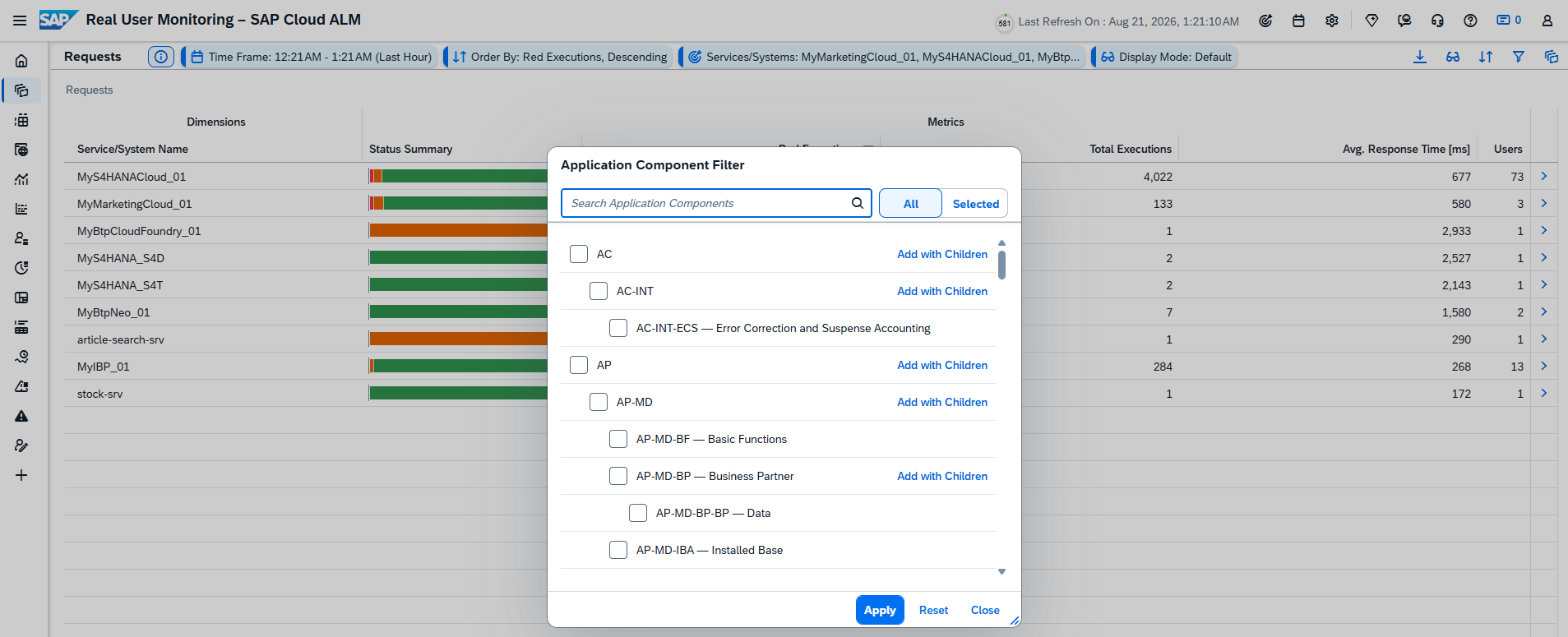
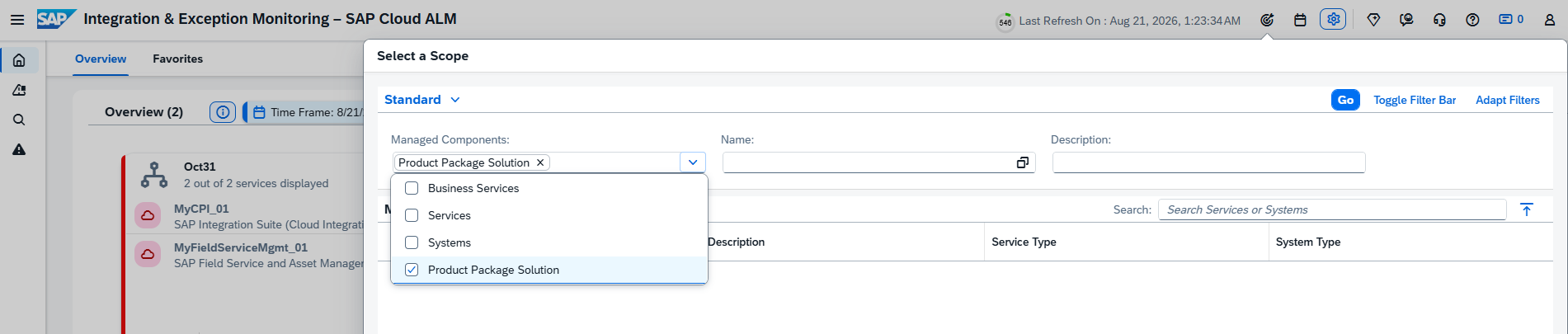
Tag: SAP Cloud ALM

For posts relating to CALM

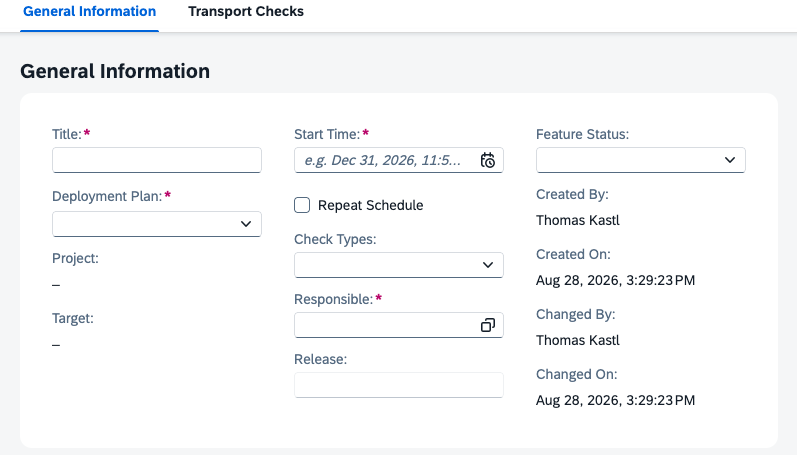
SAP Cloud ALM – What’s New in Week 16

​SAP Cloud ALM continues to evolve with enhancements that improve transparency, control, and usability across the platform. 

​The week 16 release introduces updates across several areas. In the Service area, Issues and Actions Management gains a redesigned overview experience and PDF export capabilities. SAP Business Transformation Center enhances data management and scoping with more precise selections, new KPIs, and extended time-slice filtering options. 

​In Operations, Job & Automation Monitoring becomes easier to manage with clean-up functions and faster navigation to execution details. The Implementation area receives improvements in document versioning, process hierarchy governance, scope creation, and tighter integration between processes and libraries. 

​Together, these updates help teams in daily work, improve governance, and manage transformations and operations with greater efficiency. 
​SAP Business Transformation Center – Data Management, Scoping 

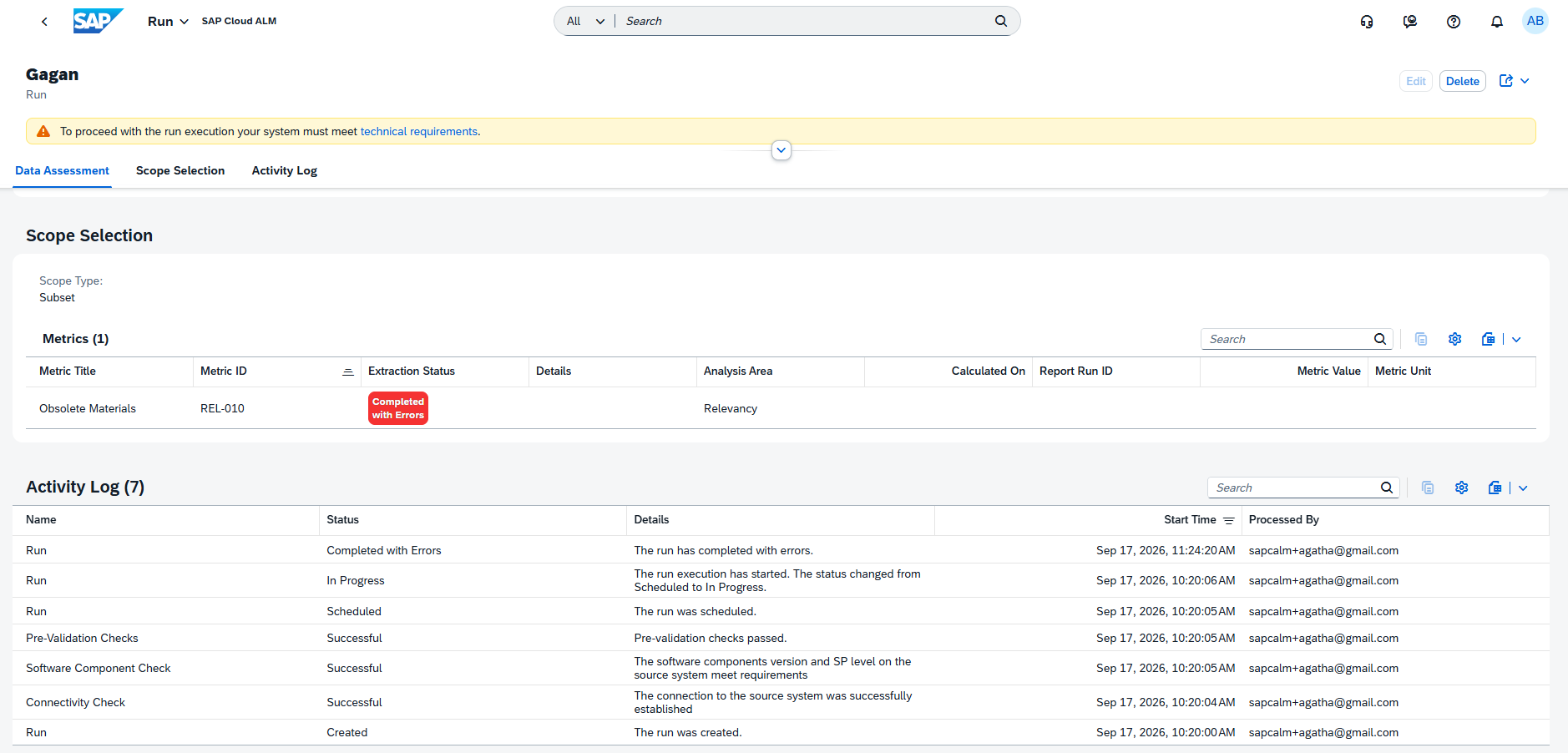
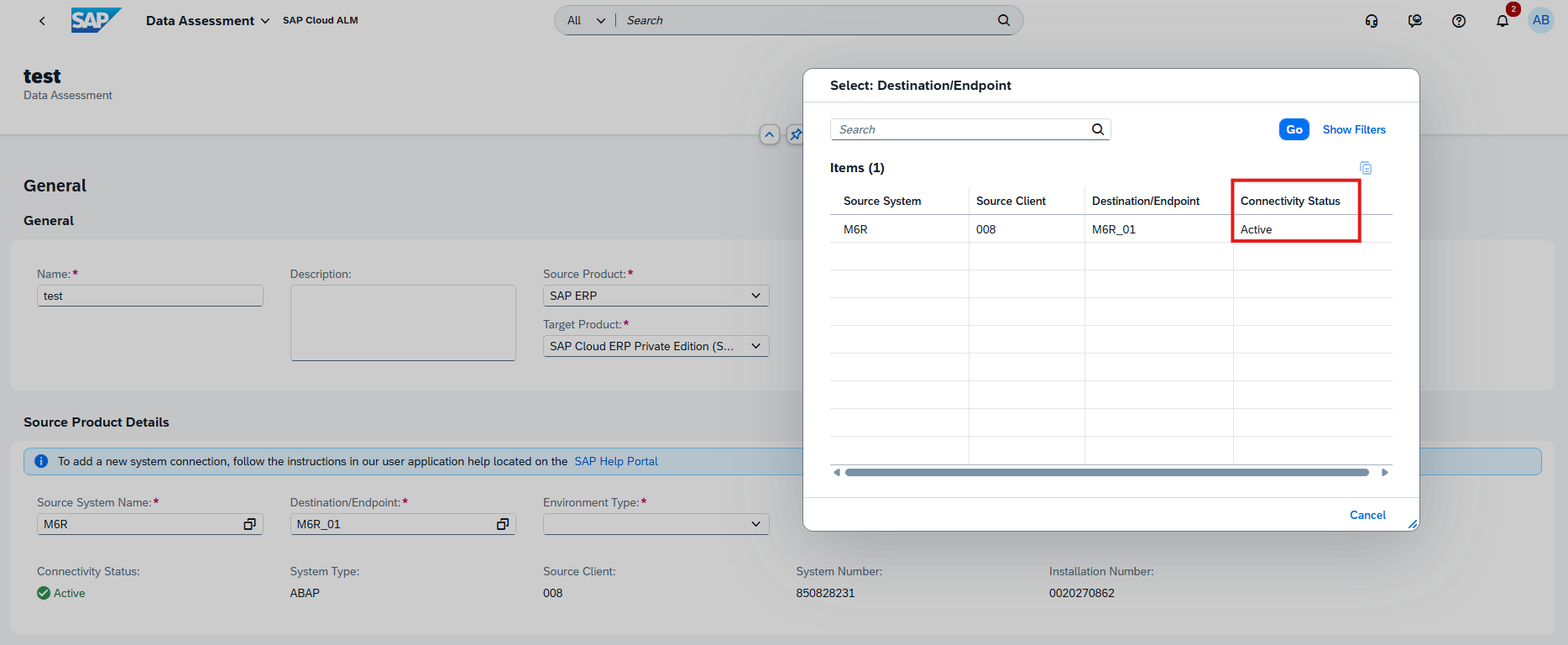
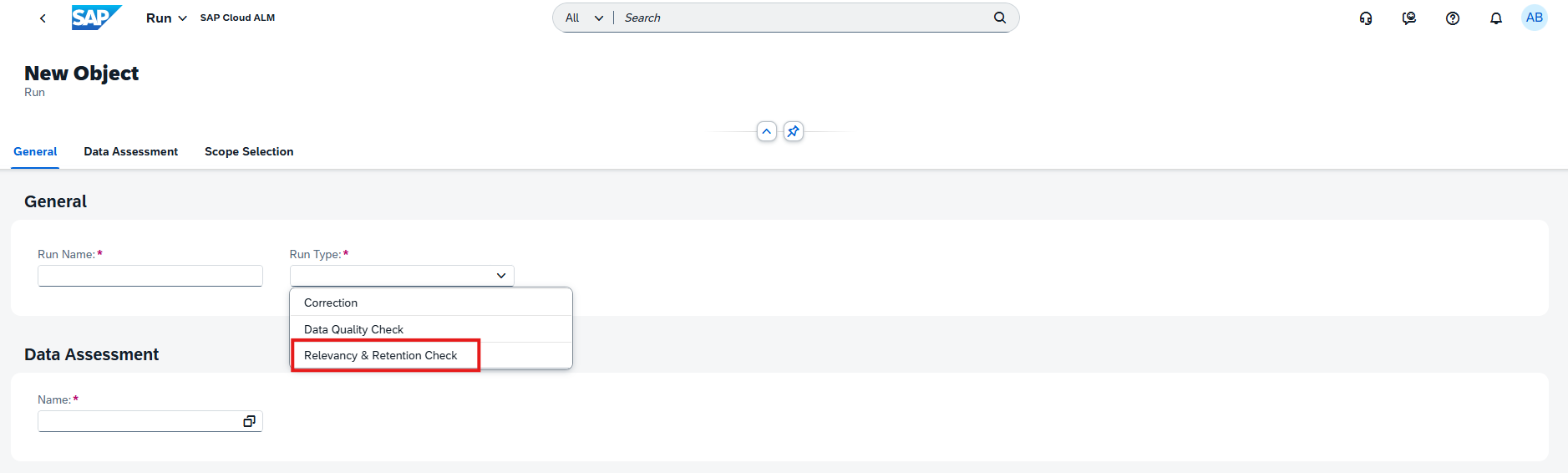
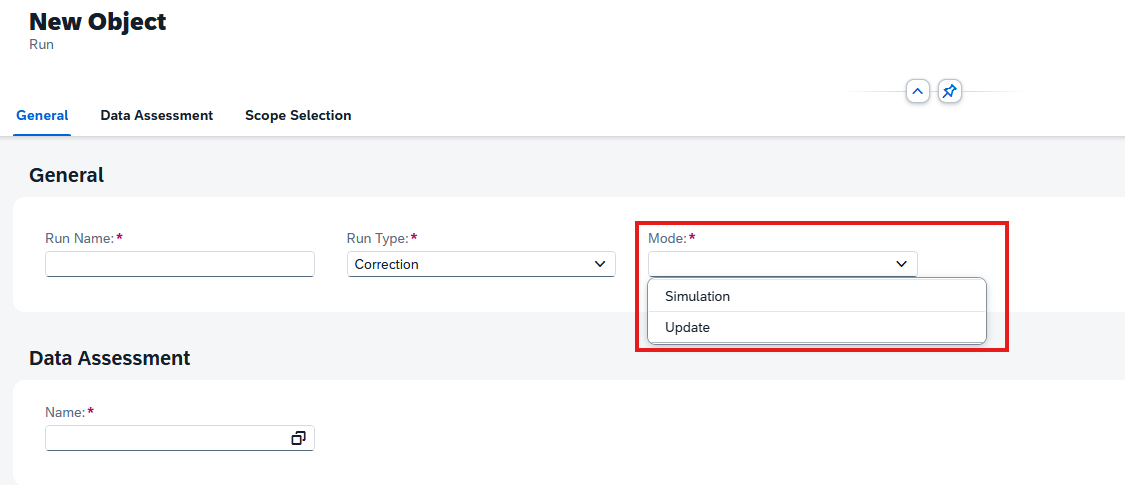
Relevant Functional Area Selection in Manage Runs

​The Manage Runs app is enhanced to simplify run configuration and improve usability. 
​Functional area selections are now limited to values that are relevant for the selected data assessment. This helps reduce unnecessary options, streamlines run setup and makes it easier to choose the correct scope for execution. 

TL;DR: 

​Functional area selection in Manage Runs now shows only values relevant to the selected data assessment. 

New KPIs for Inventory Management

​Two new KPIs are now available in Data Management for the Inventory Management area. 

​The new KPIs help identify data inconsistencies related to: 

  • ​BUKRS entries missing in table T001 
  • MSEG entries orphaned from corresponding MKPF records 

​These additions strengthen data quality analysis and help detect structural inconsistencies in inventory-related data. 

TL;DR: 

​Two new Inventory Management KPIs help detect missing company code mappings and orphaned material document records. 

Time Slice Filters for Date Fields in Custom Tables

​Scoping capabilities are enhanced with additional time slice filter support for date-related fields in custom tables. 

​The system scan can now identify fields using date-related domains such as DATS, DATUM, and SYDATS, and derive corresponding time slice filter assignments. This enables migration scoping based on the key date derived from the time slice. 

​When the time slice solution pattern is active, a fiscal year key date filter may be suggested for relevant fields. The filter remains inactive by default and can be manually activated for a selected field in the Select Scanned Tables app. 

TL;DR: 

​System scans now detect date fields in custom tables and can derive time slice filters for more precise migration scoping.​

Operations – Job & Automation Monitoring

Clean-Up Option in Landscape Management

A new clean-up option is now available for Job & Automation Monitoring in the Landscape Management app. 

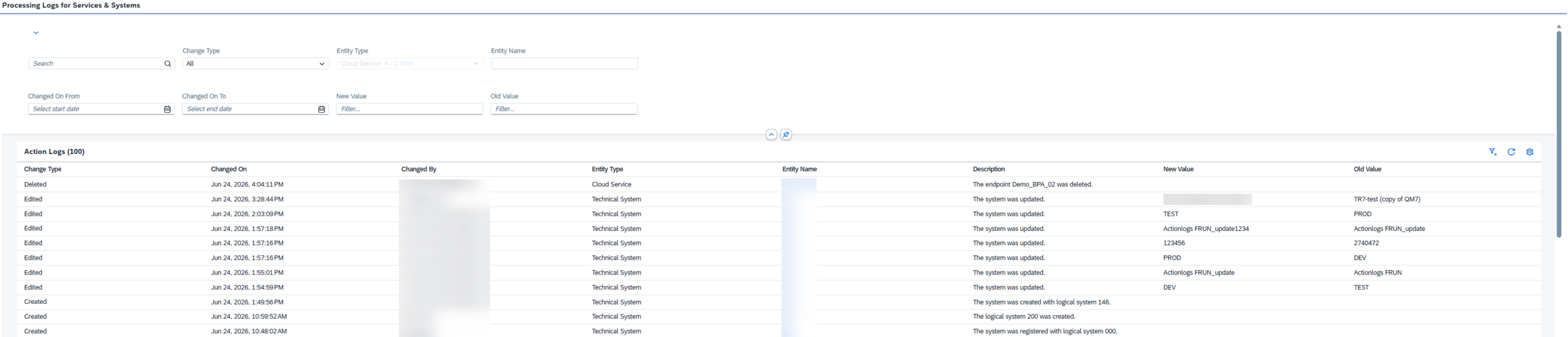
Administrators can remove configuration settings and collected monitoring data for a managed component directly from the Supported Use Cases tab in the Services & Systems area. After clean-up, the managed component returns to a Not Configured state. 

This enhancement helps remove obsolete setups and keeps monitoring configurations clean and maintainable. 

TL;DR: 

Job & Automation Monitoring configurations and data can now be cleaned up directly in Landscape Management. 

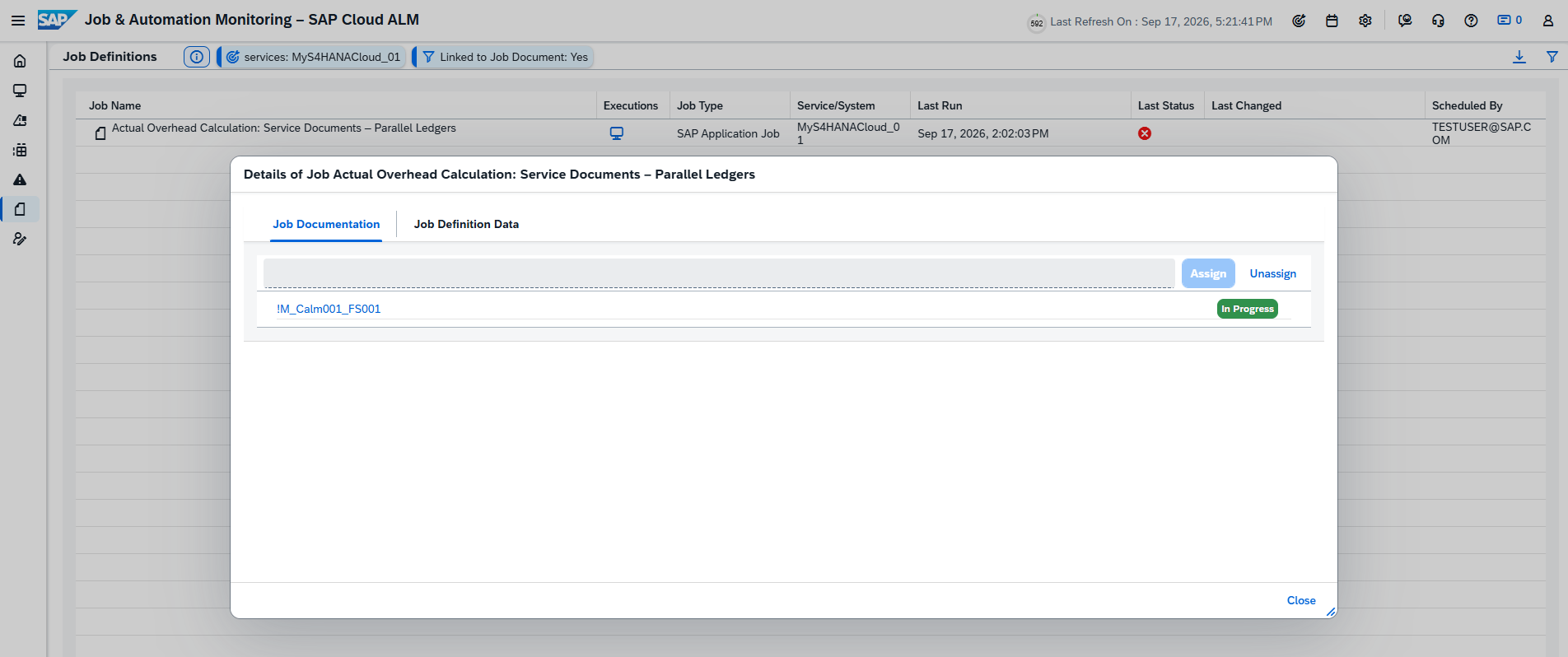
Direct Navigation to Execution Details from Alerts

Alert handling is improved with direct access to execution details. 

Users can now open an alert, navigate to Alert Details, and select Details to jump directly to the related job or automation run execution information. 

This makes troubleshooting faster by connecting alerts directly with runtime details. 

TL;DR: 

Alerts now provide direct navigation to the related job or automation execution details. 

Navigation from Analysis Page to Executions

The Analysis page now supports direct navigation to job and automation runs. 

Users can select Navigate to Monitoring next to a job or automation name to open the corresponding execution details immediately. 

This improves usability by reducing navigation steps between analysis and operational execution data. 

TL;DR: 

The Analysis page now links directly to related job and automation executions for faster investigation. 

Implementation – Documents, Libraries, Process Hierarchy, Processes

Create and Manage Document Versions

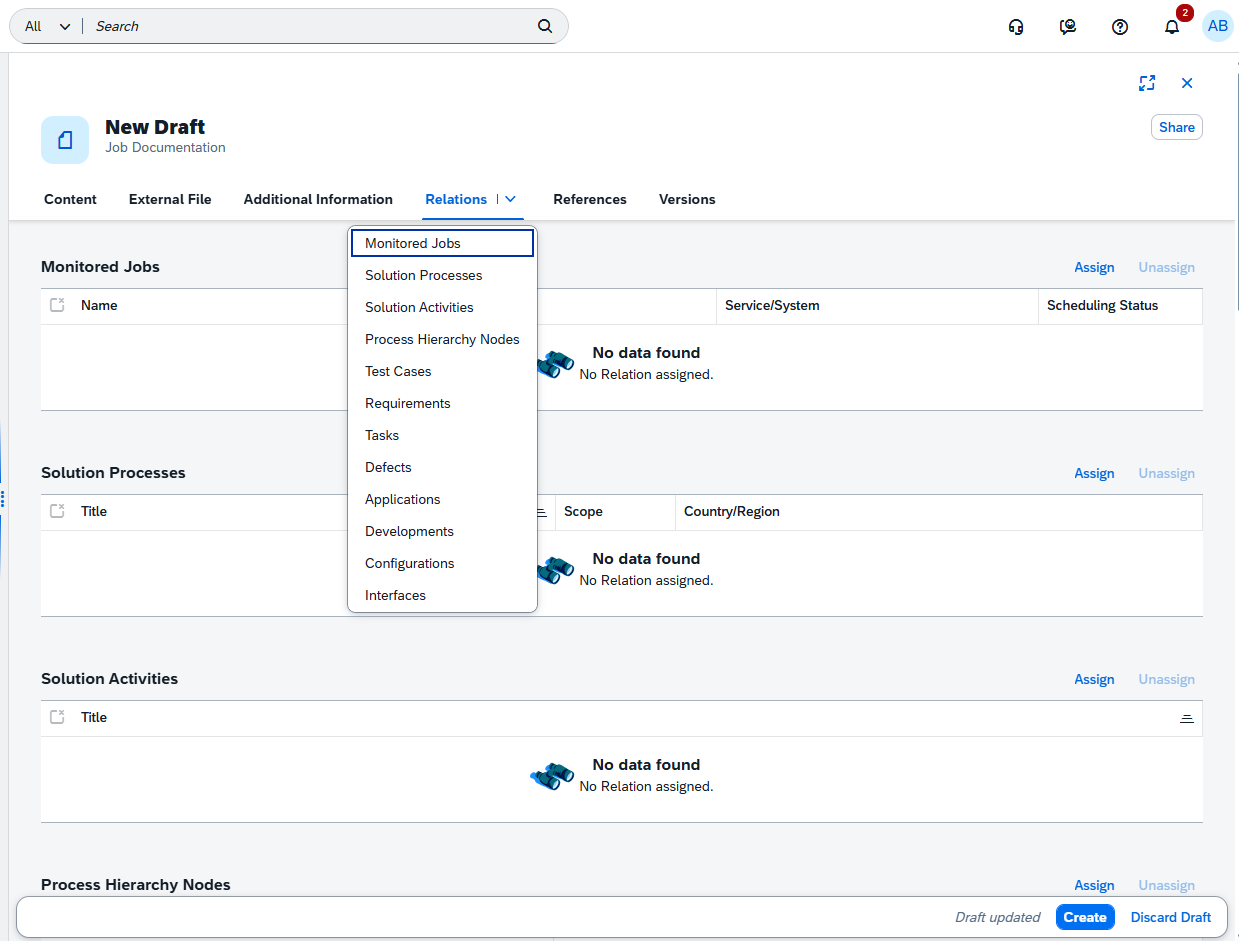
The Documents app now introduces versioning, enabling users to create and manage multiple versions of a document for better structure, governance, and traceability. 

Each document now includes new attributes: 

  • Version – numeric version identifier 
  • Is Latest Version – indicates whether the version is the newest one 

Users can filter and search for either latest versions only or all versions. When the Is Latest Version filter is active, search results return only the most recent versions. 

Version management rules include: 

  • Older versions are read-only 
  • New versions can only be created from the latest version 
  • Deleting a document removes all versions 

Relations are maintained at document level rather than per version, always pointing to the latest version. The document history also tracks all versions, while viewing an older version displays only the history up to that version. 

For externally stored files, document versioning is linked with file versioning. When a new document version is created, the external file version resets to 1.0 for that new version, while previous file versions remain available in earlier document versions. 

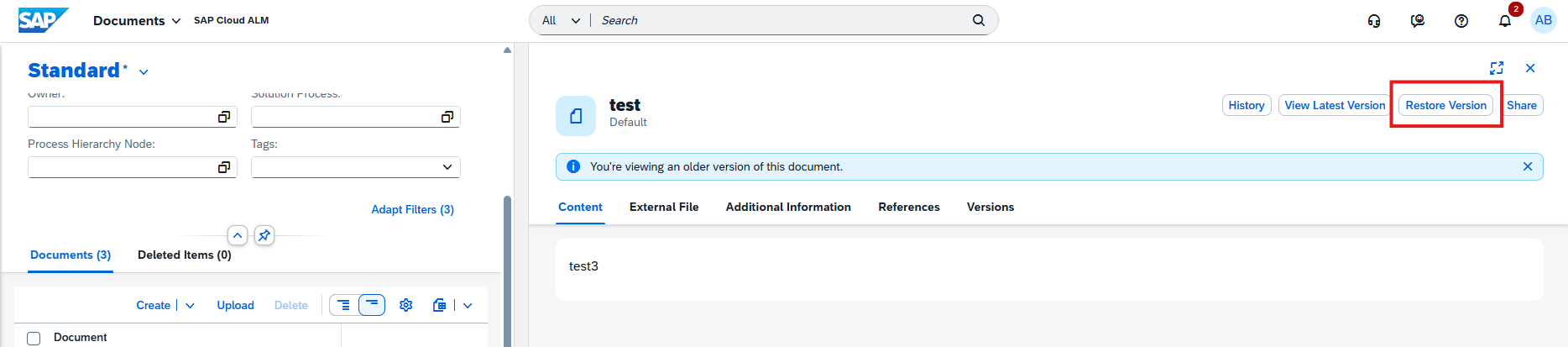
A Restore function is not yet available. A future update is planned to allow restoring an older version. 

This enhancement improves document lifecycle management and supports more controlled collaboration. 

TL;DR: 

The Documents app now supports document versioning, including version history, latest-version filtering, read-only older versions, and structured lifecycle control. 

Create Configurations and Interfaces in Processes

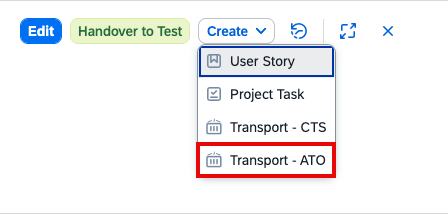
The Processes app is enhanced with the ability to create configurations and interfaces directly within the solution process viewer. 

Newly created elements are automatically assigned to the corresponding solution processes, reducing manual maintenance steps and simplifying process documentation. 

This improvement streamlines modeling and keeps related process content connected from the moment it is created. 

TL;DR: 

Configurations and interfaces can now be created directly in the Processes app and are automatically linked to the relevant solution processes. 

Harmonized Two-Step Deletion for Hierarchy Nodes

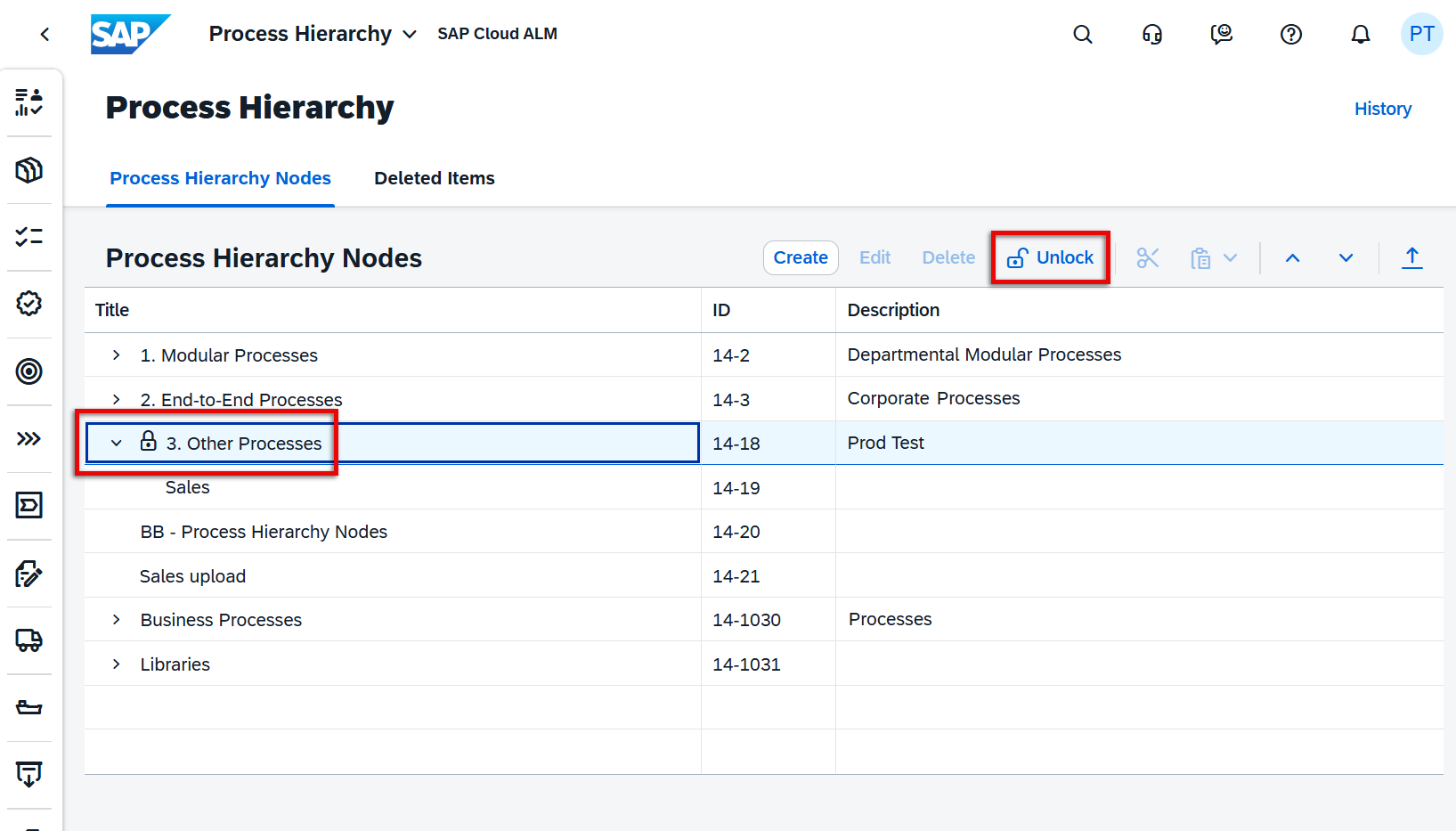
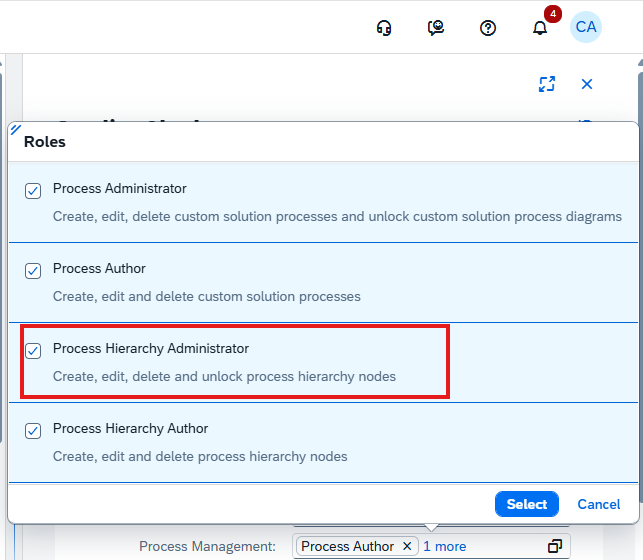
The Process Hierarchy app now introduces a harmonized two-step deletion process to reduce the risk of accidental data loss and align the experience across SAP Cloud ALM. 

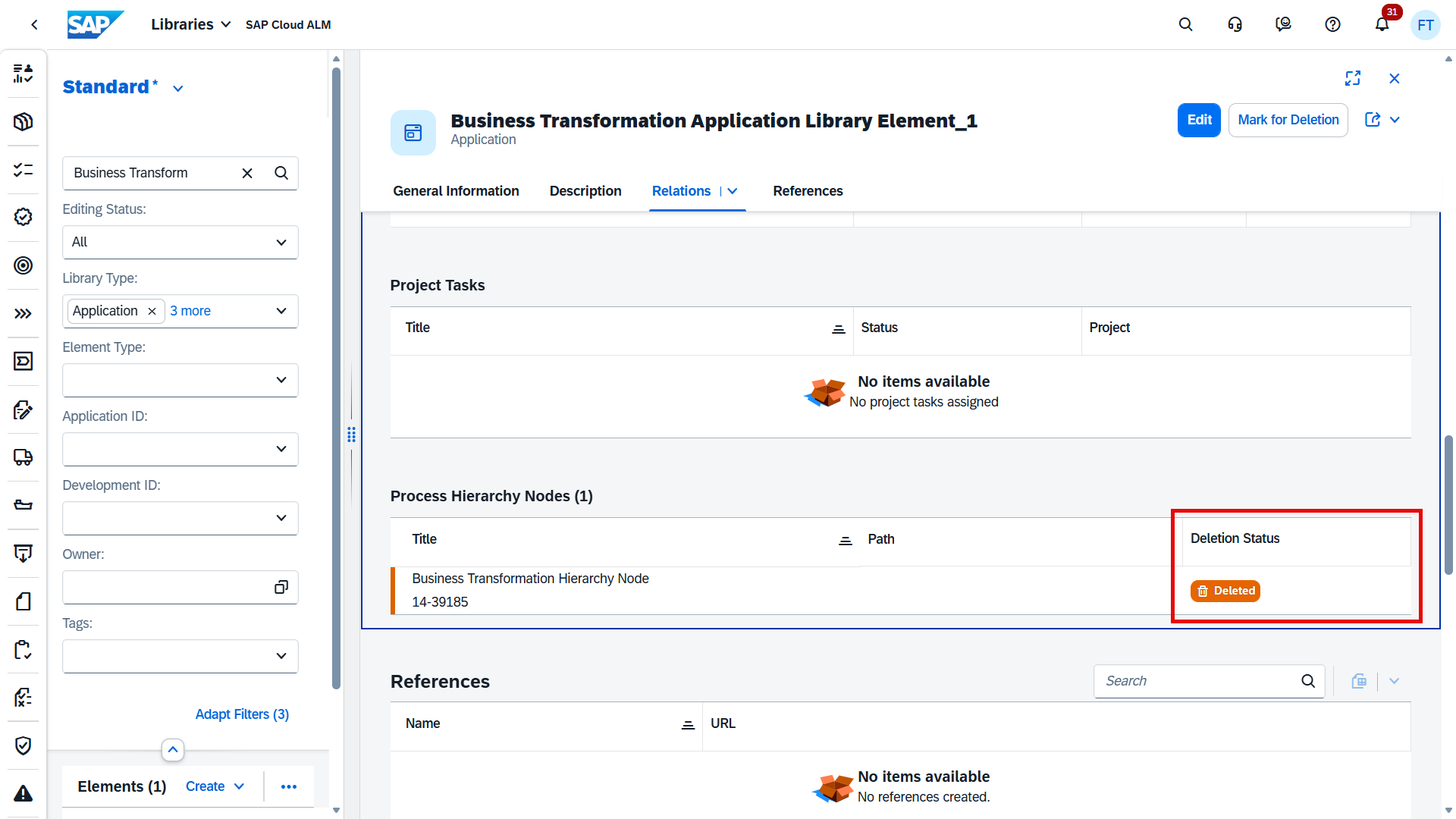
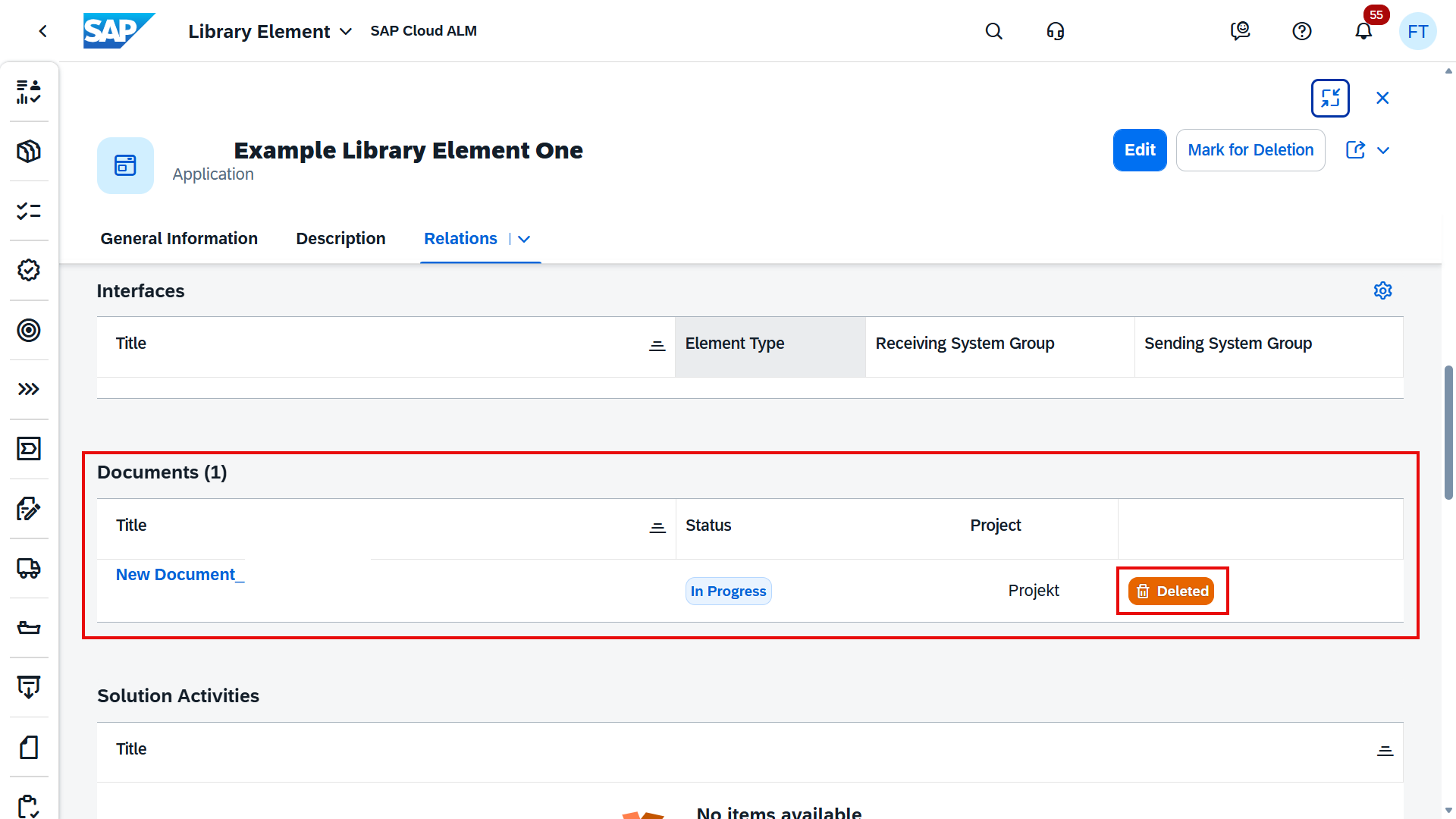
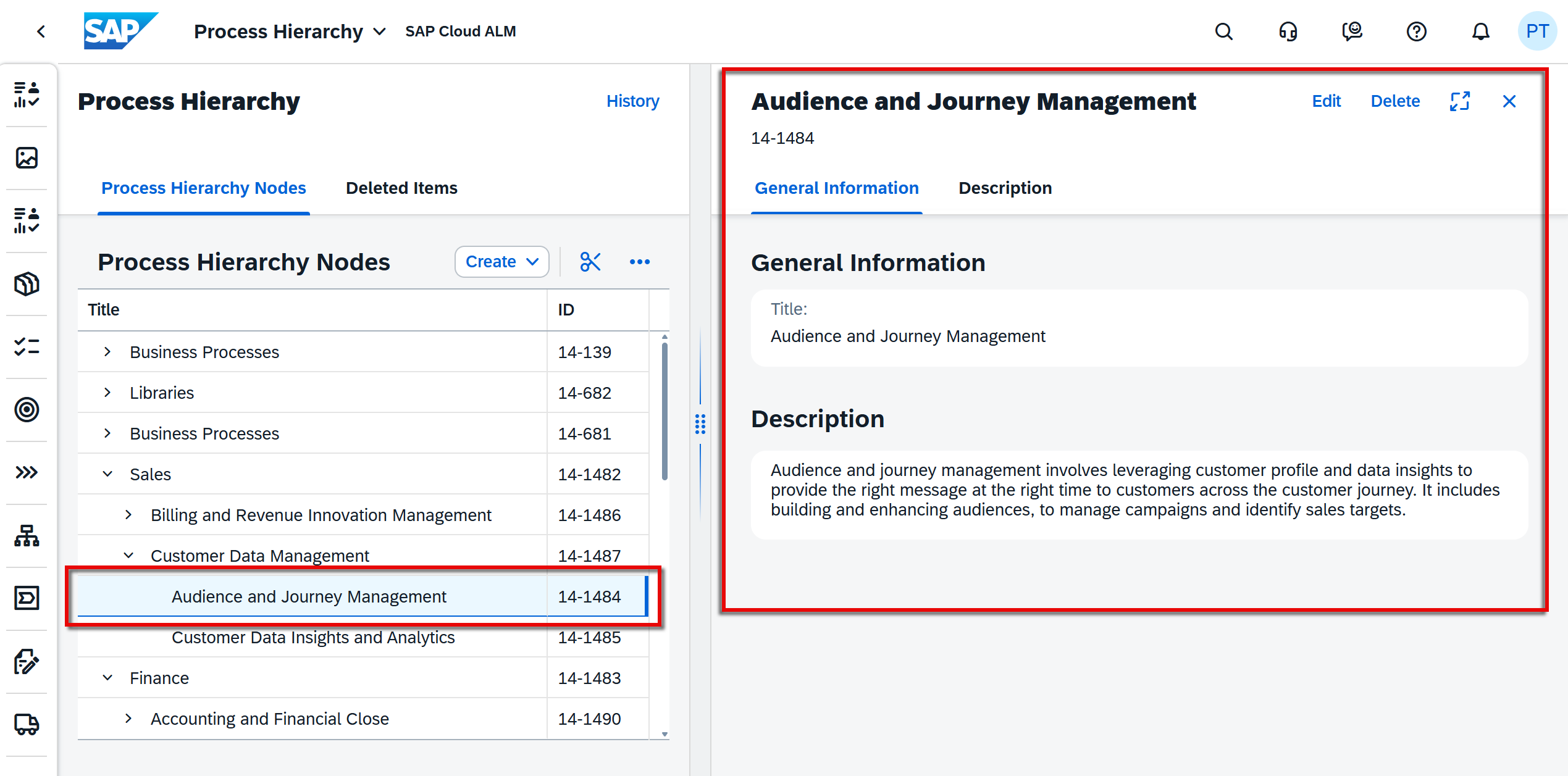
Deleted nodes are first moved to a new Deleted Items tab, where they remain available for later restoration or permanent deletion. The tab provides detailed visibility, including the node title, ID, path, description, deleted by user, and exact deletion timestamp. 

When a parent node is deleted, all related child nodes are also moved to Deleted Items. Restore and permanent deletion actions are available for selected top-level nodes. 

This enhancement provides safer hierarchy maintenance and greater transparency when managing structural changes. 

TL;DR: 

Process hierarchy nodes now use a two-step deletion process with a Deleted Items tab for safe deletion, audit visibility, and easy restoration. 

Faster Scoping and Direct Entity Creation in Processes

The Processes area is enhanced with new capabilities that simplify scoping and streamline the creation of related process content. 

A new option, Scope from Digital Discovery Assessment, is now available in the Manage Scopes app. This allows scopes to be created directly from a Digital Discovery Assessment (DDA) without relying on spreadsheet downloads and uploads. After selecting an available assessment, SAP Cloud ALM automatically retrieves the scoping entries and sets the relevant solution scenarios and solution processes into scope using the latest available content versions. 

In addition, users can now create Configurations or Interfaces directly from the solution process viewer within the Processes app. Newly created entities are automatically linked to the corresponding solution process, reducing manual maintenance and simplifying process documentation. 

These enhancements improve efficiency, reduce manual effort, and make scope and process management more integrated. 

TL;DR: 

Processes now supports direct scoping from Digital Discovery Assessments and allows Configurations/Interfaces to be created directly from the process viewer. 

Service – Issues and Actions Management

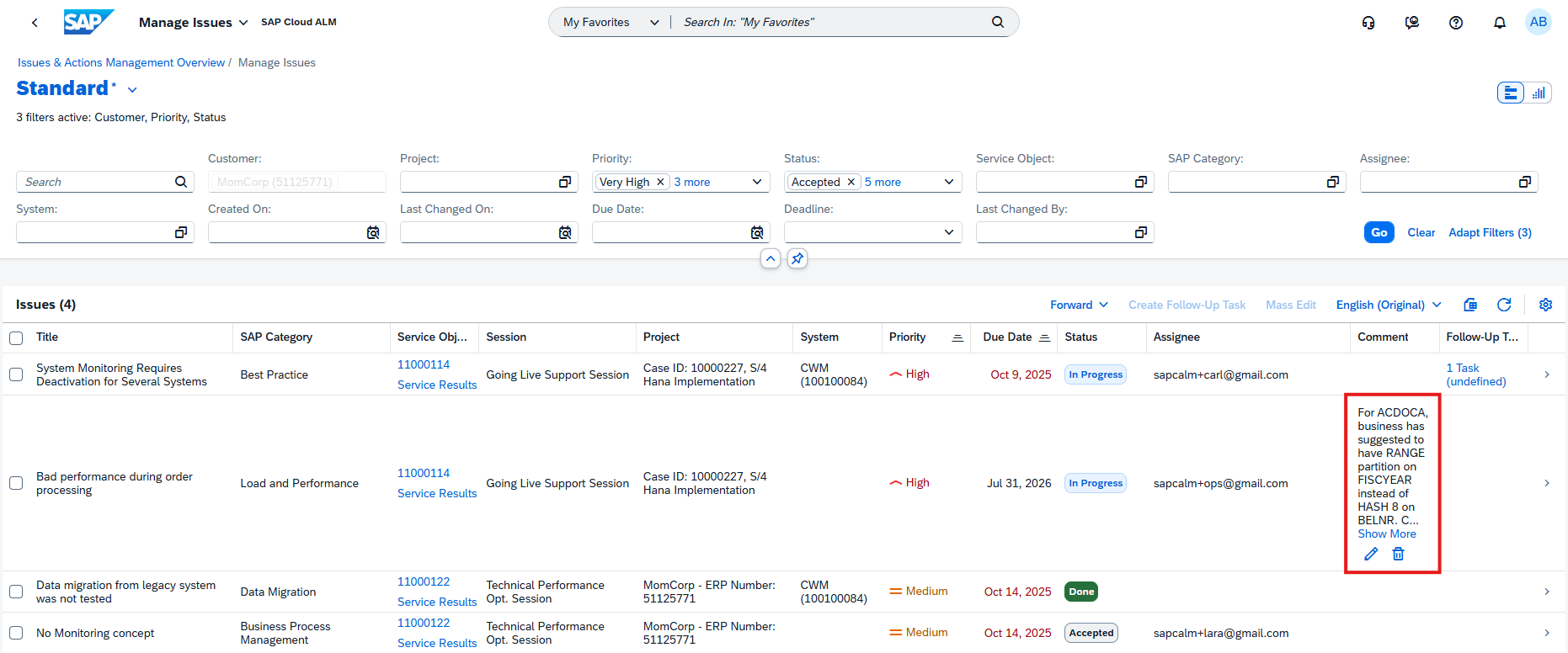
Export to PDF

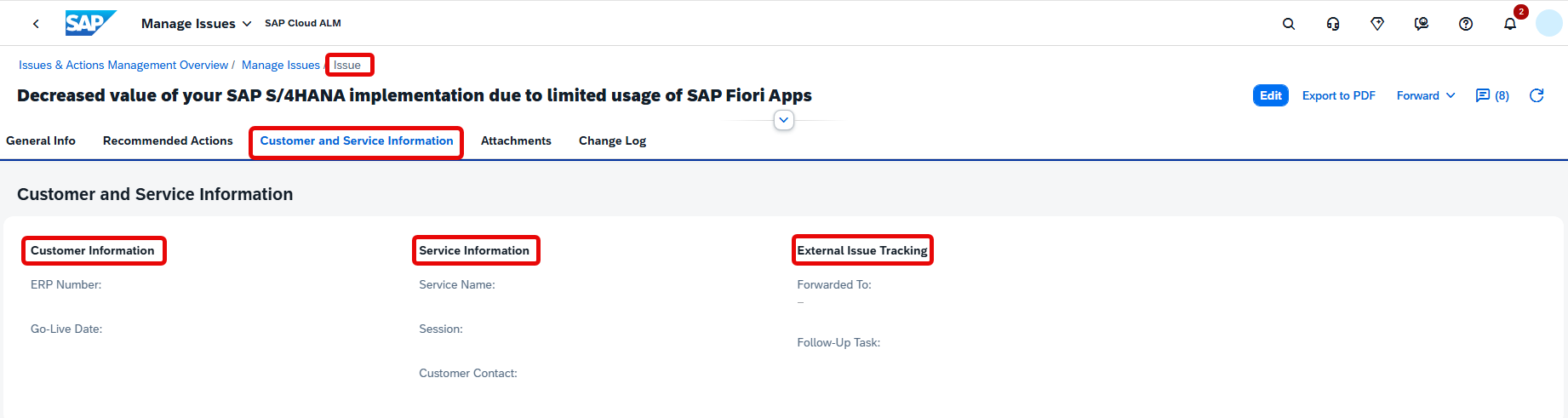
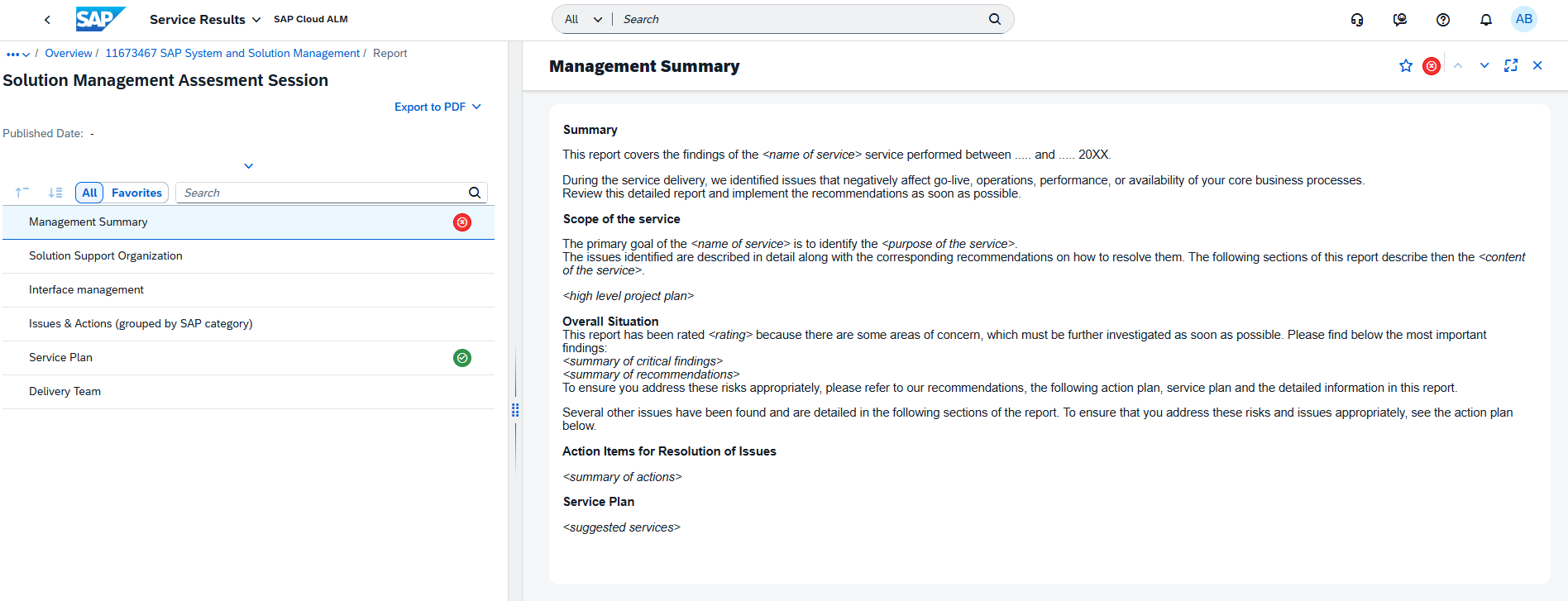
Issues and Actions Management now supports exporting an issue or action to PDF. 

This enhancement makes it easier to share records, archive important information, or use issues and actions in offline review and reporting scenarios. 

TL;DR: 

Issues and actions can now be exported to PDF for easier sharing and documentation. 

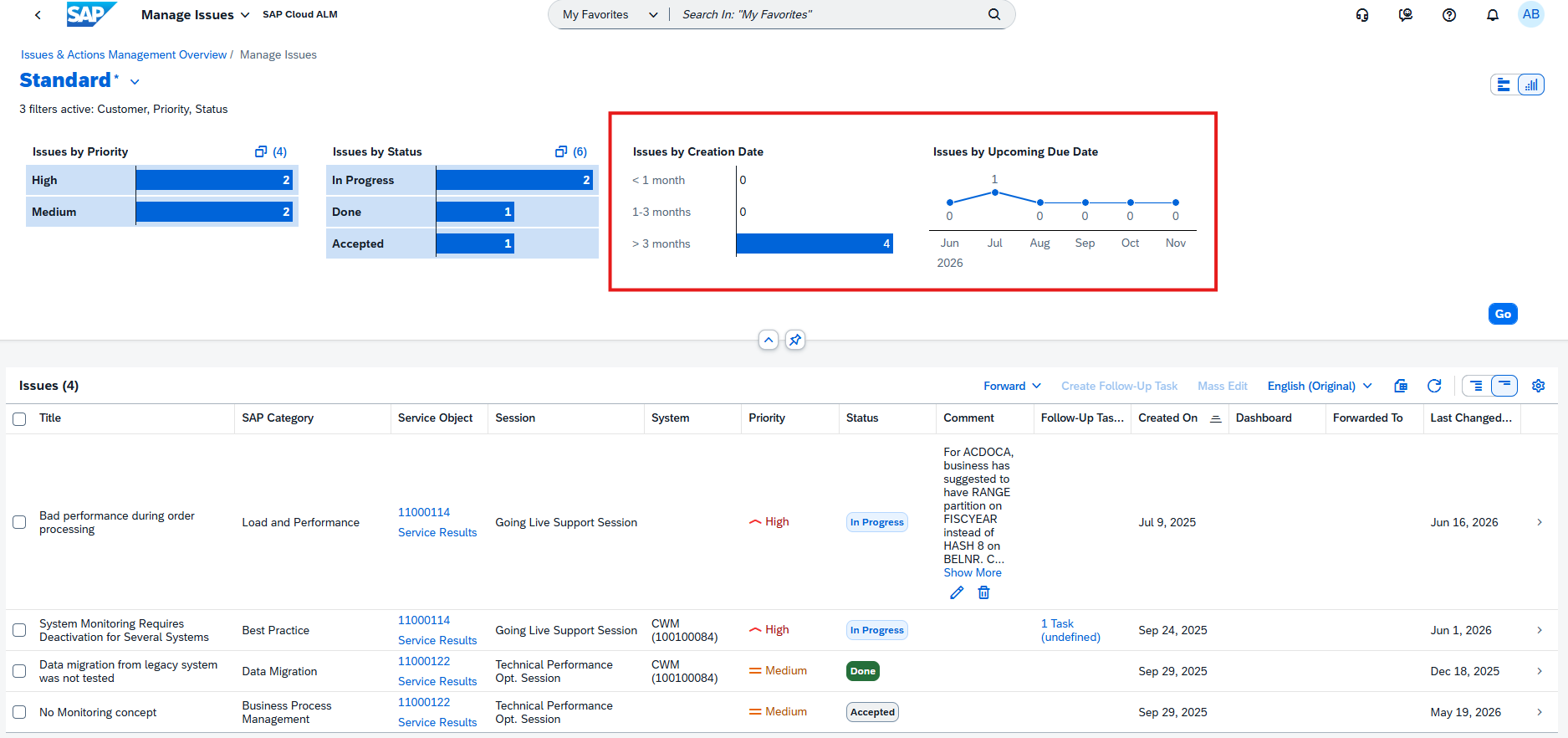
Redesigned Overview Screen

The Issues and Actions Overview screen has been redesigned to provide a more visual and actionable user experience. 

The new overview includes KPI-based cards for issues and standalone actions, helping users quickly assess priorities, status, ownership, and due dates. Available cards include: 

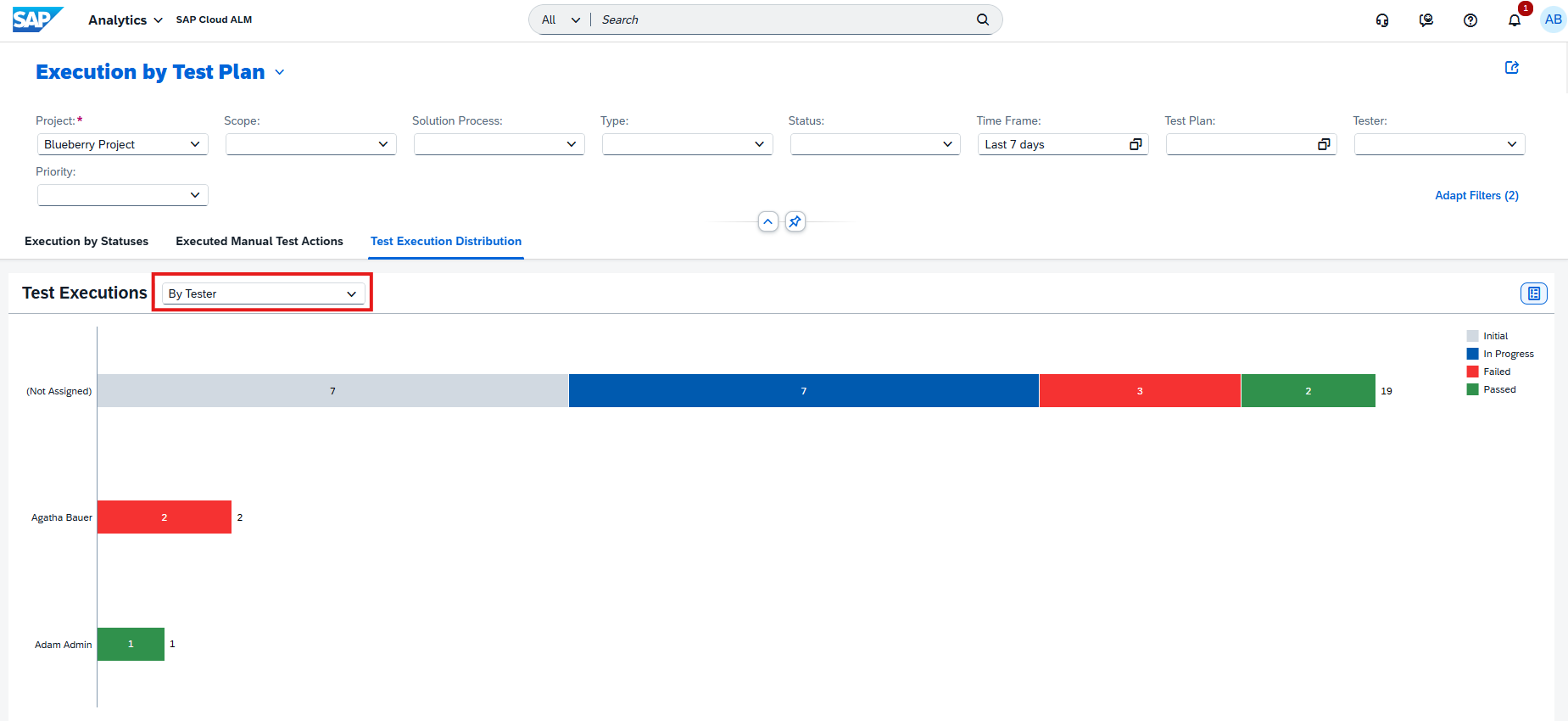
  • Issues by Priority and Status 
  • Standalone Actions by Priority and Status 
  • Issues by Due Date 
  • Standalone Actions by Due Date 
  • Issues Assigned to You 

Users can select sections within each card to drill down into detailed views in Manage Issues or Manage Actions. Quick links are also available for direct navigation to Manage Issues, Manage Standalone Actions, and the Service Delivery Center. 

This redesign improves visibility, navigation, and day-to-day management of service activities. 

TL;DR: 

The redesigned overview screen introduces KPI cards, drill-down navigation, and quick links for easier management of issues and actions. 

blue.works is an Official SAP Solution Manager Transition Service Partner

Leaving Solution Manager is not a question of whether, but how.

SAP has made it clear: SAP Solution Manager will not be further developed. For thousands of companies worldwide, this means the transition to SAP Cloud ALM is no longer a strategic option. It is a planned step that will come sooner or later.

But what sounds simple is complex in practice. Solution Manager has grown over years. It carries processes, governance structures, interfaces, and institutional knowledge. Anyone who replaces it without understanding what is really inside risks gaps, in control, in transparency, in operations.

This is exactly where the SAP Solution Manager Transition Service Partner Community comes in.

What the Community means

SAP built this partner community to help companies find experienced and qualified partners for the move from SAP Solution Manager to SAP Cloud ALM. The listed partners are rated as qualified by SAP and can be found and contacted directly through the official SAP portal.

We are pleased to share: blue.works is officially part of this community.

The listing confirms our expertise and sends a clear signal to our customers: when it comes to transitioning from Solution Manager, we are the right contact.

How we help: the alm360 Assessment

A successful transition does not start with the tool. It starts with clarity.

Where do we stand today? Which Solution Manager functions do we actually use productively? What of those will be covered in SAP Cloud ALM, and what will not? What gaps will arise, and how do we close them?

These are the questions that need answers before any migration. Our alm360 Assessment delivers exactly those answers, structured, practical, and within 2 to 3 weeks.

The three phases of the alm360 Assessment

Phase 1 – Discover: Understand, structure, define the target picture. Together with your stakeholders, we analyze your system landscape, your ALM processes, and your strategic goals. We show relevant SAP Cloud ALM use cases and build a shared understanding of where you are headed.

Phase 2 – Prepare: Evaluate what exists, measure maturity, identify gaps. We run a structured ALM readiness check, analyze your existing tools including Solution Manager, and assess your processes across the core ALM disciplines: Change, Test, Deploy, Monitoring, and more.

Phase 3 – Explore: Develop the target picture, plan the implementation, deliver the recommendation. The result is a prioritized roadmap: which SAP Cloud ALM functions are relevant for you, in what order you should proceed, and what the next concrete steps are.

What you receive

  • A clearly prioritized ALM roadmap
  • An assessment of your existing tools and processes
  • Recommendations on configuration, governance, and methodology
  • A complete final report as a basis for decisions and planning

Clarity before the go-live. Not after.

Many companies start with the tool and only realize later that the foundations are missing. Governance is unclear. Processes are not defined. The benefit does not materialize.

The alm360 Assessment deliberately reverses this order. Structure first. Tool after.

This has been our approach for years, across dozens of projects, with customers of different sizes and industries.

Get informed now

You are planning to replace your SAP Solution Manager, or you are already in the middle of preparation?

→ More about the alm360 Assessment

→ blue.works in the SAP Transition Service Partner Directory

SAP Cloud ALM – What’s New in Week 14

​SAP Cloud ALM continues to evolve with enhancements that improve transparency, control, and usability across the platform. 

​The week 14 release introduces updates across several areas. In SAP Business Transformation Center, data management capabilities are enhanced with more flexible execution control. RISE with SAP Methodology improves ATC handling with better import management. In Operations, updates focus on refined monitoring, event-driven alerting, and improved KPI consistency. 

​The Implementation area continues to enhance analytics, process consistency, and governance in requirements and libraries, while the Service area expands usability with improved navigation and additional capabilities in innovation analysis. Administration gains a new Self-Monitoring app, providing better visibility into tenant usage and resource consumption. 

​Together, these updates help teams better understand their systems, manage resources more effectively, and execute transformations and operations with greater confidence and control. 

SAP Business Transformation Center – Data Management 

Run Cancellation Available 

​The Manage Runs app now allows users to cancel runs that are currently in progress. 

​If a run is in the In Progress state, it can now be stopped directly, giving users more control over execution. This is especially useful in cases where a run was triggered by mistake, needs to be adjusted, or is no longer required. 

​This enhancement helps avoid unnecessary system load and improves overall flexibility when managing data quality runs. 

TL;DR: 

​Runs in In Progress state can now be cancelled in the Manage Runs app, giving users more control over execution.​ 

RISE with SAP Methodology – System View

ATC Import Specification

The ATC import process in the System View has been enhanced to improve validation and flexibility. 

It’s now possible to specify whether an imported ATC check result originates from a remote or local ATC check. This distinction improves the accuracy of validation during the import process and ensures better alignment with the source of the data.

TL;DR: 

ATC imports can now be classified as remote or local, improving validation and accuracy during import. 

Deletion of ATC Imports

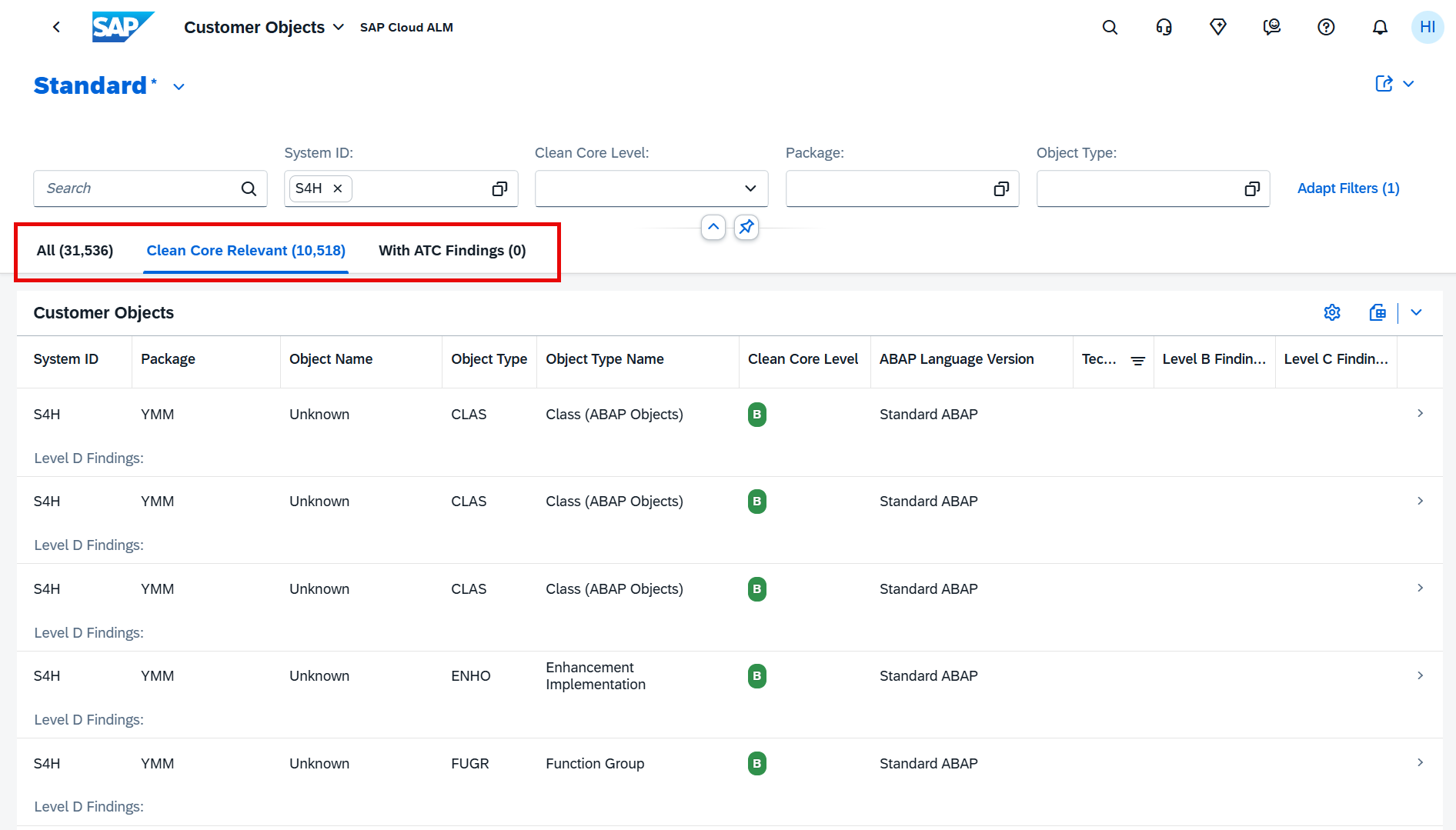
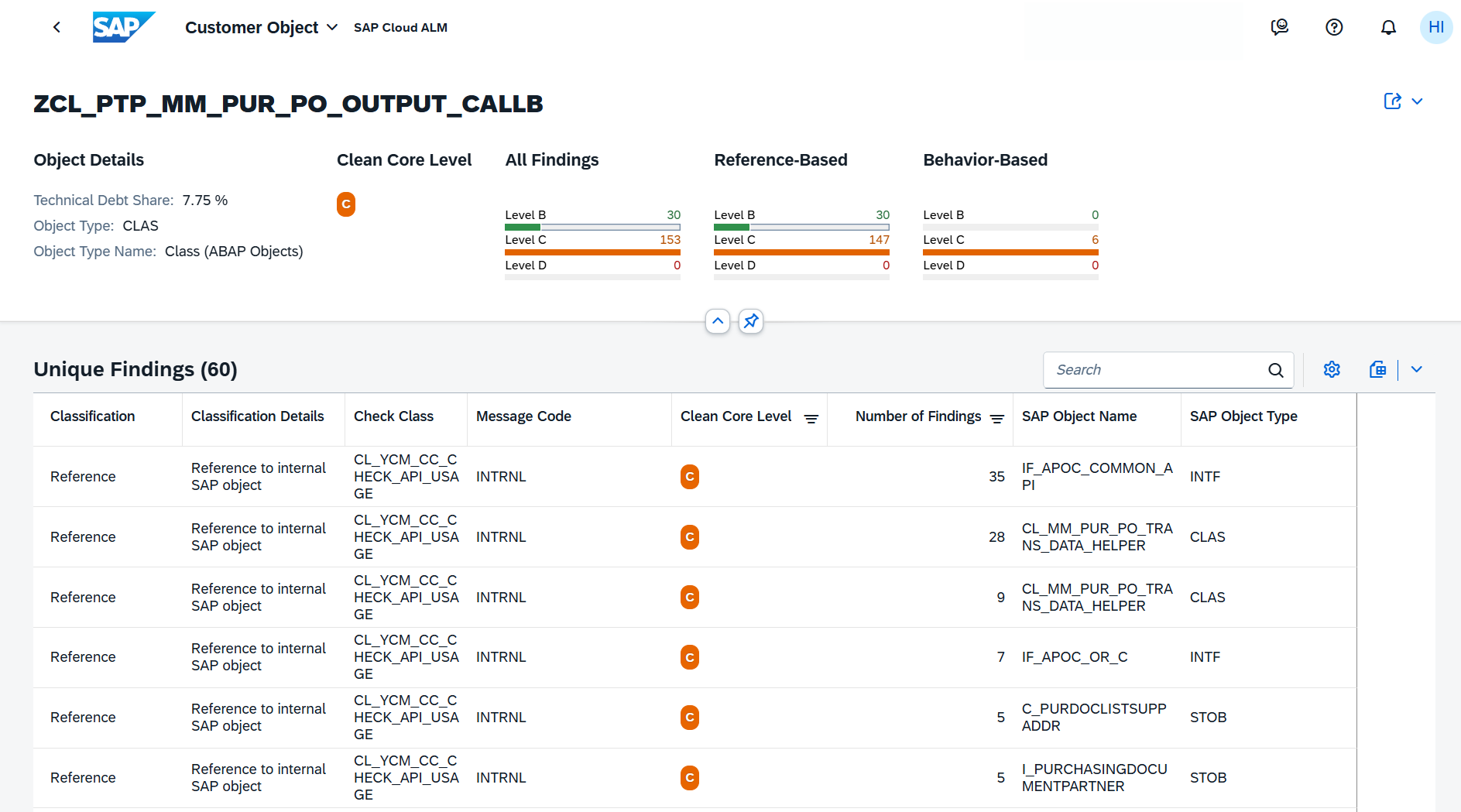
Users can now delete imported ATC check result files, helping maintain clean and up-to-date data in the System View dashboard.

After deletion, the system automatically recalculates and updates related KPI cards, including: 

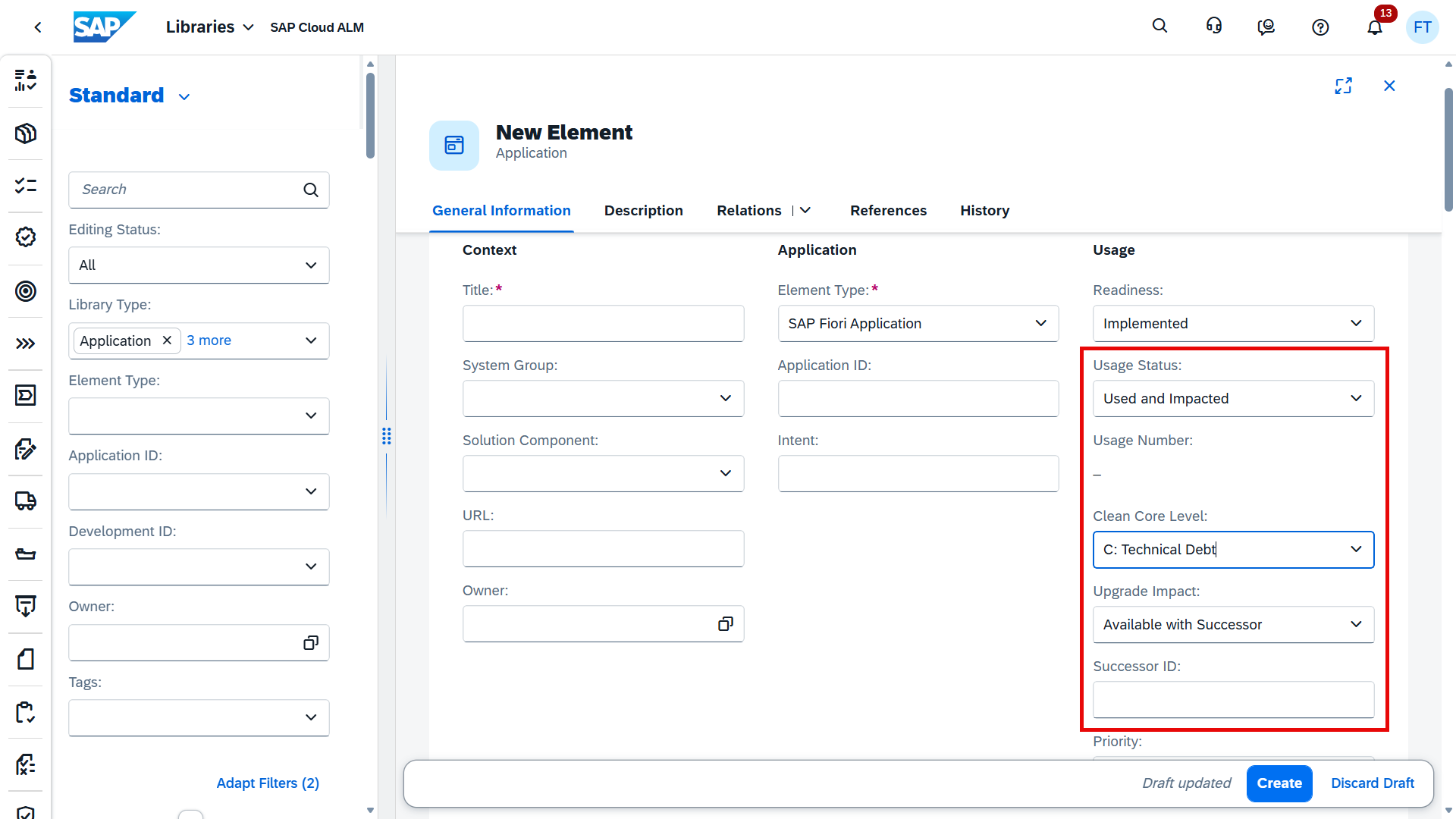
  • Technical Debt Score 
  • Clean Core Share 
  • Level B, C, and D Objects 

This ensures that dashboard insights always reflect the current data set. 

TL;DR: 

Imported ATC results can now be deleted, with automatic recalculation of related KPIs for accurate dashboards. 

Administration – Self-Monitoring

New App Self-Monitoring Introduced

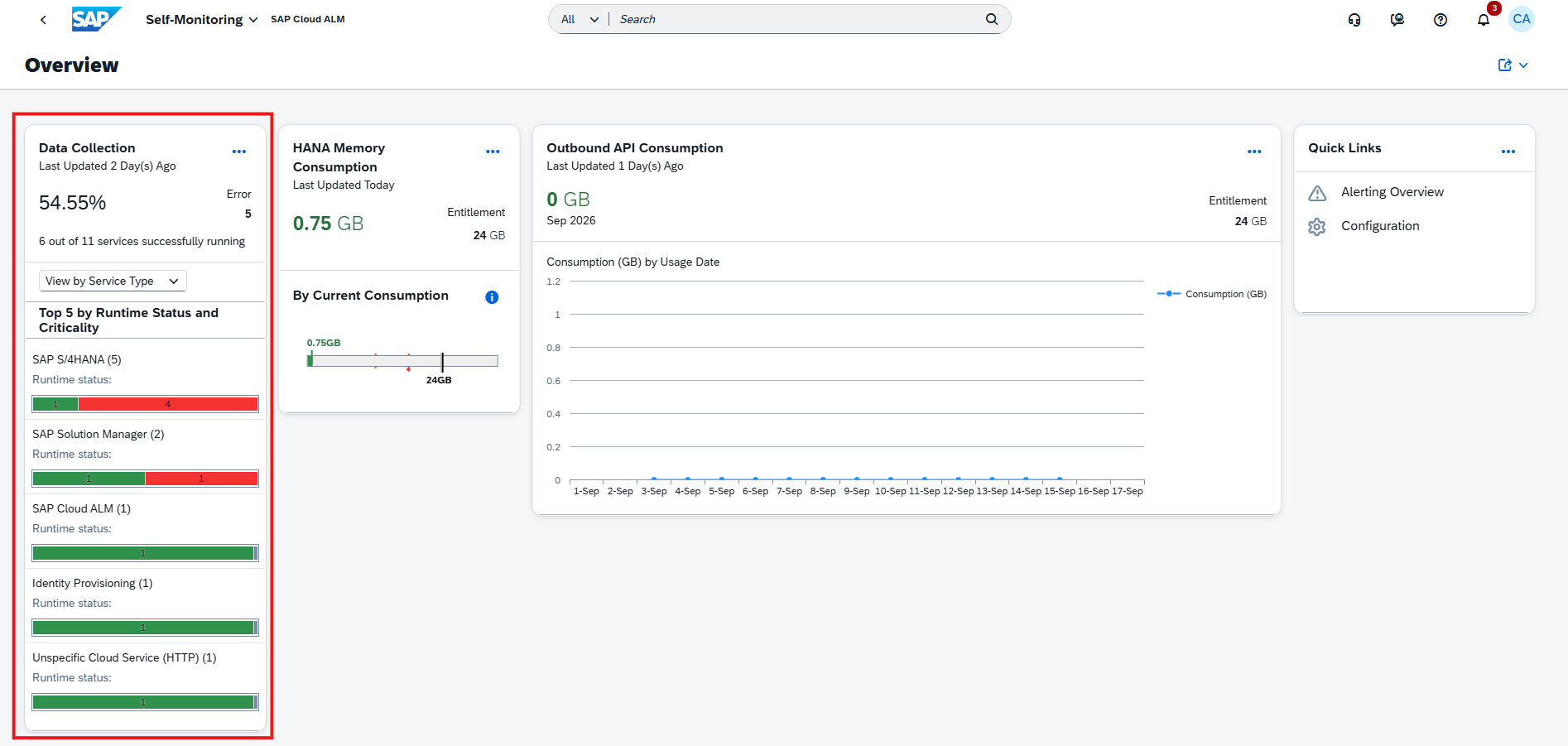
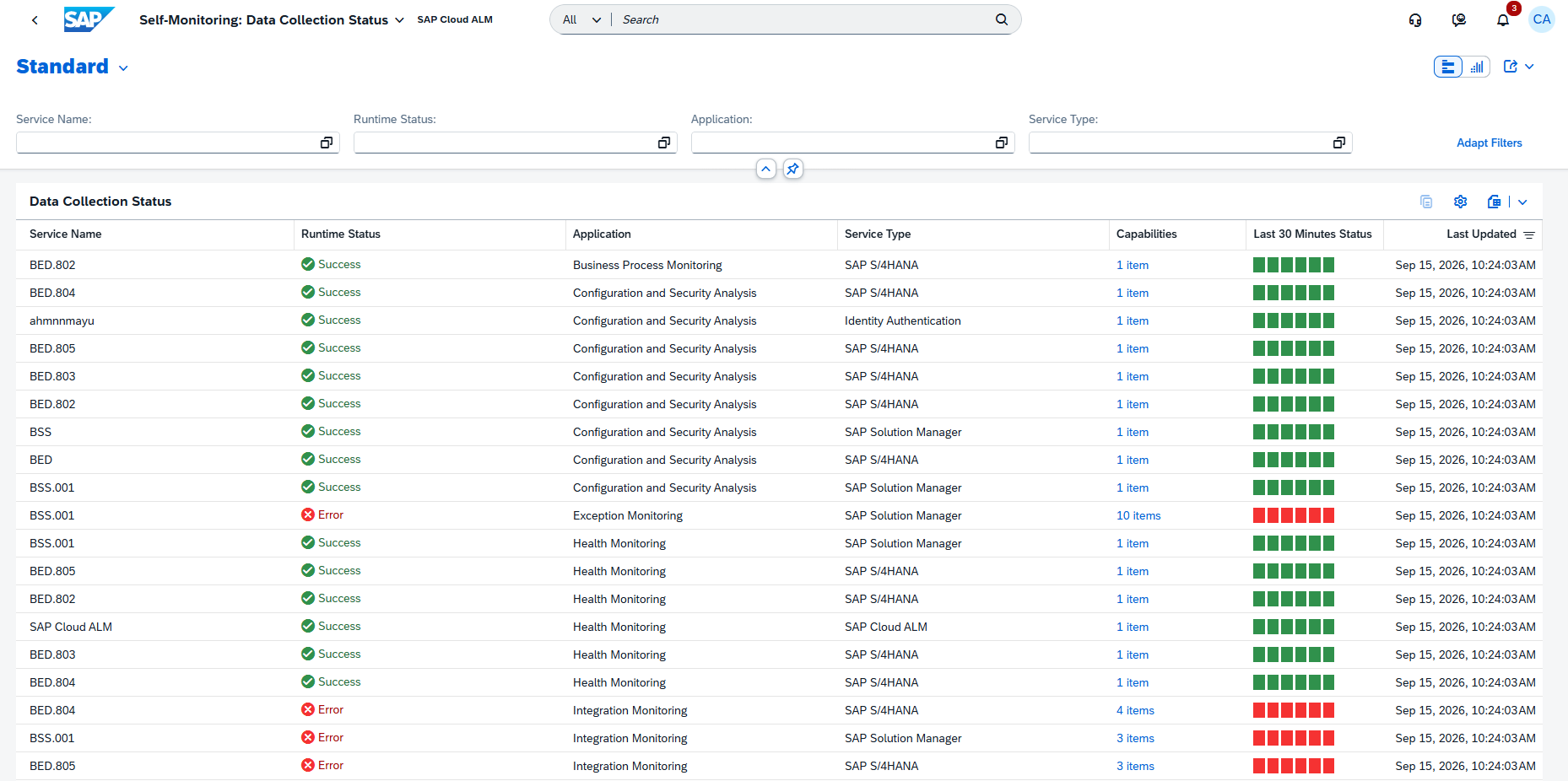
A new Self-Monitoring app is now available, providing centralized visibility into the usage and consumption metrics of SAP Cloud ALM tenant. The app helps to understand how tenant resources are utilized, enabling better planning and optimization of SAP Cloud ALM environment.

With the Self-Monitoring app, users can: 

  • View total HANA memory entitlement 
  • Monitor current HANA memory consumption across apps 
  • Track data consumption of outbound APIs 
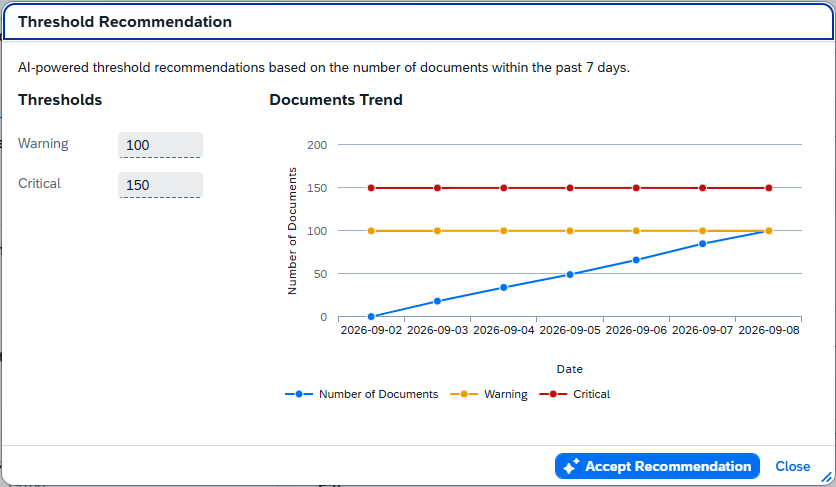
  • Configure thresholds and monitor usage trends over time 

The app provides detailed insights across all SAP Cloud ALM areas, including Implementation, Transformation, Operations, Service, and Administration, offering a complete overview of resource consumption.

By combining entitlement and usage data, the app helps ensure better control over system resources and supports proactive management of tenant capacity. 

TL;DR: 

The new Self-Monitoring app provides visibility into memory usage, API consumption, and entitlements, helping optimize SAP Cloud ALM tenant resources. 

Operations – Business Process Monitoring, Configuration & Security Analysis, Health Monitoring

Updates to KPI Definitions and Data Collection

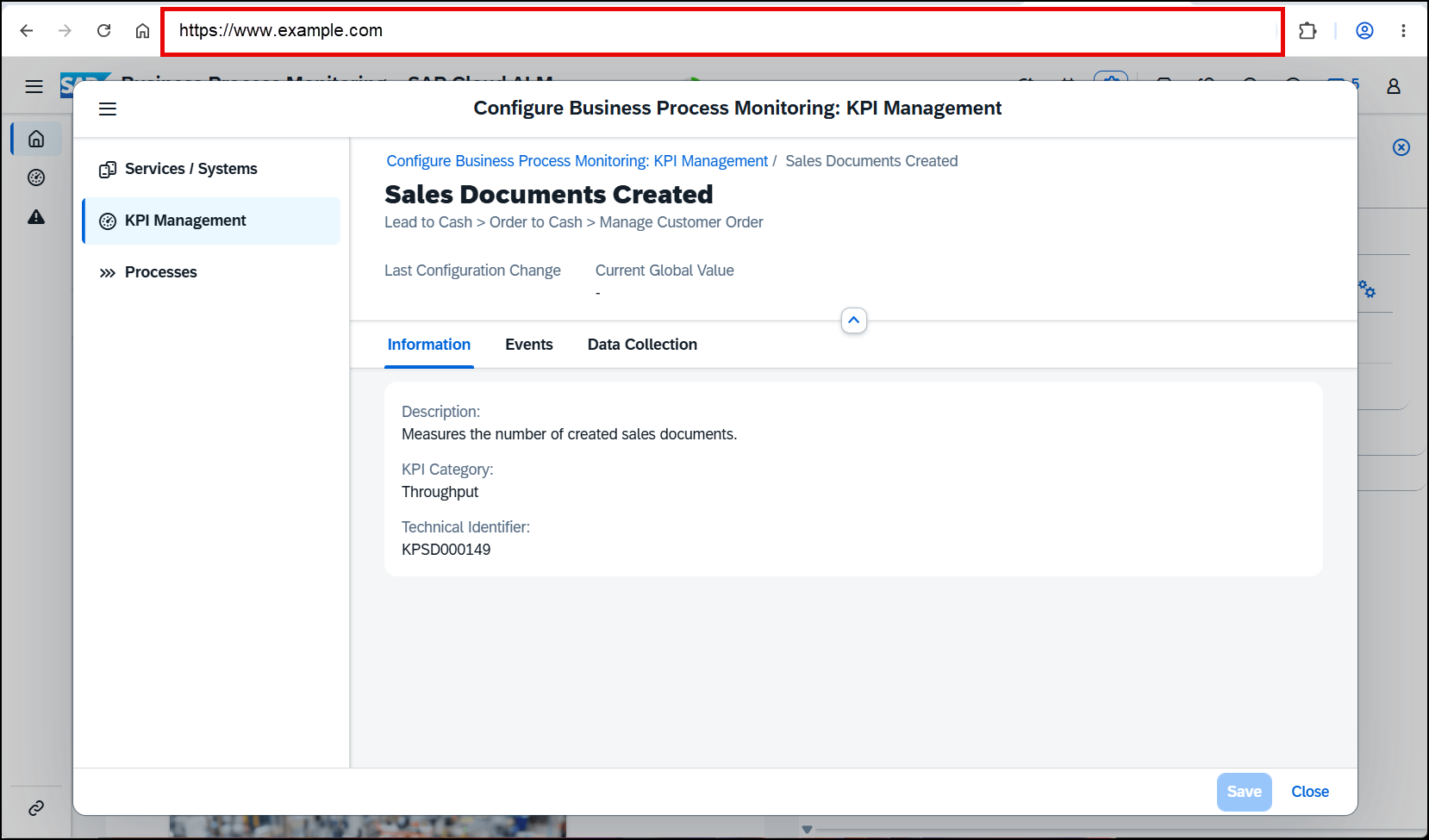
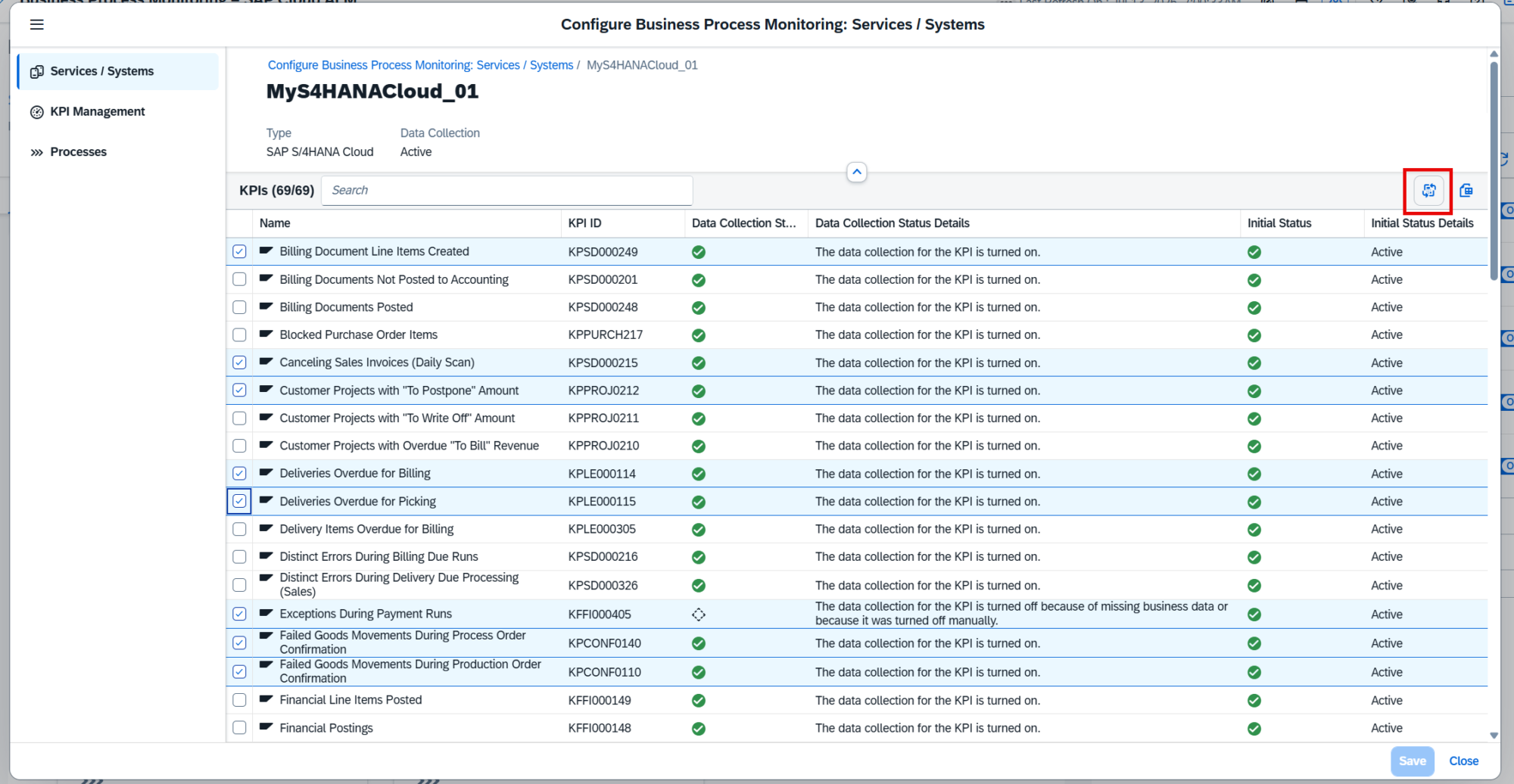
Several KPIs in Business Process Monitoring have been updated to improve clarity and align data collection with daily monitoring needs. 

The following KPIs have been renamed and enhanced: 

Lead to Cash 

  • Payment Runs per Company Code (Daily Scan) Now measures payment runs created on the previous day 
  • Canceling Sales Invoices (Daily Scan) Now includes all canceling billing documents created on the previous day, including both the original and canceling documents, along with elapsed time between them 

Source to Pay 

  • Purchase Order Items Created (Daily Scan) Now measures purchase order items created on the previous day, excluding items marked for deletion 
  • Supplier Invoices Created (Daily Scan) Now measures supplier invoices created on the previous day 

In addition, data collection for these KPIs now runs daily, always capturing data from the previous day. 

These KPIs are activated automatically once the required setup and data generation are in place. 

TL;DR: 

Four KPIs are updated to daily-based metrics, improving clarity and consistency with daily data collection. 

Event-Based Alerting in Configuration & Security Analysis

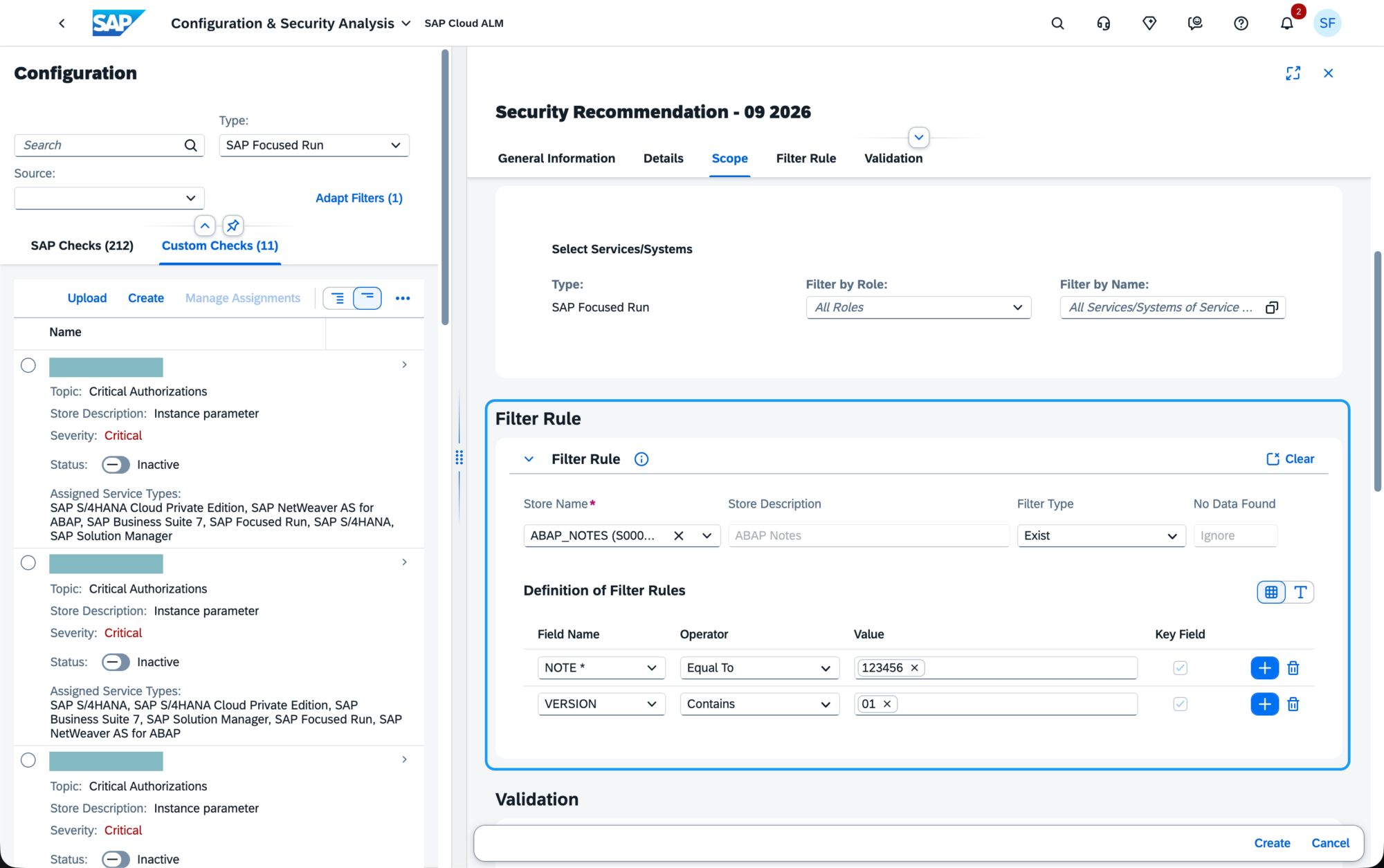
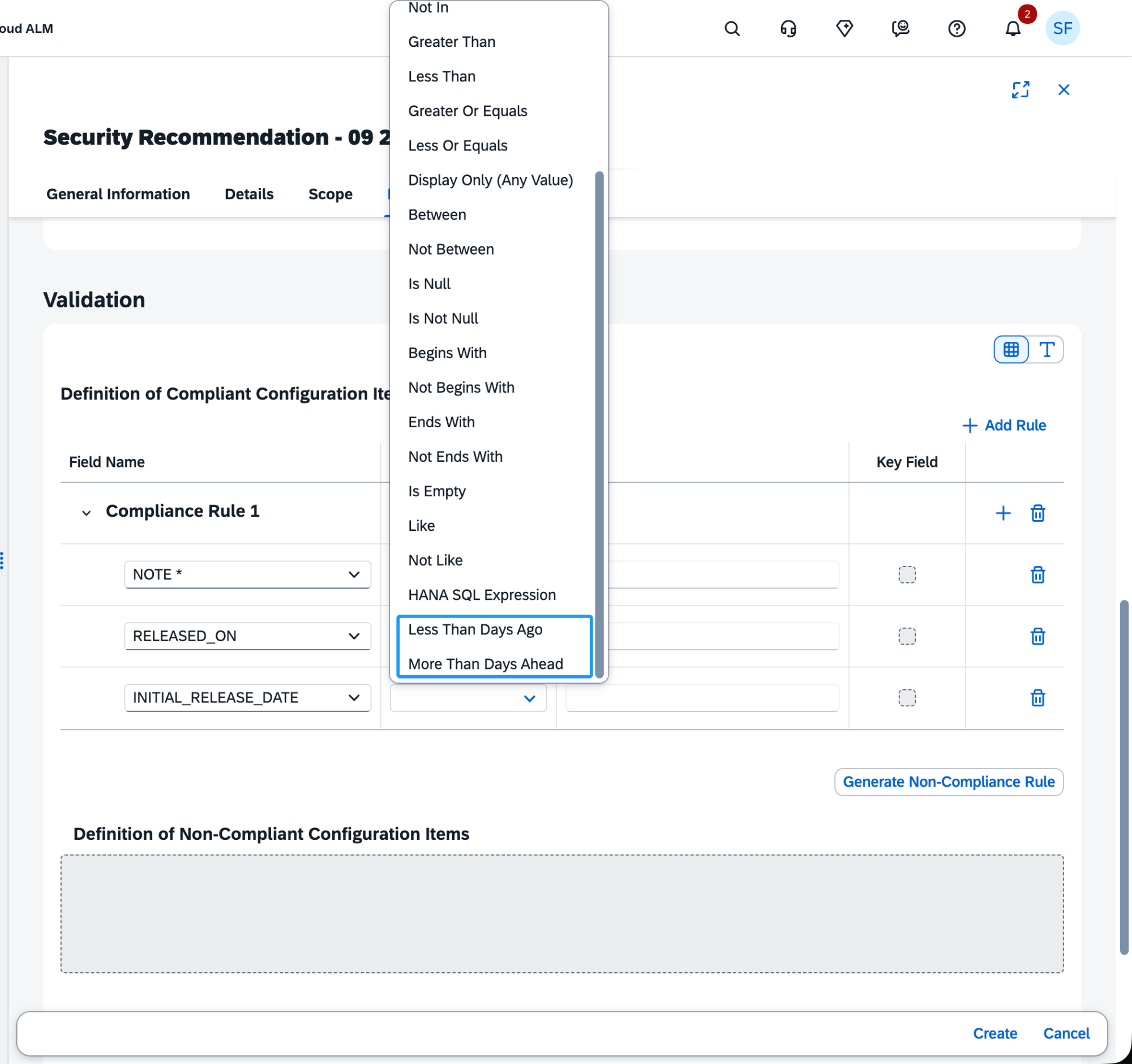
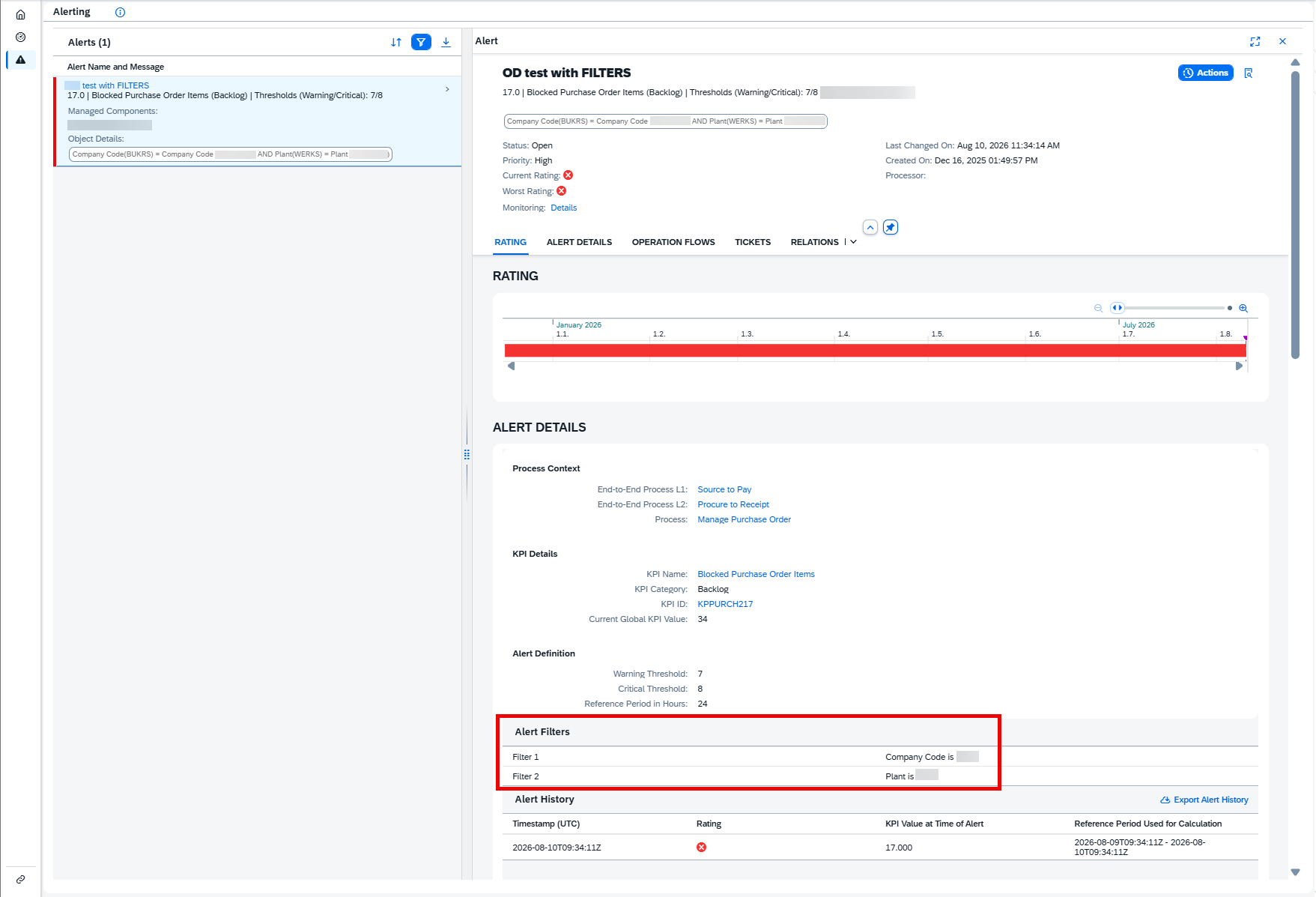
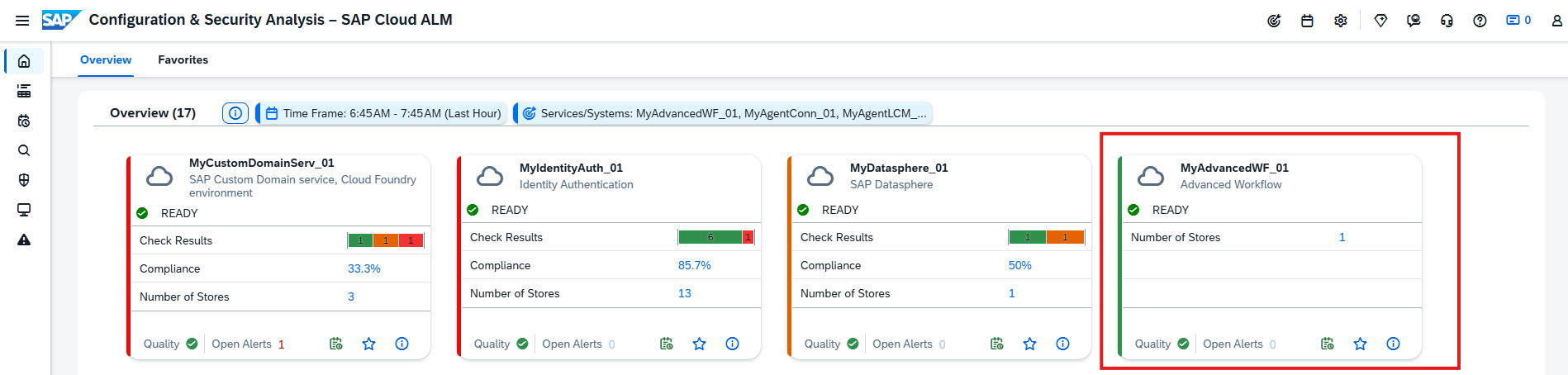
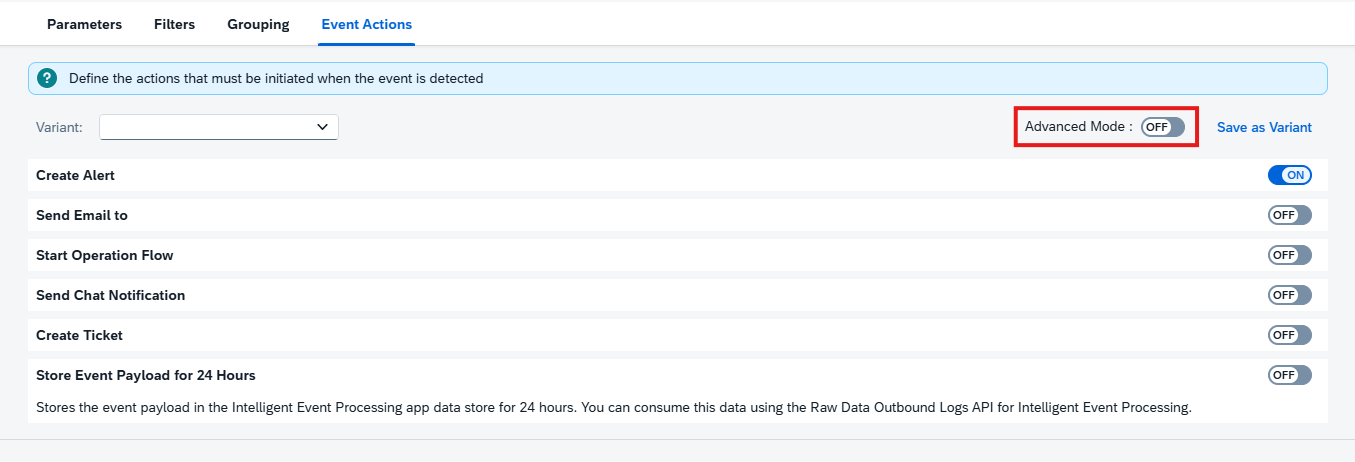
Configuration & Security Analysis is enhanced with event-driven alerting capabilities, enabling automated follow-up actions when compliance issues are detected. 

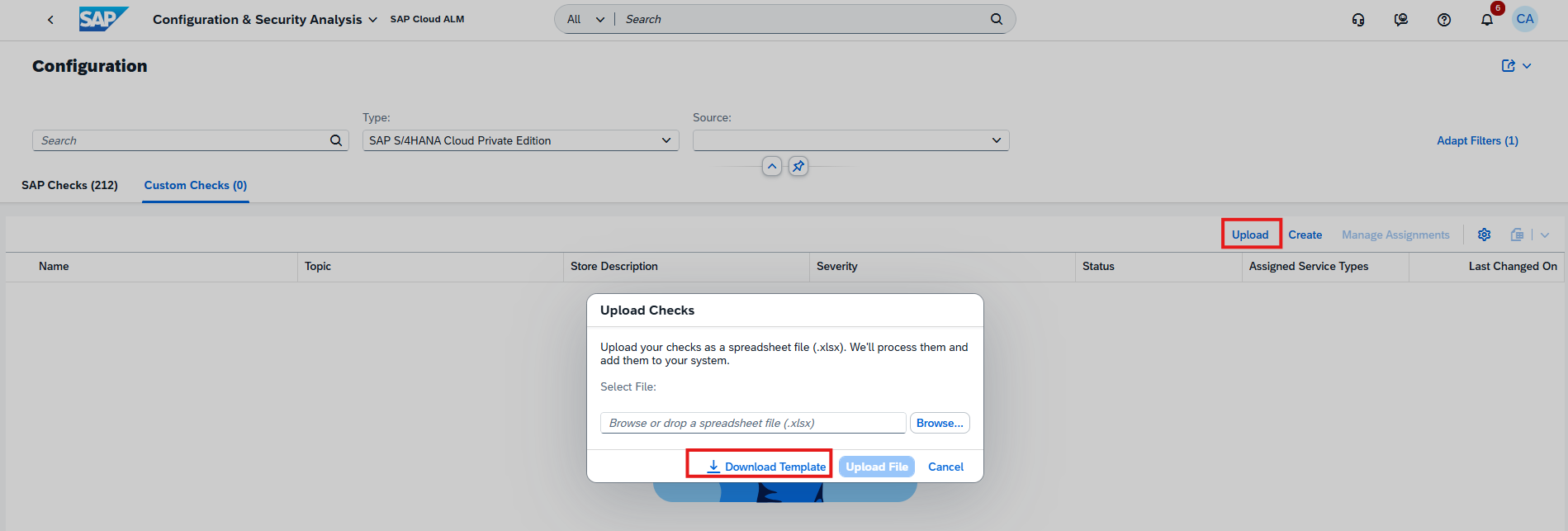
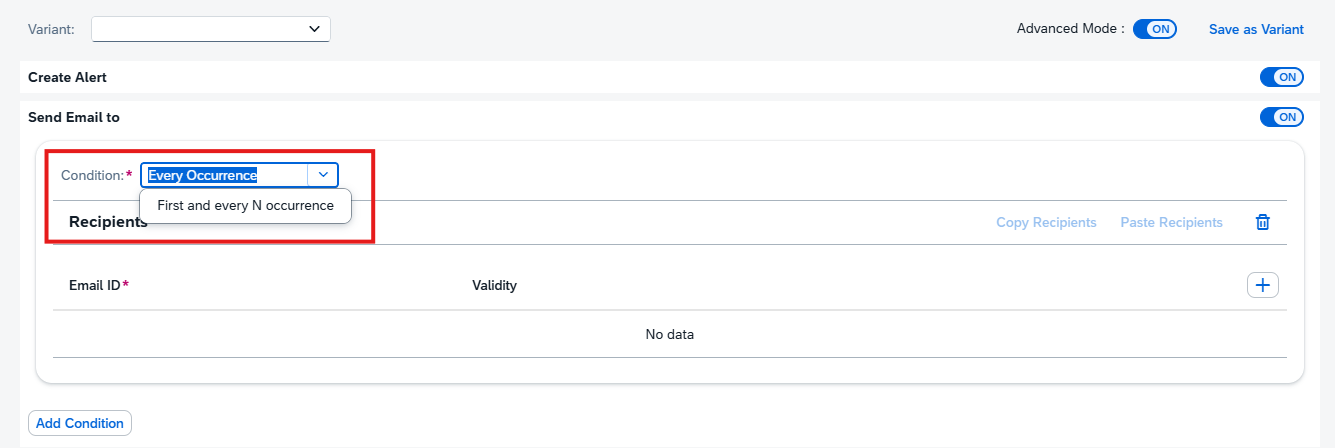
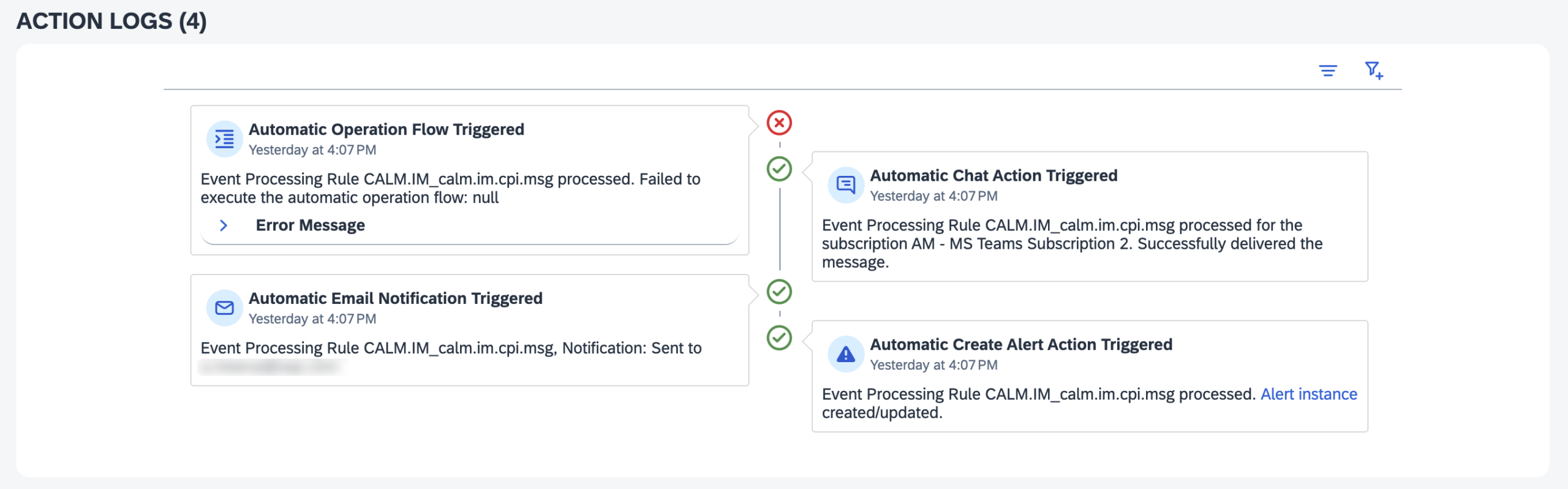
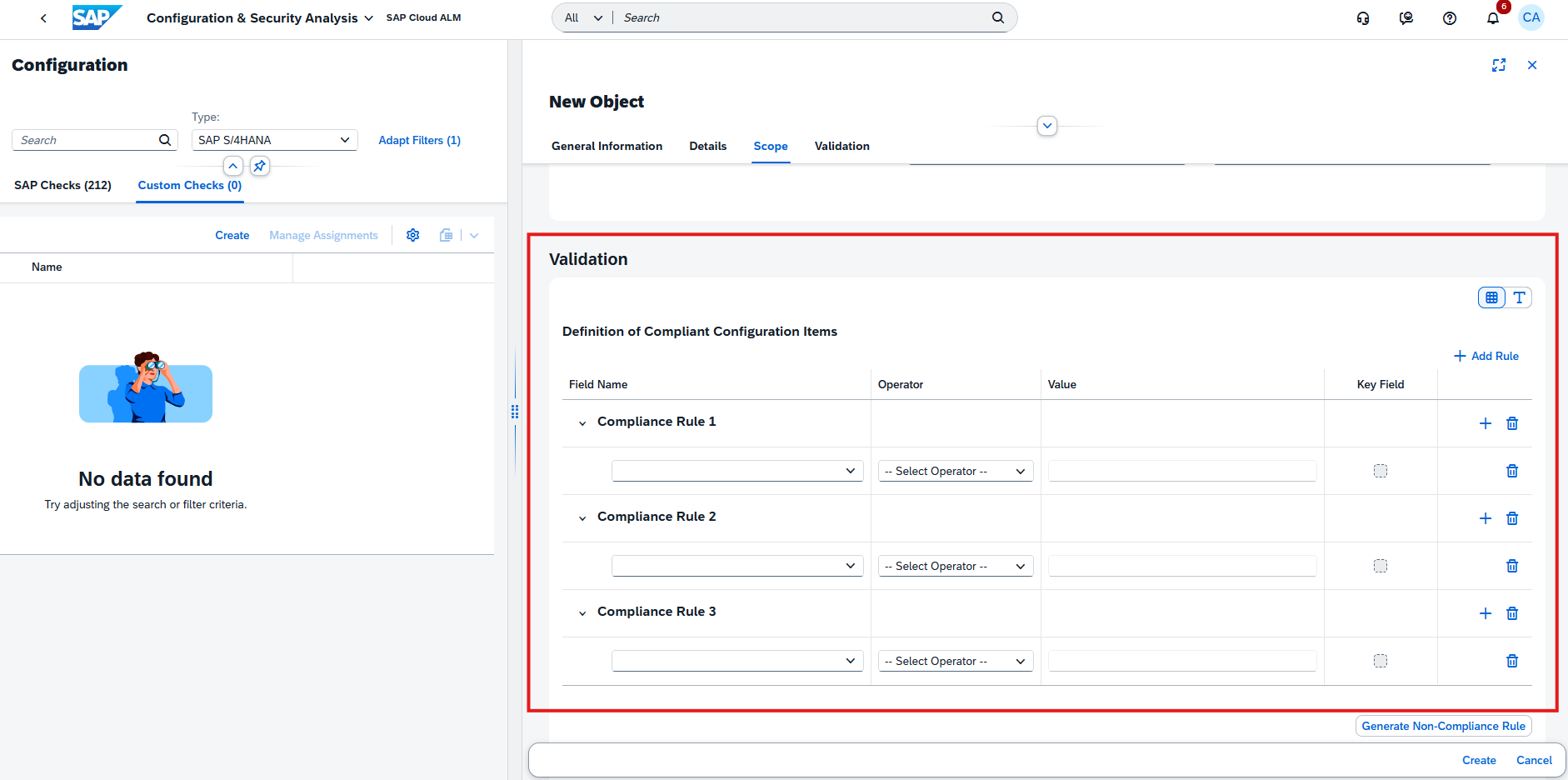
Users can now configure event actions for checks that return a non-compliant rating directly in the metric configuration page of the Validation app. This allows issues to trigger alerts or actions automatically, improving responsiveness to configuration and security risks.

In addition, a new Alerting page is now available in the Data Stores app. This page provides a centralized view of all alerts generated from configured event actions, giving better visibility into compliance-related issues across services and systems.

These enhancements strengthen proactive monitoring and help teams respond more quickly to non-compliant configurations. 

TL;DR: 

Checks can now trigger event-based alerts, and a new Alerting page provides centralized visibility of compliance issues. 

Custom Events and Reworked Event Configuration in Health Monitoring

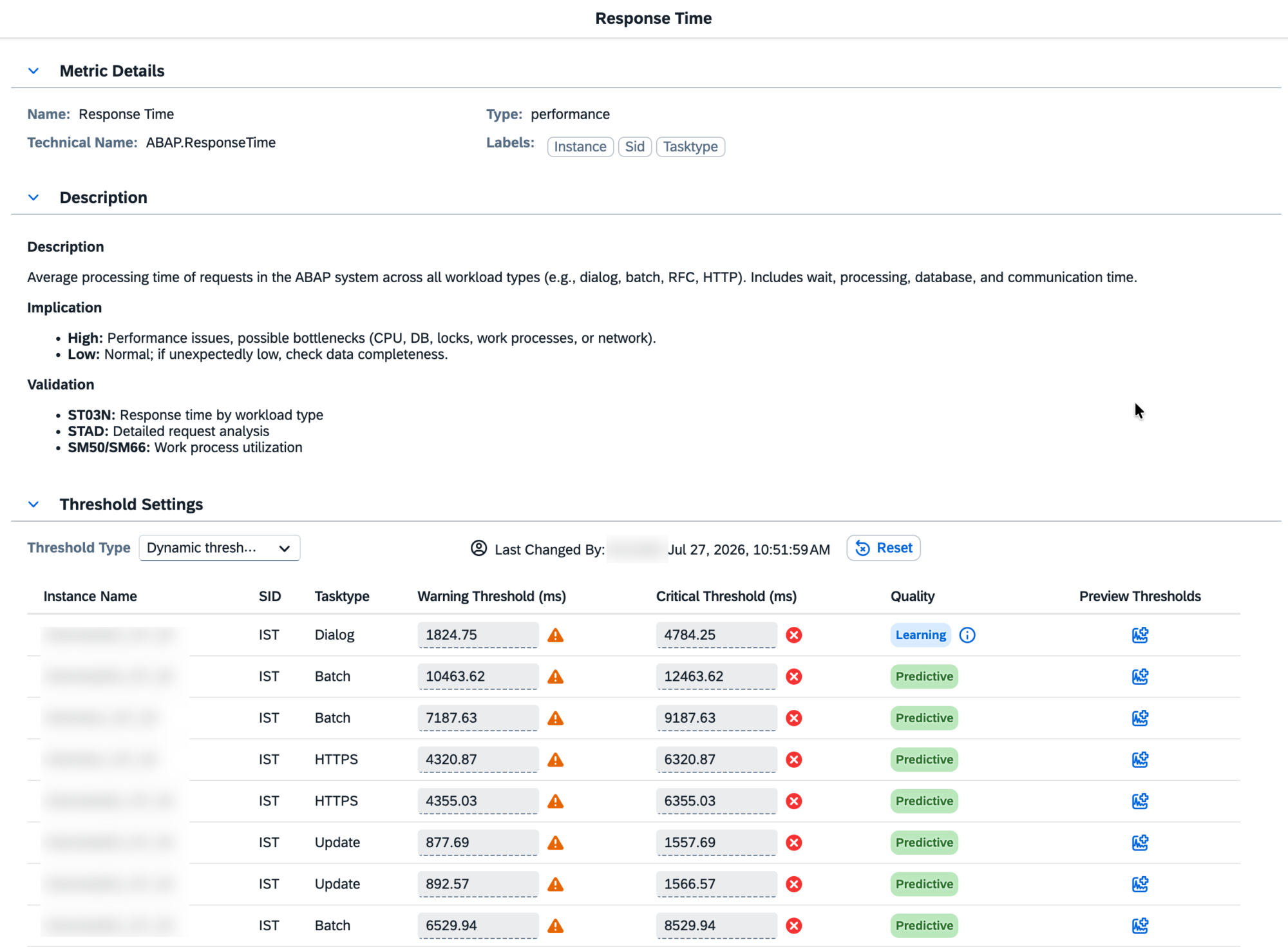
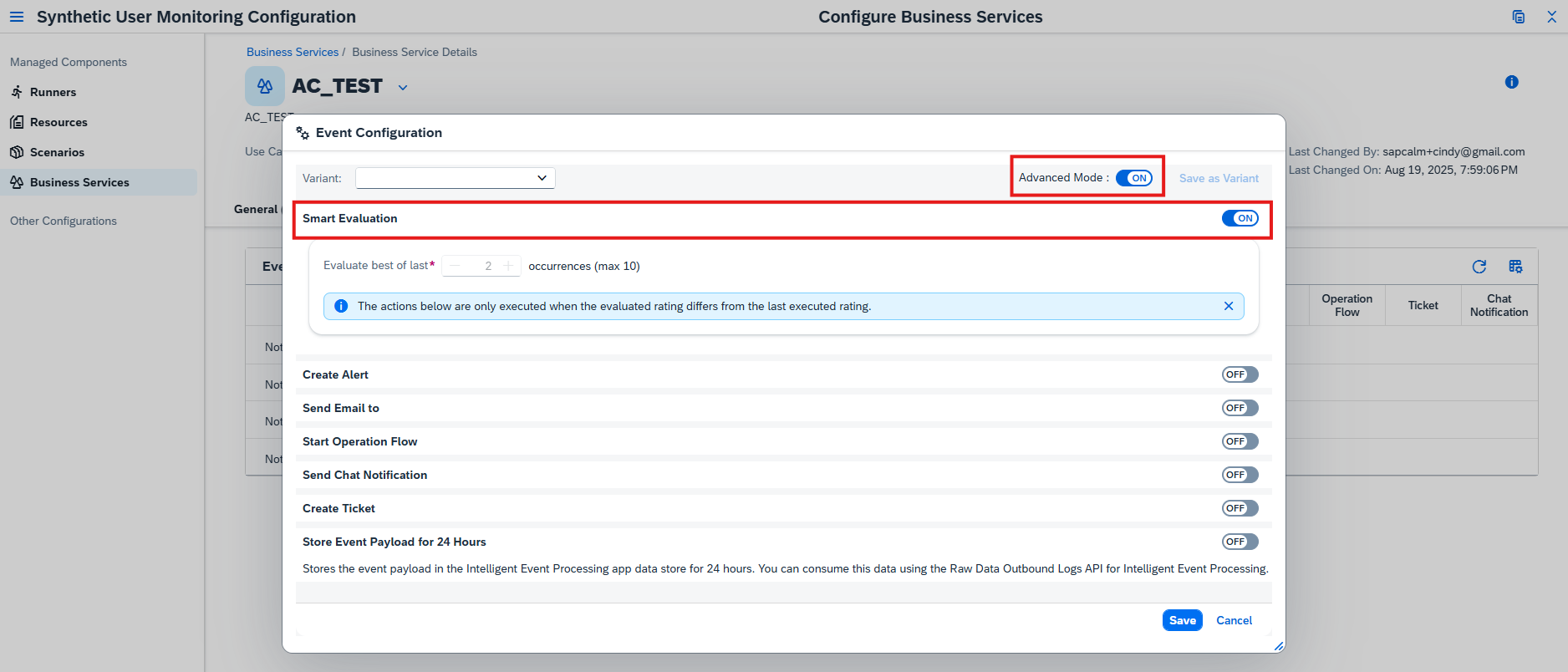
Health Monitoring is enhanced with improved flexibility and control over event configuration and alerting. 

Users can now create custom events, allowing to define event names, assign metrics, add labels, and configure actions based on specific monitoring needs. This enables more tailored and precise monitoring scenarios. 

In addition, the event configuration has been reworked. Alerts can now be more easily activated and customized for different metrics across managed components, improving usability and consistency.

These enhancements support more proactive system management by enabling faster detection and response to critical situations. 

TL;DR: 

Health Monitoring now supports custom events and improved event configuration, enabling more flexible and proactive alerting. 

Implementation – Analytics, Processes, Requirements

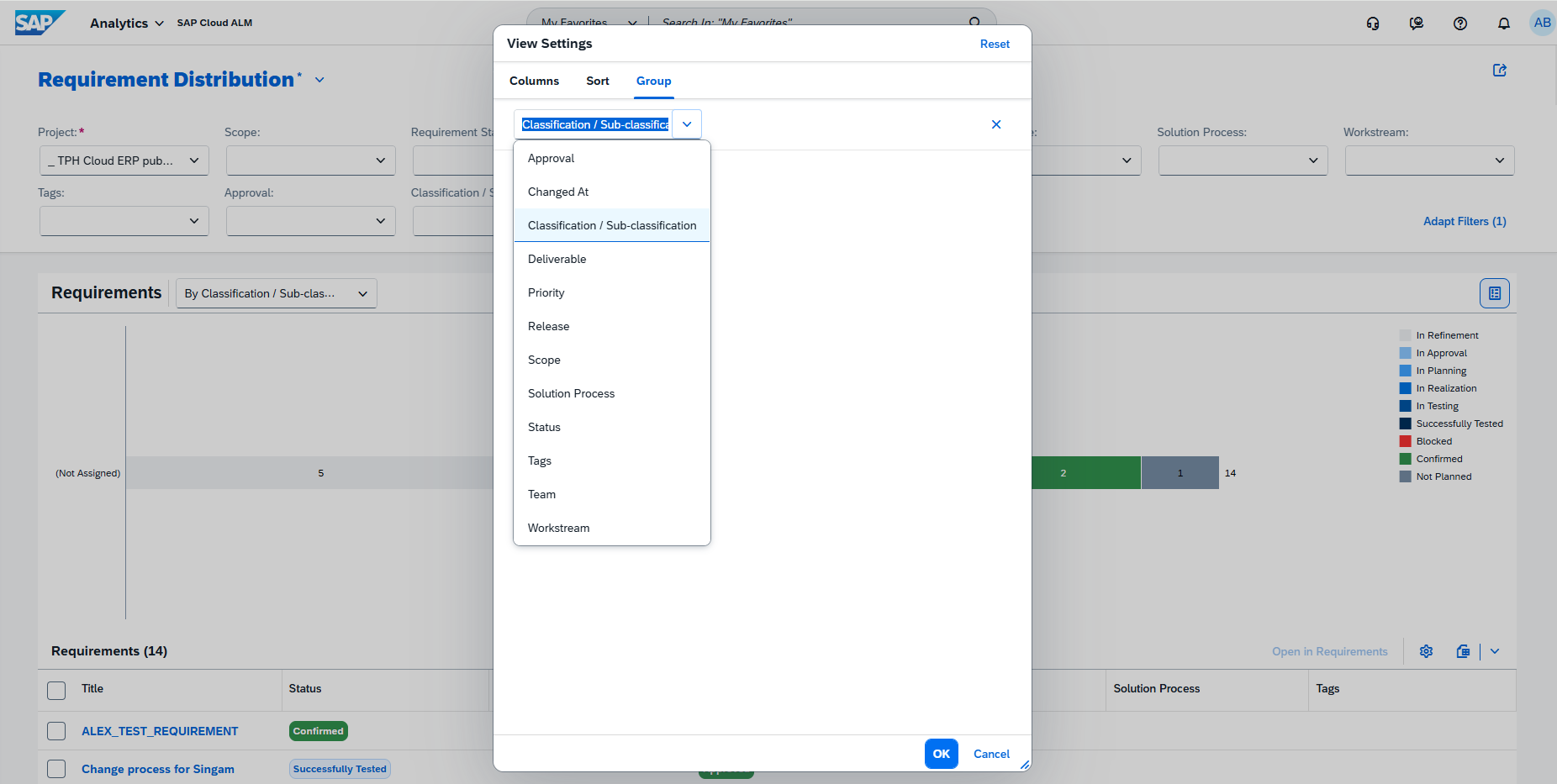
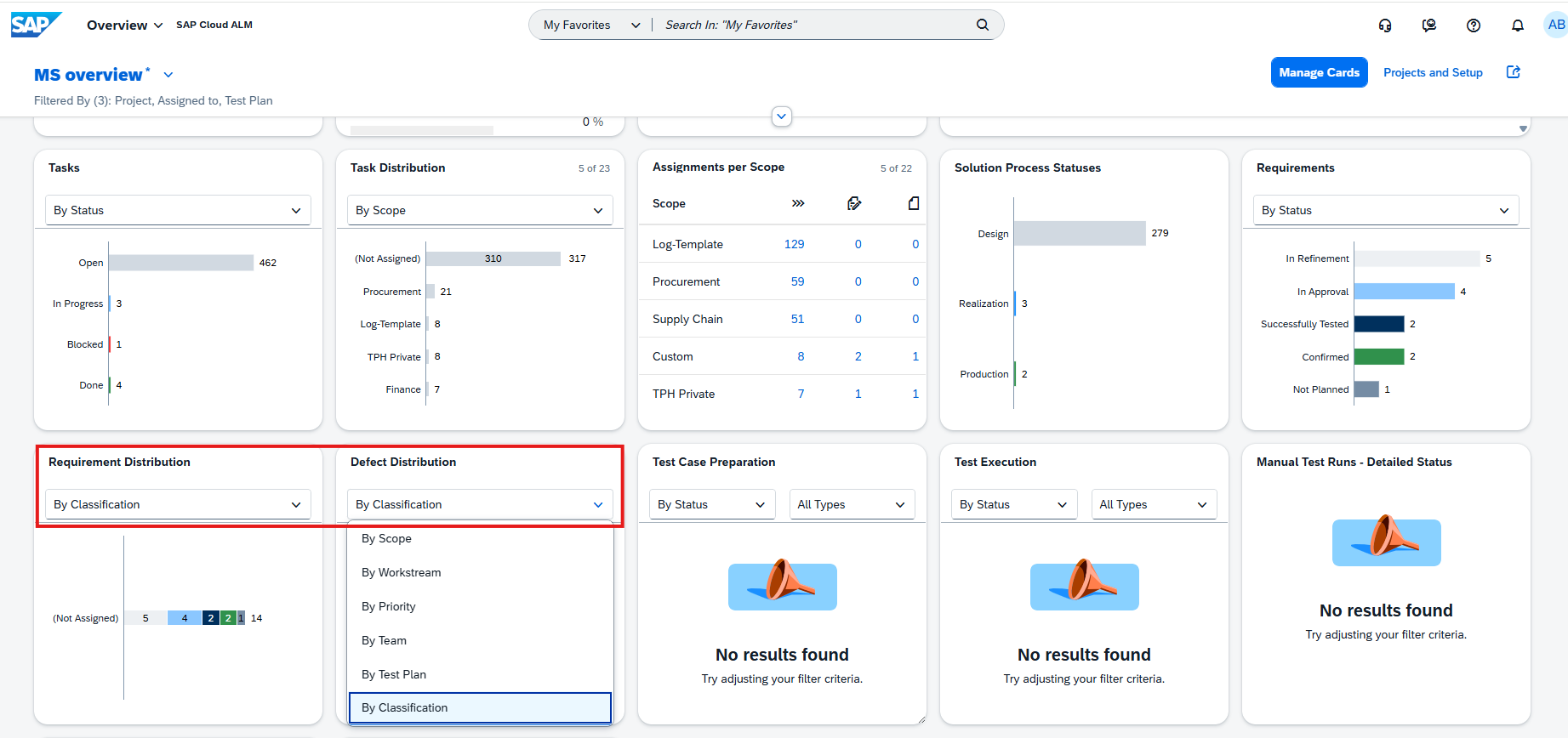
Enhanced Grouping and Filtering Options in Analytics

Analytics capabilities in the Implementation area are enhanced with improved grouping and filtering options for better data analysis.

In the Solution Process Traceability app, users can now group the solution process list by Tag. If a process has multiple tags, they are treated as a single combined grouping, ensuring clarity without duplication. 

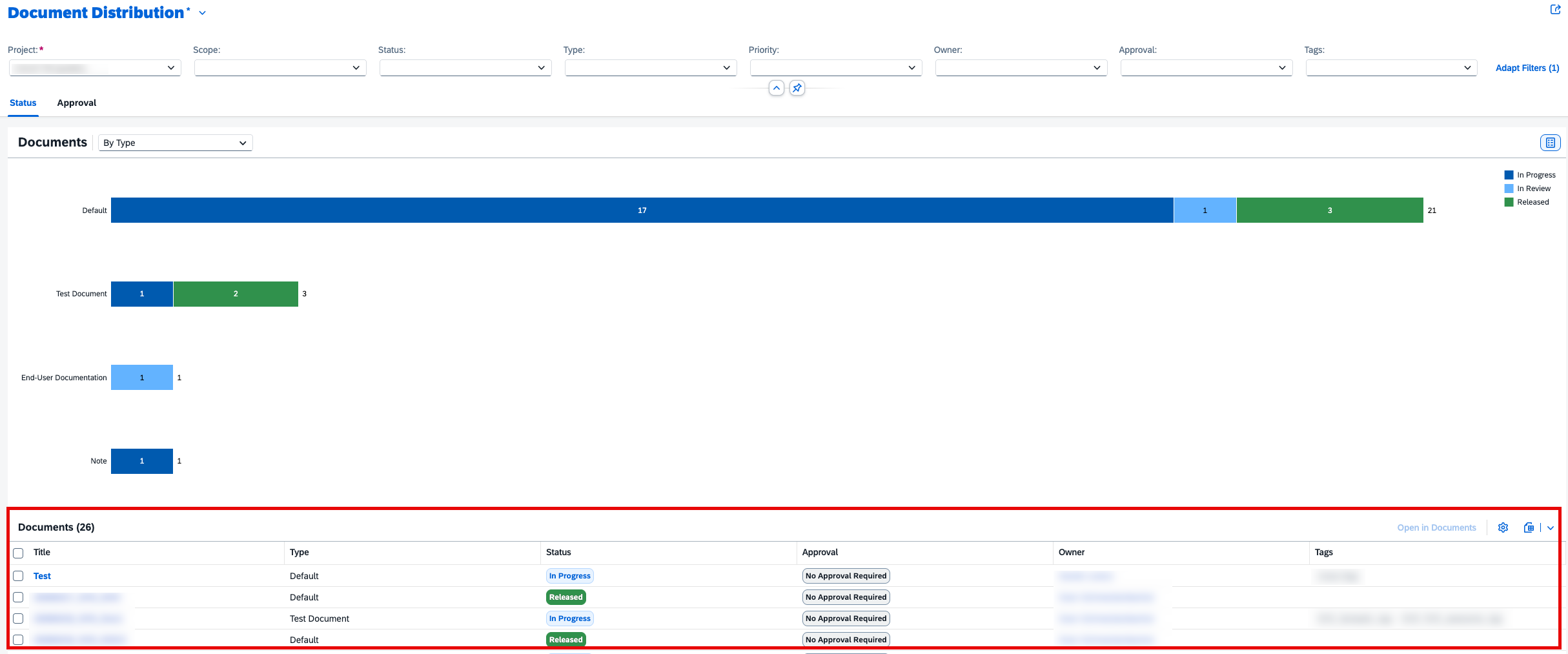
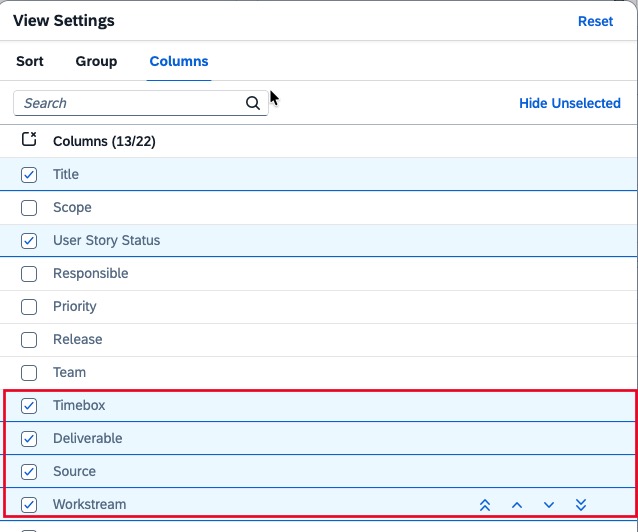
Additionally, the Document Distribution app now includes a new Source filter, allowing more precise filtering of documents based on their origin.

These enhancements improve data organization and make it easier to analyze and navigate project information. 

TL;DR: 

Analytics now supports grouping by tag in Solution Process Traceability and introduces a new Source filter in Document Distribution for improved analysis.

Harmonized Element Type Field for Library Elements in Processes

The handling of library elements has been harmonized to improve consistency across the Processes app. 

The former Category values used in the Configuration and Interface libraries have been moved to the Element Type field. This ensures a unified structure and consistent classification of library elements across different areas.

As a result, the corresponding sections in the Processes app have been updated to reflect this change, providing a clearer and more standardized way to manage and interpret library content. 

TL;DR: 

Library element classification is now standardized by moving Category values to the Element Type field, ensuring consistent handling across the Processes app. 

Improved Editing Guidance and Governance in Requirements

Requirements management is enhanced with better guidance and stricter control over editing requirement descriptions. The app now includes message strips that assist users during the editing of requirement descriptions, providing clearer guidance and improving usability. 

At the same time, editing is now restricted to the “In Refinement” status. Once a requirement is approved or moves beyond this stage, its description becomes locked and cannot be modified during later phases such as planning, realization, or testing. This ensures that all team members work with a consistent and approved definition.

If changes are required after approval, a project administrator can reset the requirement, moving it back to In Refinement and restarting the approval process. 

These updates improve governance, transparency, and consistency across requirement management. 

TL;DR: 

Requirement descriptions can now only be edited in In Refinement, with added guidance via message strips and controlled reset options for post-approval changes. 

Service – AI Assistance for Innovation Adoption

App Cockpit Now Available

A new cockpit is now available in the AI Assistance for Innovation Adoption app, providing a centralized entry point for navigation and analysis.

From the cockpit, users can: 

  • Select a reference (system number or customer number) 
  • Choose a capability 
  • Open the capability dashboard 
  • Access a report summarizing analysis results 
  • Navigate directly to detected issues in the Issues and Actions Management app via interactive diagrams

This enhancement improves usability by making it easier to access insights and act on identified issues. 

TL;DR: 

A new cockpit provides centralized navigation, reporting, and direct access to issues for faster analysis and action. 

New Capability: Technical Efficiency Optimization

A new capability, Technical Efficiency Optimization, is now available in the AI Assistance for Innovation Adoption app. 

This capability focuses on improving the performance of SAP S/4HANA systems by analyzing the underlying SAP HANA database. It identifies performance bottlenecks and optimization opportunities and provides recommended actions to resolve detected issues. 

This enables teams to better understand system performance and take targeted actions to improve efficiency. 

TL;DR: 

The new Technical Efficiency Optimization capability analyzes SAP HANA performance and provides recommendations to optimize SAP S/4HANA systems. 

SAP Cloud ALM – What’s New in Week 12

SAP Cloud ALM continues to evolve with enhancements that improve transparency, control, and usability across the platform.

The week 12 release brings stronger transformation capabilities in SAP Business Transformation Center, including improved data quality transparency, more flexible migration options, and enhanced tracking throughout the transformation lifecycle. In Operations, updates focus on better monitoring usability, expanded coverage, and improved visualization of execution status. The Implementation area introduces new analytical capabilities, improved traceability, enhanced document editing, and safer process management. Meanwhile, Administration gains improved visibility into identity provider configurations to help ensure a future-ready setup.

Together, these updates help teams better understand their systems, manage complexity more effectively, and execute transformations and operations with greater confidence and control.

SAP Business Transformation Center – Cycle and Monitoring, Data Management, Transition

The SAP Business Transformation Center continues to evolve with enhancements that improve data transparency, flexibility, and overall transformation reliability. Recent updates focus on strengthening data quality analysis, enabling more flexible migration scenarios, and improving tracking and guidance throughout the transformation lifecycle. Together, these improvements help ensure more consistent, efficient, and well-controlled data transformation processes while reducing complexity and increasing confidence in migration outcomes.

Transfer of Generic Object Services in Cycle and Monitoring

Cycle execution is enhanced with the ability to transfer generic object services alongside business data.

This includes objects such as attachments, notes, and related content, ensuring that important contextual information from source systems is preserved during migration. The transfer will occur during the Postprocessing phase. Keep in mind that once a cycle is created, it’s not possible to change selection regarding whether to transfer generic object services.

This improves data completeness and maintains business context in the target system.

TL;DR:

Generic object services like attachments and notes can now be transferred during cycles, preserving important business context.

Improved Transparency, Filtering, and Run Handling in Data Management

Data Management is enhanced with several improvements that increase transparency, usability, and control over data quality analysis.

A new Calculated On field is now available, allowing users to see the exact timestamp when KPI values were calculated in both Manage Runs and Analyze Data Quality apps.

Additional usability improvements include:

  • Extraction Progress bar on the Quality Check Run page to track KPI calculation progress
  • Display of the preselection table name in KPI views for better context
  • New filters: Extracted On and Extracted By for more precise analysis

Data lifecycle management is also improved:

  • Runs that have not been executed can now be deleted
  • Related data assessments can also be removed, enabling clean reconfiguration when needed

These enhancements provide better control over data analysis processes and improve overall transparency of KPI calculations.

TL;DR:

Data Management has now timestamps, progress tracking, new filters, and deletion options, improving transparency and control over data quality analysis.

Enhanced Status Tracking and Dynamic Guidance in Transition

Transition capabilities are improved with more detailed tracking and smarter guidance.

Transformation approaches now support expanded status values, enabling more granular tracking of transformation progress and better visibility into different stages.

In addition, the Get Transformation Guidance questionnaire is now dynamic, adapting questions in real time based on user input. This reduces unnecessary steps and improves the overall experience by making data collection more relevant and efficient.

TL;DR:

Transition updates introduce more detailed status tracking and a dynamic questionnaire, improving visibility and user experience.

Client Mapping and Extended Source System Support

General capabilities are expanded to improve flexibility and compatibility in transformation scenarios.

A new client mapping solution pattern removes the requirement for identical client IDs between source and target systems. This allows data migration to different client IDs while automatically handling necessary mappings.

In addition, support is now extended to SAP ERP 6.0 Enhancement Package 7 (EHP7), enabling more source systems to be connected and used in transformation projects.

TL;DR:

New client mapping removes client ID restrictions, and support for SAP ERP EHP7 expands source system compatibility.

Operations – Business Process Monitoring, Integration & Exception Monitoring, Synthetic User Monitoring

The Operations area continues to evolve with enhancements that improve monitoring transparency, usability, and control across the landscape. The latest updates introduce more flexible monitoring views, stronger access control, expanded monitoring coverage, and improved visualization of execution status – helping teams better understand system behaviour and respond more effectively to operational events.

Custom Views, KPIs, and Improved Sorting in Business Process Monitoring

Business Process Monitoring is enhanced with new capabilities that improve usability, personalization, and monitoring coverage.

Users can now create and save custom views on the Monitoring page by storing table settings such as filters, columns, and layouts. Multiple views can be saved and managed, and a preferred view can be set as the default, allowing faster access to relevant monitoring data.

Monitoring coverage is extended with new KPIs for SAP Complaint Handling, including:

  • Open Customer Complaints
  • Open Supplier Complaints
  • Total Open Complaints

These KPIs are automatically available once the required setup and data collection are in place and can be used within end-to-end processes such as Lead to Cash and Source to Pay.

In addition, users can now customize the sorting order of custom processes, their related nodes, and assigned KPIs. This configuration is reflected across the Home and Monitoring pages, enabling a more tailored and structured monitoring experience.

TL;DR:

Business Process Monitoring now supports custom views, introduces new SAP Complaint Handling KPIs, and allows configurable sorting of processes and KPIs for a more personalized monitoring experience.

Access Control, Search Enhancements, and Extended Monitoring Coverage in Integration & Exception Monitoring

Integration & Exception Monitoring is enhanced with improvements in security, usability, and monitoring capabilities.

Access control is now enabled for the app, ensuring that users can only view data for services and systems assigned to them via the Access Control List in the Landscape Management app. This strengthens data security and ensures users only access relevant landscape objects.

Usability is improved with a new search functionality in the Business Objects page. Users can now search for business objects using a Provider ID or Object ID, supporting both full and partial searches. Results are grouped by object type, allowing quick navigation to the relevant object details.

Monitoring coverage is also extended with support for SAP Integration Suite (Edge Integration Cell). Users can now monitor incoming and outgoing messages, access detailed status overviews, and drill down into individual messages to investigate issues more efficiently.

TL;DR:

Integration & Exception Monitoring now includes access control, enhanced search by object ID, and support for SAP Integration Suite (Edge Integration Cell) for improved security, usability, and monitoring coverage.

Visual Execution Status Indicators in Synthetic User Monitoring

Synthetic User Monitoring now introduces visual execution status indicators to improve transparency of scenario executions.

Active executions are displayed using progress bars in Gantt charts, providing a clear timeline view of ongoing activities. In addition, execution counters in tree views give a quick overview of execution status across monitored scenarios.

These visual enhancements make it easier to track execution progress and quickly understand the current state of synthetic monitoring scenarios.

TL;DR:

Synthetic User Monitoring now includes progress bars and execution counters for clearer, real-time visibility into scenario execution status.

Implementation – Analytics, Documents, Process Authoring

The Implementation area continues to evolve with updates that enhance transparency, usability, and control across project execution. The latest improvements introduce new analytical capabilities for risk evaluation, improved traceability and ownership visibility, richer document editing features, and safer process management through harmonized deletion handling – helping teams manage implementation work more efficiently and with greater confidence.

New Risk Distribution App in Analytics

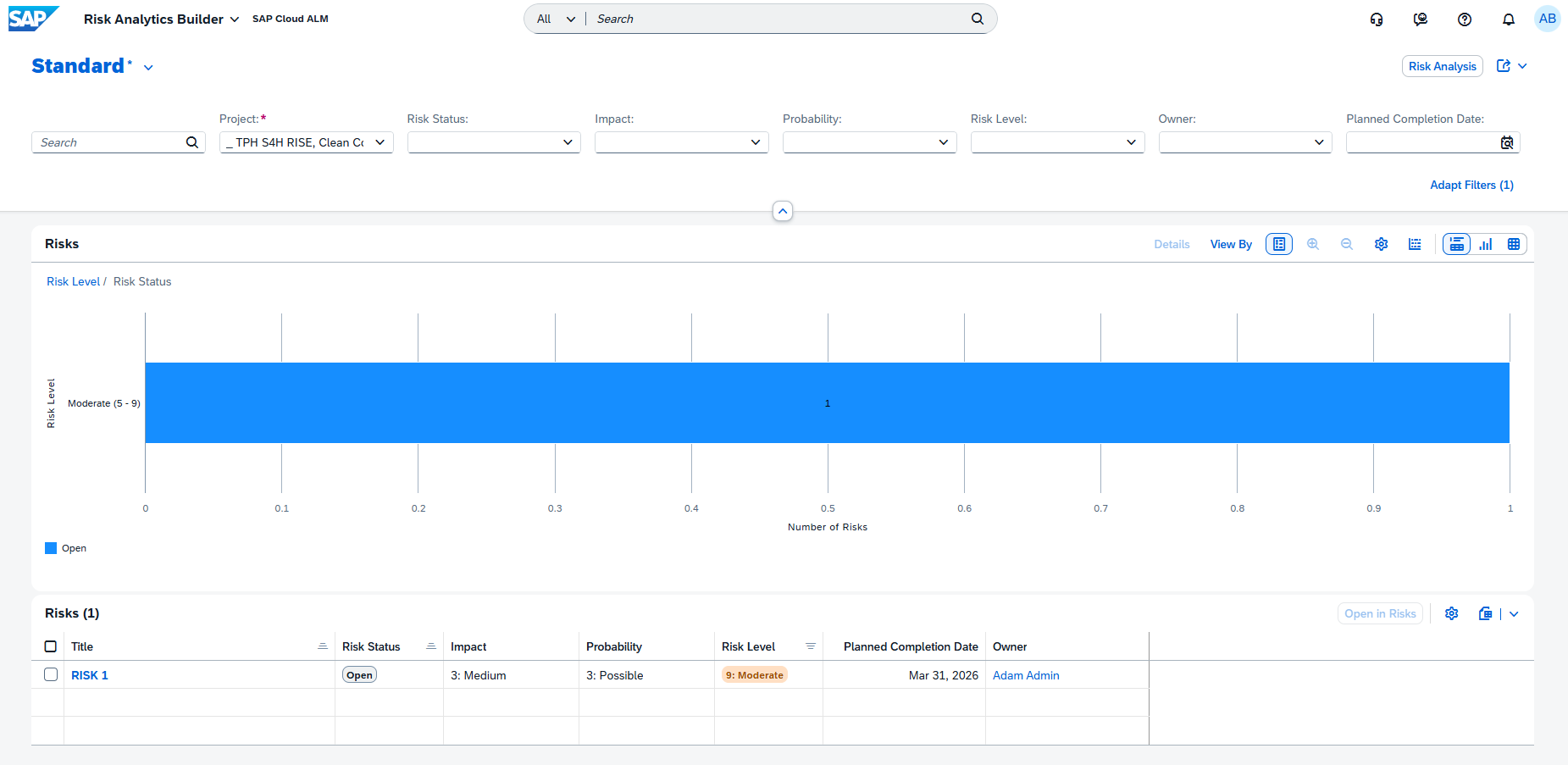
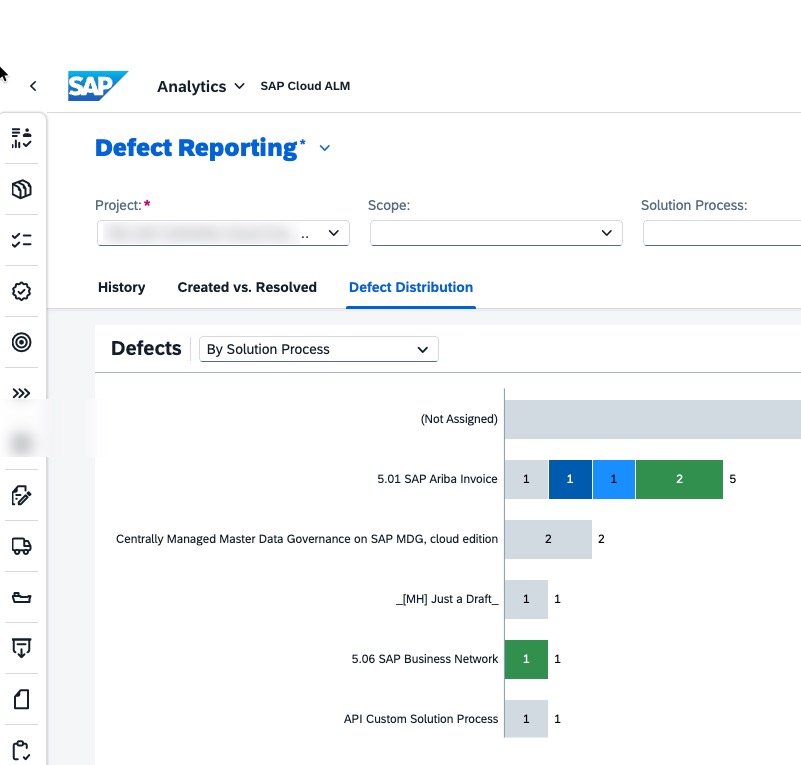
A new Risk Distribution app is now available in the Analytics, providing enhanced capabilities for analyzing project risks.

The app enables teams to analyze and compare risk patterns across different categories using interactive chart visualizations. With flexible chart options, it helps identify trends, concentrations, and high-risk areas, supporting more informed decision-making and prioritization.

By visualizing risk distribution data, project teams gain a clearer understanding of how risks are spread across the project and where attention is most needed.

TL;DR:

The new Risk Distribution app provides interactive charts to analyze risk patterns and identify high-risk areas across projects.

Enhanced Traceability with Ownership and Status Details in Analytics

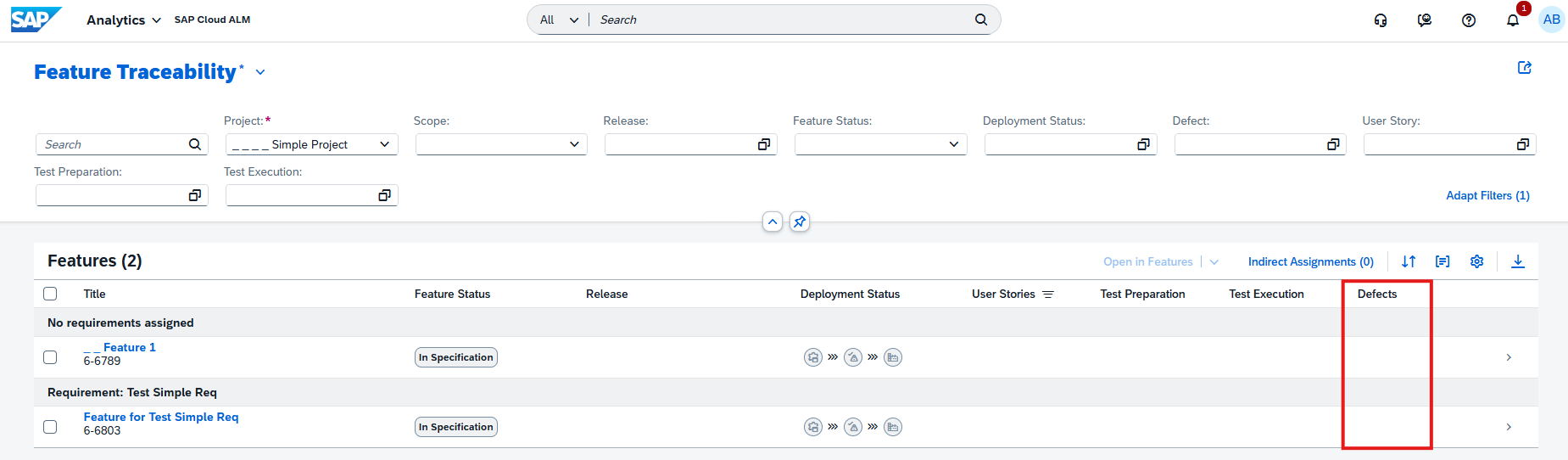
Traceability apps in the Analytics are enhanced to provide better visibility into ownership and more granular status tracking. New Owner and Responsible columns are now available in the following apps:

  • Solution Process Traceability
  • Requirement Traceability
  • Feature Traceability
  • User Story Traceability

These columns are hidden by default and can be enabled as needed, allowing teams to better understand who is accountable for each artifact.

In addition, the User Story Traceability app now separates previously combined status fields into four distinct columns:

  • Requirement
  • Requirement Status
  • Feature
  • Feature Status.

This change enables more precise filtering, sorting, and analysis across requirements and features.

Together, these enhancements improve transparency and make it easier to track ownership and status across project elements.

TL;DR:

Traceability apps now include optional Owner/Responsible columns and more detailed status separation, improving visibility and analysis of project artifacts.

Enhanced Text Formatting in Documents

The Documents app now includes improved editing capabilities in its Rich Text Editor, making document creation and formatting more flexible.

New features include:

  • Undo and redo functionality for easier editing
  • Paragraph and heading formatting options for better content structure

These enhancements provide greater control over document formatting and improve the overall editing experience.

TL;DR:

The Documents app now supports undo/redo and enhanced text formatting, making document editing more flexible and user-friendly.

Harmonized two-step deletion for custom solution processes in Process Authoring

The two-step deletion concept has been enhanced and harmonized for custom solution processes, improving data safety and consistency across SAP Cloud ALM. A new Deleted Items tab is now available, providing a clear overview of deleted solution processes. From there, processes can be restored or permanently deleted, reducing the risk of accidental data loss.

Deletion behavior has been aligned based on process versions:

  • Processes with published (or both draft and published) versions are moved to Deleted Items
  • Processes with draft-only versions are deleted permanently immediately

Deleted processes are clearly marked with a [Deleted] prefix and label, and cannot be edited, scoped, or modified unless restored.

This enhancement ensures a safer and more transparent deletion process while maintaining consistency with similar concepts across the platform.

TL;DR:

Custom solution processes now follow a harmonized two-step deletion with a Deleted Items tab, allowing safe deletion, visibility, and easy restoration when needed.

Administration – User Management

Enhanced Connected Identity Provider Card

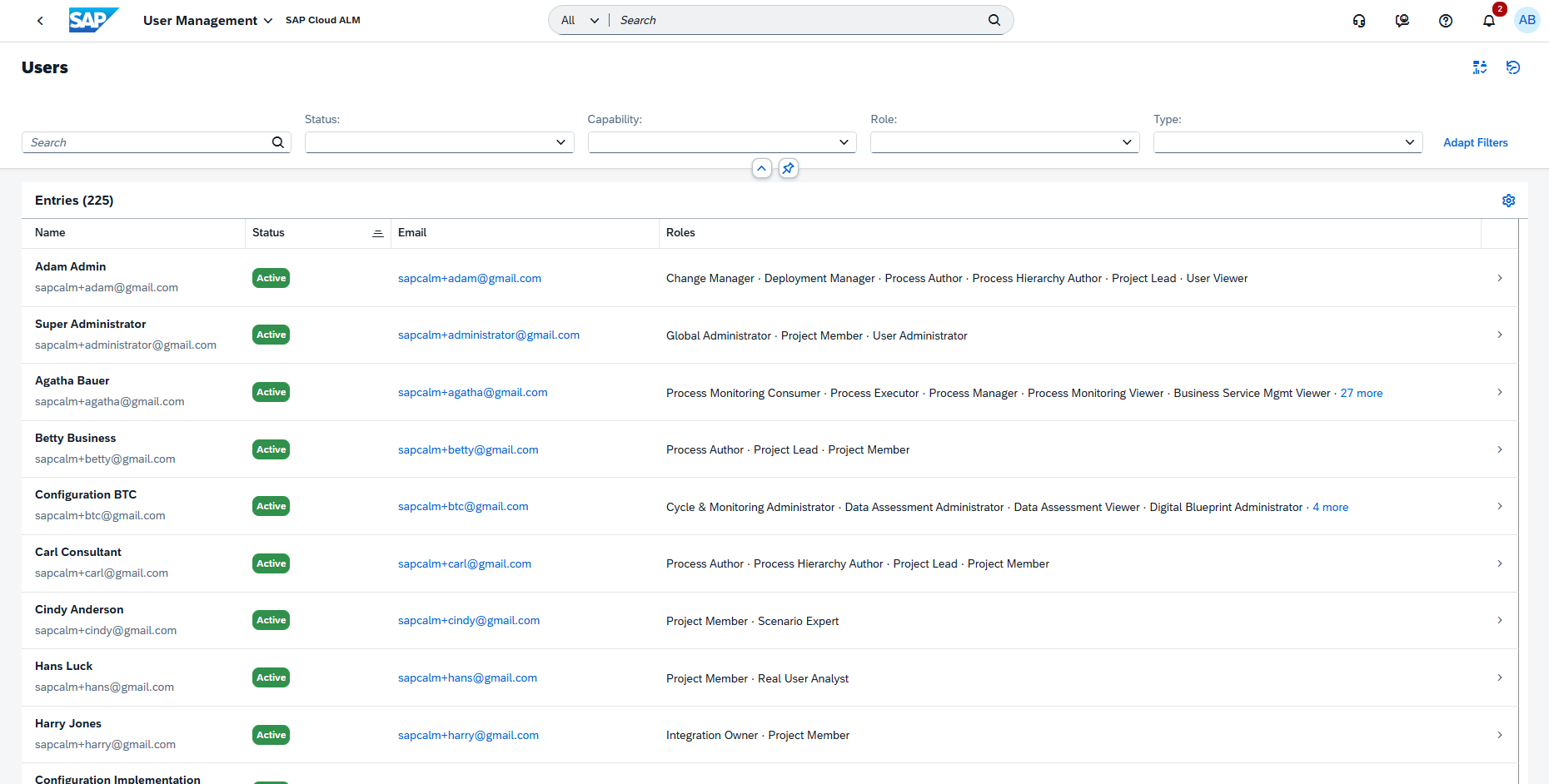
The Connected Identity Provider card in the User Management Overview has been enhanced to provide better visibility into identity configuration status.

The card is now displayed for all customers, regardless of their current identity provider setup. It shows whether the current configuration aligns with recommended SAP Cloud Identity infrastructure standards and highlights if changes are required.

This enhancement helps administrators quickly assess the readiness of their identity setup and take action where needed. Keeping the identity provider configuration aligned with SAP recommendations is essential for enabling upcoming features such as the usage of Joule and ensuring a future-ready setup.

TL;DR:

The Connected Identity Provider card is now available for all customers and indicates whether the identity setup meets SAP recommendations and requires updates.

SAP Cloud ALM – What’s New in Week 10

​SAP Cloud ALM continues to evolve with enhancements that improve automation, visibility, and data-driven insights across the platform. 

​The week 10 release introduces AI-powered innovation analysis in the Service area, enhanced automation and landscape setup in Administration, improved transformation validation and execution reliability in SAP Business Transformation Center, and expanded monitoring and event management capabilities in Operations. The Implementation area also receives updates that increase flexibility and transparency in process management, analytics, and API integrations. 

​Together, these enhancements simplify system setup, strengthen operational awareness, and provide teams with better tools to manage innovation adoption, transformations, and day-to-day operations across their SAP landscape. 

SAP Business Transformation Center – Modeling, Cycle and Monitoring

​Updates in the SAP Business Transformation Center focus on improving migration readiness, execution reliability, and overall transparency throughout the transformation lifecycle. The latest enhancements introduce smarter validations in transformation models and improved synchronization and diagnostics during migration cycles, helping ensure smoother and more predictable data transformations. 

Validation of Inconsistent Filter Assignments in Modeling

​SAP Business Transformation Center introduces an automated validation that improves the reliability of transformation model preparation. 

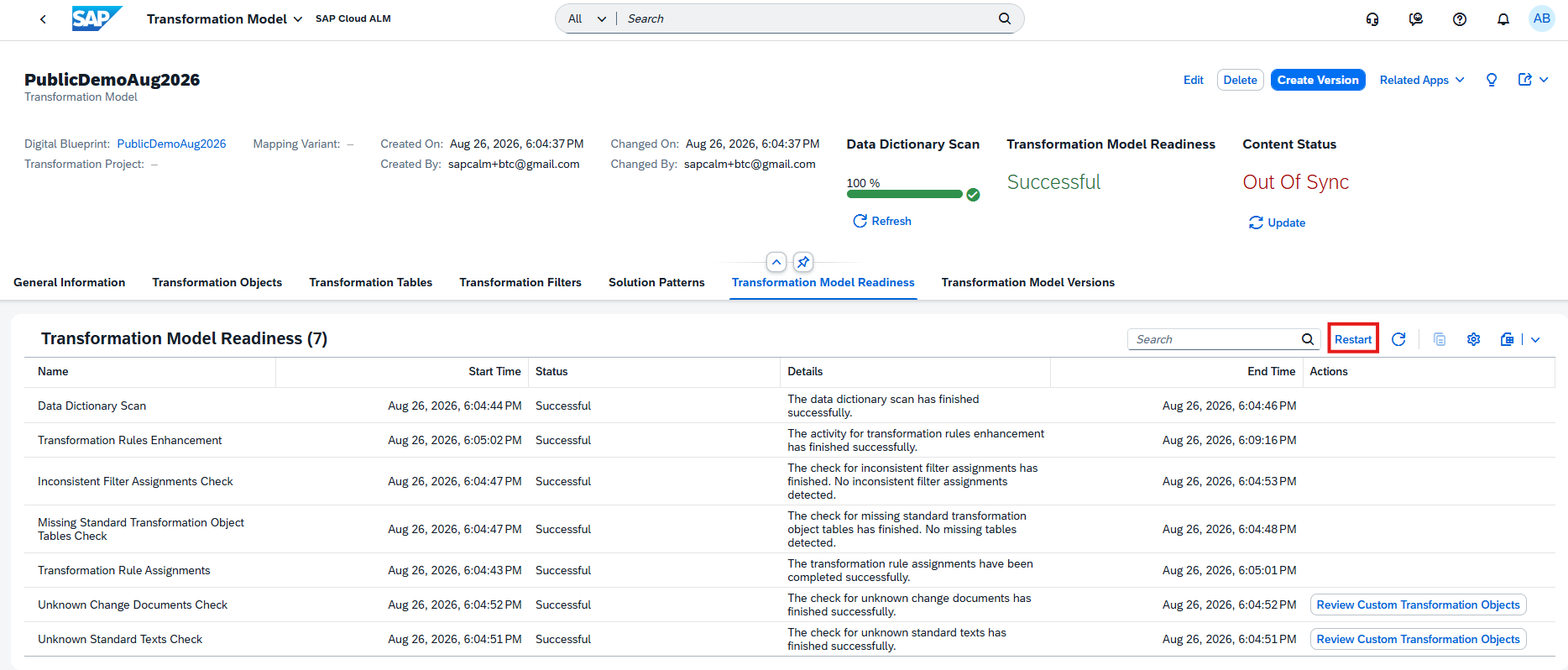
​The new Inconsistent Filter Assignments Check automatically identifies filter assignments that reference nonexistent SAP ERP table fields. When such inconsistencies are detected, the system excludes them from the scope of the transformation model version. This prevents potential issues during migration execution while keeping the transformation model version executable. 

​The check also improves transparency by clearly indicating which filter assignments were removed from the migration scope, helping teams better understand and control the configuration of their transformation models. 

​The validation is available in the Transformation Model Readiness tab within the Manage Transformation Models app. 

TL;DR: 

​A new Inconsistent Filter Assignments Check automatically detects filter assignments referencing nonexistent table fields and excludes them from the transformation model version to prevent migration issues. 

Improved Status Synchronization and Diagnostics in Cycle and Monitoring

​Several enhancements have been introduced in the Cycle and Monitoring phase to improve transparency and reliability during migration execution. 

​Status synchronization has been enhanced so that phase execution states are automatically aligned, ensuring real-time accuracy across the transformation cycle. A new Ready to Restart status has also been introduced, indicating that phases are properly synchronized and prepared for restart operations when needed. 

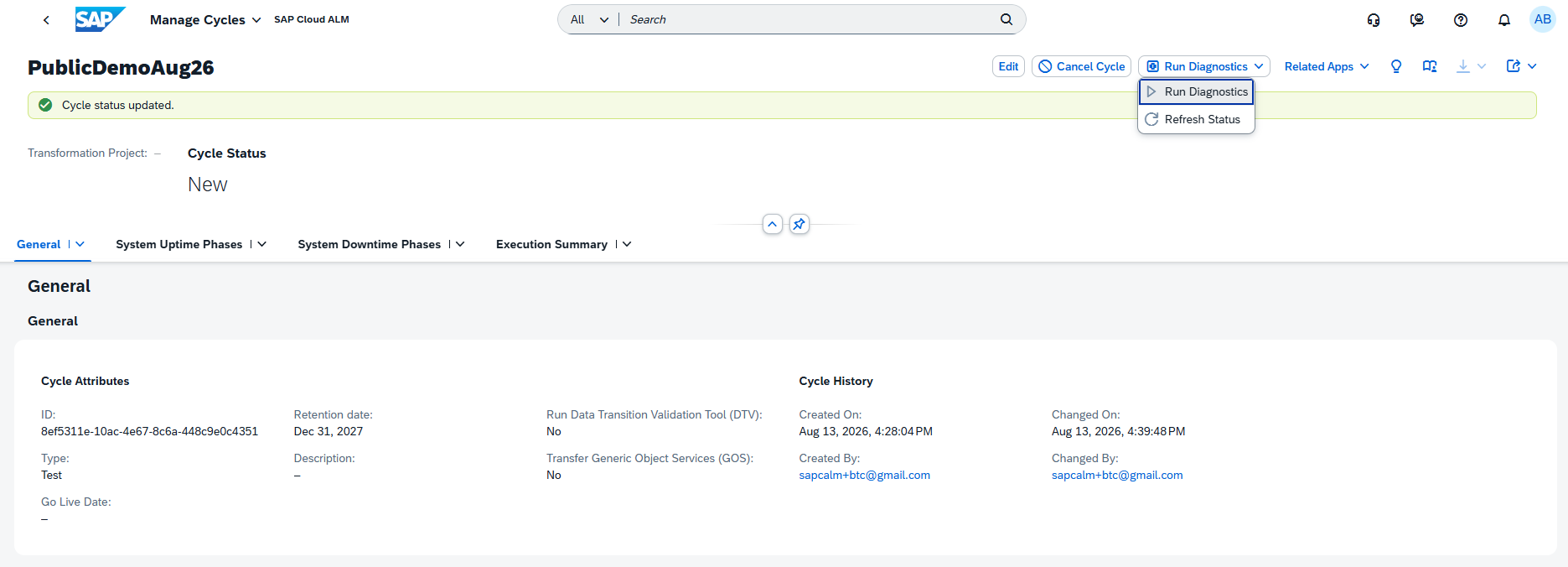
​The Health Check capability has been renamed to Run Diagnostics, providing clearer terminology that better reflects its purpose of validating and analyzing the migration landscape. 

​In addition, the post-processing phase has been improved through a standardized execution mode. The application now uses an optimized uninterrupted execution flow, resulting in a more predictable and stable post-processing experience. 

TL;DR: 

 Cycle and Monitoring improvements introduce synchronized phase statuses with a new Ready to Restart state, rename Health Check to Run Diagnostics, and standardize execution flow to improve post-processing reliability. 

Operations – Real User Monitoring, Business Service Management

The Operations area receives updates that improve monitoring clarity and event management. The latest enhancements introduce additional context in Real User Monitoring and better classification and notifications for maintenance events in Business Service Management, helping operations teams stay informed and respond more effectively to system activities. 

Add a custom description to a request name

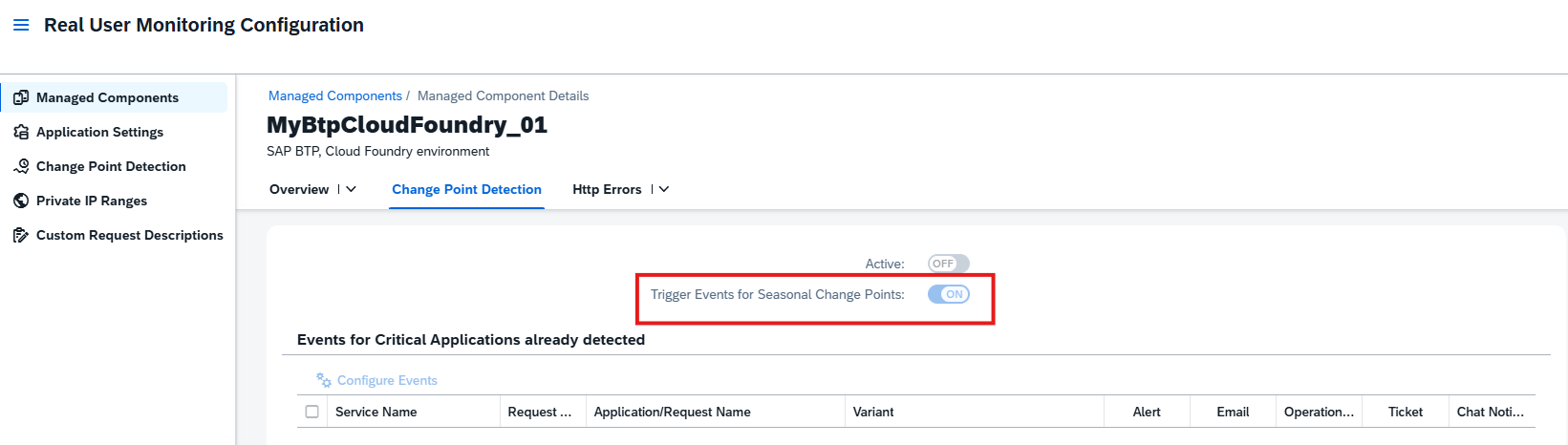
In Real User Monitoring, it is now possible to add a custom description to request names in the Configuration screen. This enhancement helps provide additional context and improves clarity when analyzing monitored requests. 

A description can be added by selecting a request name in the configuration view, entering the desired description, and saving the changes.

The description then becomes visible alongside the request, making it easier to understand the purpose or business context of specific requests during monitoring and analysis. 

Keep in mind that custom descriptions can only be added by the Real User Analyst Administrator role. 

TL;DR: 

Custom descriptions can now be added to request names in Real User Monitoring, improving clarity and context when analyzing monitored requests. 

New event category Maintenance Type and Reminders for Maintenance event

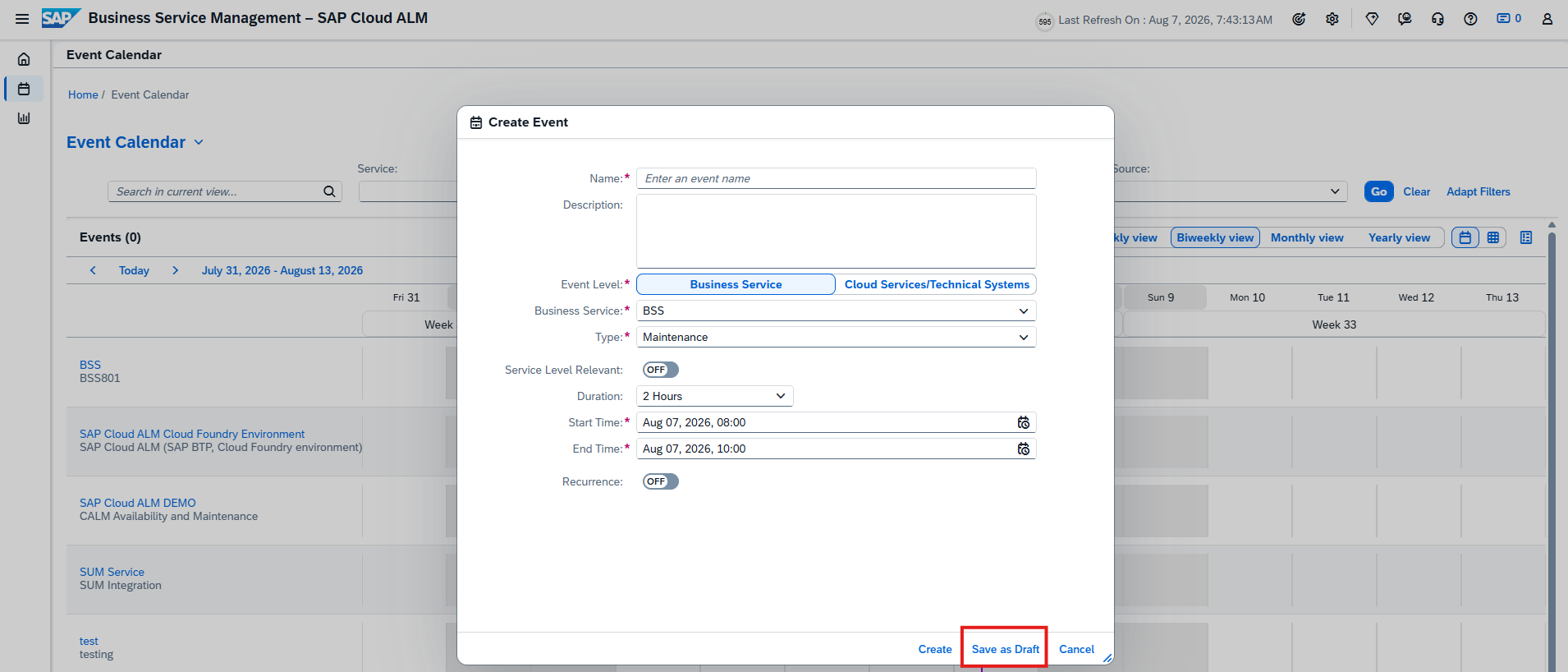
A new Maintenance Type event category is now available for maintenance events related to public cloud offerings in Business Service Management. This additional classification helps distinguish different kinds of maintenance activities and provides clearer context when reviewing events. The Maintenance Type can be viewed in the Event Details screen on the Event Calendar page and in the Type column of the Events table in Service Level Reporting. 

In addition, maintenance event reminders are now recorded in the Action Log. Based on the configured event actions, notifications are triggered before and during maintenance windows for events created by SAP. These reminders help operations teams stay informed about upcoming or ongoing maintenance activities, ensuring better preparation and response during scheduled service events. 

Together, these enhancements improve operational awareness and make it easier to track, categorize, and react to maintenance activities affecting cloud services. 

TL;DR: 

Maintenance events can now be categorized with a new Maintenance Type, and reminders are logged in the Action Log, improving visibility and readiness for scheduled maintenance activities. 

Implementation – Processes, Process Authoring, Documents, Analytics

The Implementation area introduces enhancements that improve transparency, flexibility, and integration across project execution activities. The latest updates bring more granular process scoping, better traceability in process management, extended APIs for document integrations, and new analytical capabilities for risk evaluation – helping project teams manage implementation work with greater control and insight. 

Granular Process Scoping and Change History in Processes

Processes in the Implementation area becomes more flexible and transparent with new capabilities for detailed scoping and change tracking. 

Projects can now scope individual solution process flow diagrams instead of scoping entire solution processes. This allows teams to focus only on the diagrams relevant to their implementation. The enhancement is particularly useful for large end-to-end scenarios such as Lead to Cash or Recruit to Retire, where multiple diagrams may exist due to localization or scenario variations. The previous process-level scoping method remains supported, while the new option provides more granular control over the implementation scope.

In addition, the Process Hierarchy app now includes a history function that records changes made to process hierarchy nodes. The history shows when a change occurred, what was modified, and who performed the change (unless executed via API). Changes made through the UI, public APIs, or spreadsheet uploads are all tracked, improving traceability and governance of process structure updates.

TL;DR: 

Solution process flow diagrams can now be scoped individually for more precise implementation scoping, and the Process Hierarchy app introduces a change history to track modifications across the process structure. 

Display External References for Process Diagrams in Process Authoring

Process Authoring now provides improved visibility of external references linked to solution process flow diagrams. 

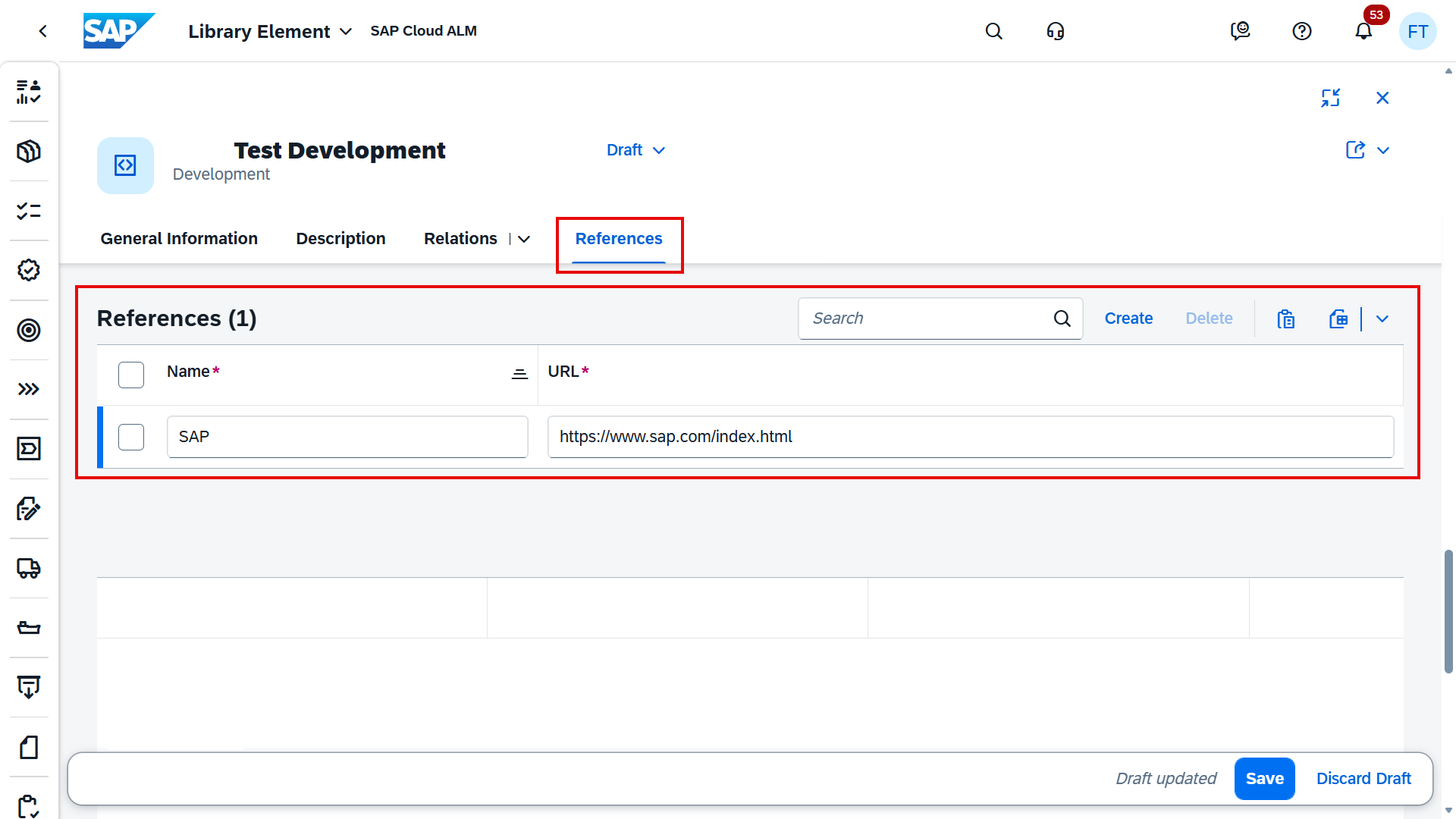
If a diagram contains an external reference, it is now displayed in the Properties section when the diagram is selected in Process Authoring. The external reference name appears as an active link, enabling direct navigation to the referenced source.

Additional context is available by hovering over the information icon, which reveals the ID of the external reference. If the section is not visible, it indicates that no external reference has been assigned to the selected diagram. 

This enhancement helps users better understand diagram origins and quickly access related external content when working with process models. 

TL;DR: 

External references for solution process flow diagrams are now visible in Process Authoring, with direct navigation links and reference ID details for improved traceability. 

Extended Documents API

The Documents API has been extended with additional fields to improve document integration and management capabilities. 

The API now exposes the following fields: ownerId, responsibleId, approvalCode, stateCode, and isTemplate. These fields are available for read operations, allowing integrations to retrieve more detailed information about document ownership, responsibility, approval status, and template usage. 

Depending on the applicable business logic, some of these fields can also be provided during create operations, enabling more flexible automation and integration scenarios. 

TL;DR: 

The Documents API now includes additional fields such as owner, responsible, approval, and state information, improving integration and automation options for document management. 

New Risk Analysis App Released in Analytics

A new Risk Analysis app is now available, providing a visual and analytical overview of project risks to support better prioritization and decision-making. 

The app uses a heatmap visualization that plots risks by impact (Y-axis) and probability (X-axis). Each cell is color-coded and includes a calculated score, making it easy to identify risk hotspots and areas that require immediate attention. This allows project teams to quickly assess where risks are concentrated and focus mitigation efforts accordingly. 

Users can refine the analysis using filters such as Project, Status, Risk Category, Risk Level, or Date Range, and easily drill down from the heatmap to detailed risk lists and full risk records. Views can also be customized by adjusting chart dimensions, sorting, and grouping. 

To streamline analysis, users can save personalized views with selected filters and chart settings. These views can later be reused, managed, or – if permissions allow – shared with other users as public views, enabling consistent risk analysis across teams. 

TL;DR: 

The new Risk Analysis app introduces a heatmap-based visualization of project risks, helping teams identify risk hotspots, prioritize mitigation actions, and analyze risks through customizable and shareable views. 

Administration – Landscape Management

S/4HANA Cloud Setup Automation

Setting up monitoring connectivity between SAP S/4HANA Cloud and SAP Cloud ALM previously required several manual configuration steps. Administrators had to create communication systems, configure OAuth authentication, and maintain multiple communication arrangements for monitoring scenarios such as Application Monitoring and Business Process Monitoring. 

With the new S/4HANA Cloud Setup Automation feature in Landscape Management, these steps are now handled automatically through Unified Customer Landscape (UCL). 

Once triggered, the automation performs the required configuration tasks in the background, including: 

  • Creating the required communication systems 
  • Managing and configuring communication arrangements 
  • Activating all supported monitoring use cases 
  • Establishing the secure connectivity between SAP S/4HANA Cloud and SAP Cloud ALM 

By eliminating the need for manual configuration across multiple applications and settings, this enhancement significantly reduces setup complexity and time, while ensuring a consistent and error-free monitoring setup. 

This improvement enhances the onboarding experience for S/4HANA Cloud systems and simplifies the activation of monitoring capabilities within SAP Cloud ALM. 

TL;DR: 

S/4HANA Cloud systems can now be onboarded automatically using UCL, streamlining connectivity setup and activating monitoring use cases with minimal manual effort. 

Service – AI Assistance for Innovation Adoption

New App AI Assistance for Innovation Adoption

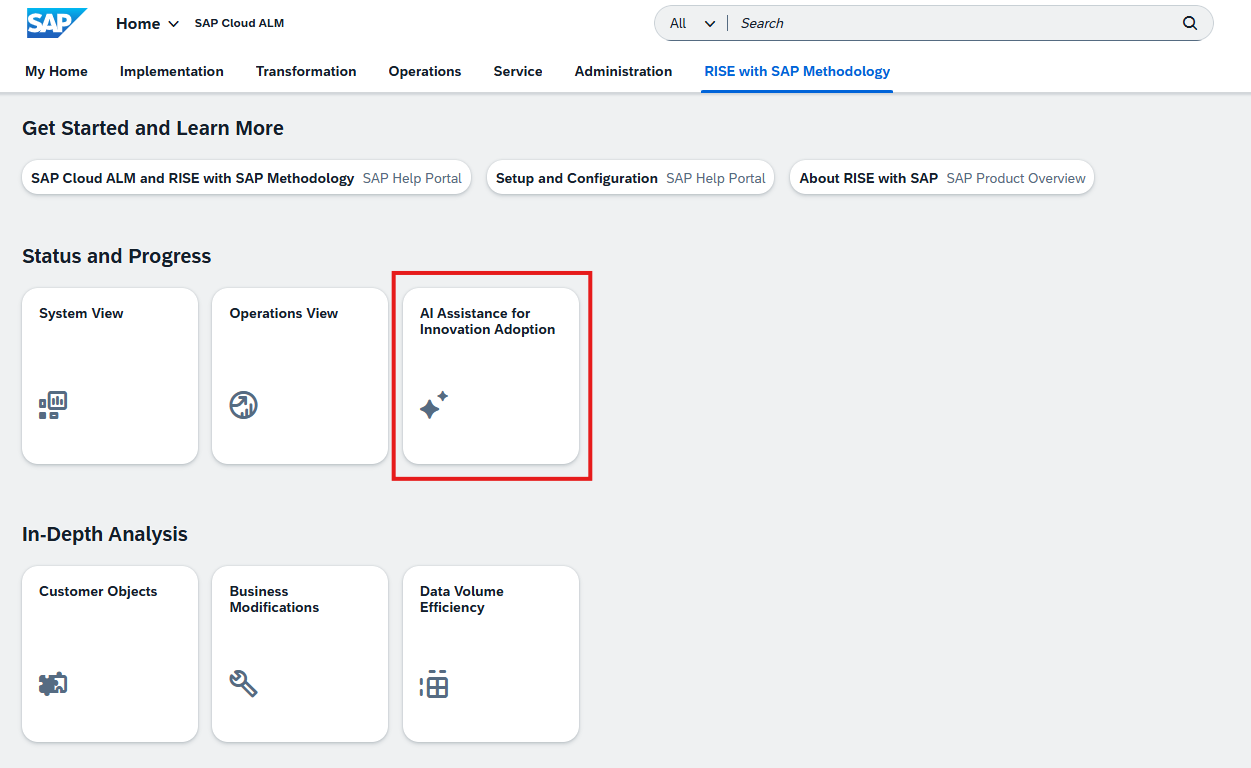
A new application, AI Assistance for Innovation Adoption, is now available in the Service area of SAP Cloud ALM. The app helps organizations monitor, analyze, and improve their SAP landscape using AI-driven insights, providing a data-driven approach to innovation adoption and system optimization. 

The application collects and analyzes system data and presents the results through interactive dashboards with predefined KPIs. These dashboards highlight the health and performance of different areas of the SAP landscape. When a KPI falls outside its expected range, the app can automatically create issues and recommend actions, helping teams quickly identify improvement opportunities. 

The analysis is structured around capabilities, which represent specific focus areas of the SAP landscape. Each capability includes a dedicated dashboard that visualizes system health and performance and supports deeper investigation of identified issues. Currently available capabilities include: 

  • Adoption potential for RISE with SAP 
  • Data capacity excellence 
  • Enduring cybersecurity 
  • Evolution readiness 
  • Extensibility intelligence 
  • Operational excellence of SAP BTP 

When the app identifies potential issues, they are automatically created in Issues and Actions Management, where teams can review them and convert them into tasks or projects to manage follow-up activities directly within SAP Cloud ALM. 

The app also includes a My Entitlements section, which provides visibility into the services and capabilities available according to the organization’s contract or subscription. This allows teams to quickly verify which innovation capabilities can be analyzed and monitored within the application. 

Capabilities are configured using a reference identifier depending on the focus area being analyzed: 

  • Customer number – used for the Operational Excellence capability of SAP BTP 
  • System number – used for all other capabilities 

This ensures that the analysis is correctly linked to the relevant systems or landscape context. 

Overall, the application supports a continuous improvement cycle – collecting data, analyzing results, visualizing insights through dashboards, and enabling follow-up actions – helping organizations continuously improve their SAP landscape and adopt innovations more effectively. 

TL;DR: 

The new AI Assistance for Innovation Adoption app uses AI-powered dashboards and KPIs to analyze SAP landscape health, highlight improvement opportunities, and generate actionable issues and tasks to support continuous innovation adoption.