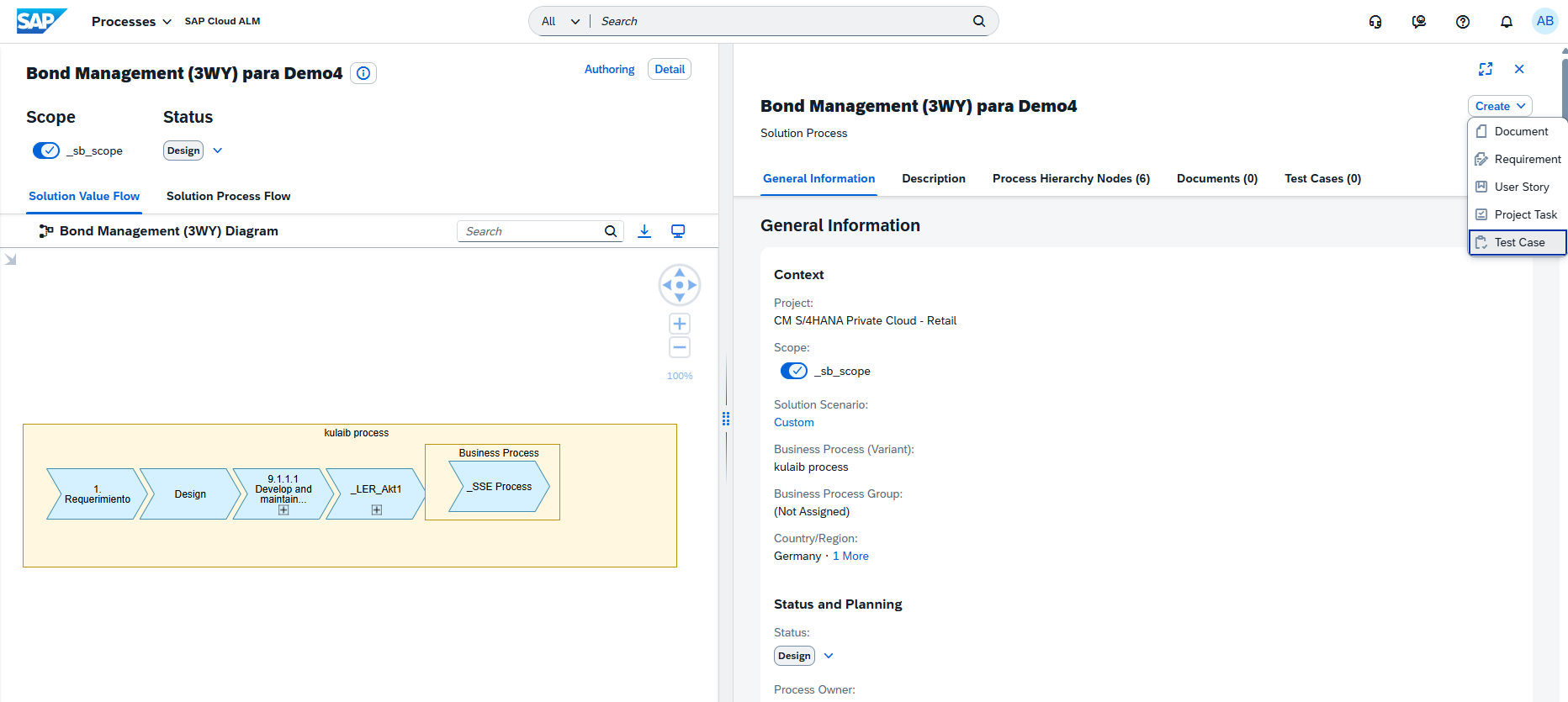
SAP Cloud ALM – What’s New in Week 4
SAP Cloud ALM continues into the new year with updates that focus on clarity, control, and data-driven insight.
The week 4 release introduces deeper transformation readiness in SAP Business Transformation Center, new data-focused KPIs and analysis capabilities in RISE with SAP Methodology, extended monitoring and validation options in Operations, and smarter automation and collaboration features in Implementation.
Together, these enhancements help teams make better decisions, keep systems clean and efficient, and manage transformations and operations with greater confidence and precision.
SAP Business Transformation Center – Modeling
The latest update in the SAP Business Transformation Center further strengthens data migration reliability by extending automatic checks to customer-specific standard texts. This enhancement ensures that important business content is not unintentionally left behind during transformation projects.
Automatic Detection and Migration of Customer-Specific Standard Texts
SAP Business Transformation Center now automatically detects and migrates customer-specific standard texts from the SAP ERP source system. These texts are identified via a new Unknown Standard Texts Check in the Manage Transformation Models app and are evaluated as part of the Transformation Model Readiness process.
If standard texts are found that are not part of the standard SAP ERP content, custom transformation objects are created automatically. These objects are included in the migration scope by default, but can be reviewed and explicitly included or excluded, giving teams full transparency and control before proceeding with data migration.
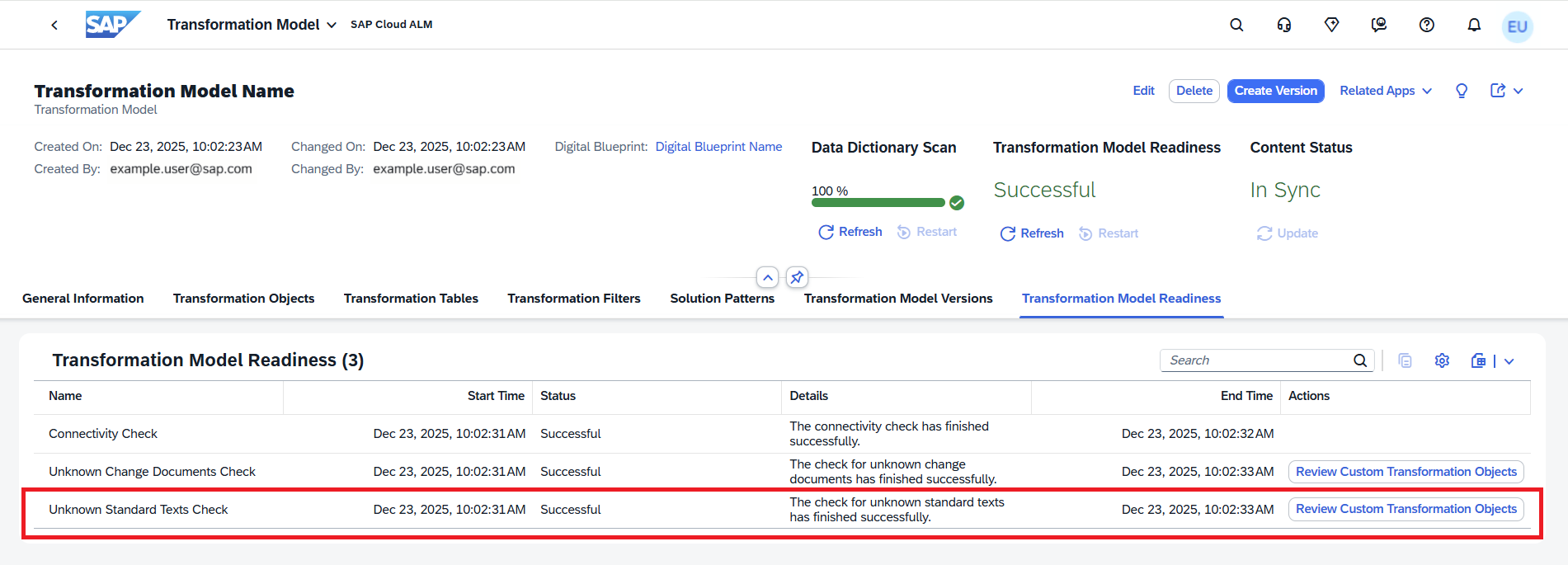
This check is tightly integrated into the overall Transformation Model Readiness status. A transformation model version can only be created once all readiness activities – including connectivity, unknown change documents, and unknown standard texts – are completed successfully. This prevents incomplete or inconsistent migrations and reduces the risk of rework later in the project.
TL;DR:
Customer-specific standard texts are now detected and handled automatically during transformation model readiness, ensuring no relevant texts are missed and giving teams clear control over what enters the migration scope.
RISE with SAP Methodology – System View, Customer Objects
The latest updates in the RISE with SAP Methodology area further strengthen transparency and insight into clean core adoption. With new dashboards, tabs, and deeper drill-down capabilities, teams can now move more seamlessly from high-level KPIs to detailed analyses of data efficiency and customer objects. These enhancements make it easier to assess technical debt, prioritize improvement areas, and steer systems toward long-term clean core compliance with confidence.
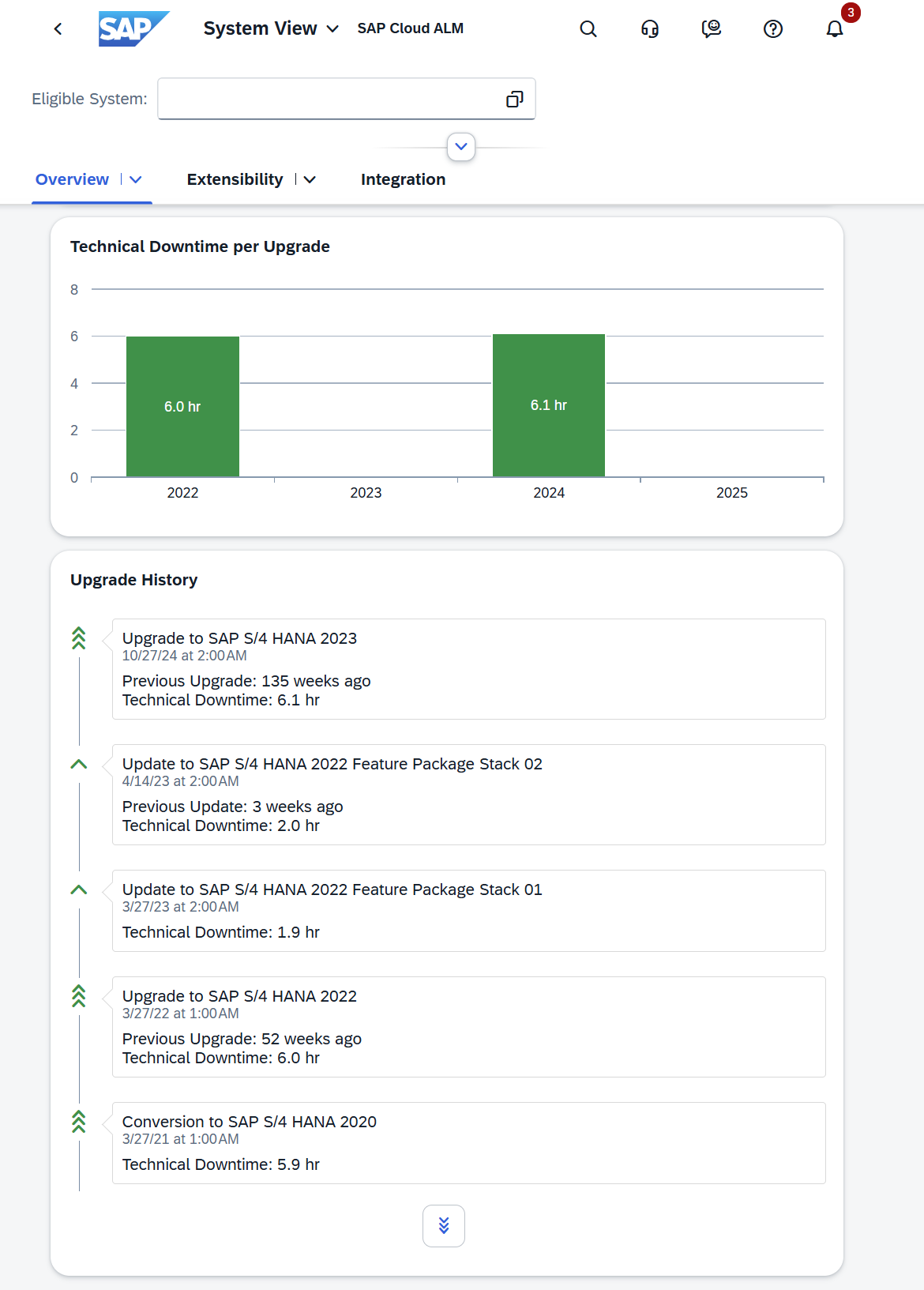
New Data Tab in System View
The System View dashboard in SAP Cloud ALM has been expanded with a new Data tab, adding data-focused KPIs to the clean core methodology. This update introduces the first data pillar, Data Volume Efficiency, helping teams better understand, monitor, and optimize data usage in their systems.
At the center is the Data Volume Efficiency score, which evaluates how efficiently data is managed in productive SAP S/4HANA and SAP S/4HANA Cloud Private Edition environments. The score is calculated based on several dedicated KPI cards:
- HANA Memory
- HANA Disk
- Unused Data
- Redundant Data
- Outdated Data
- Custom Table Footprint
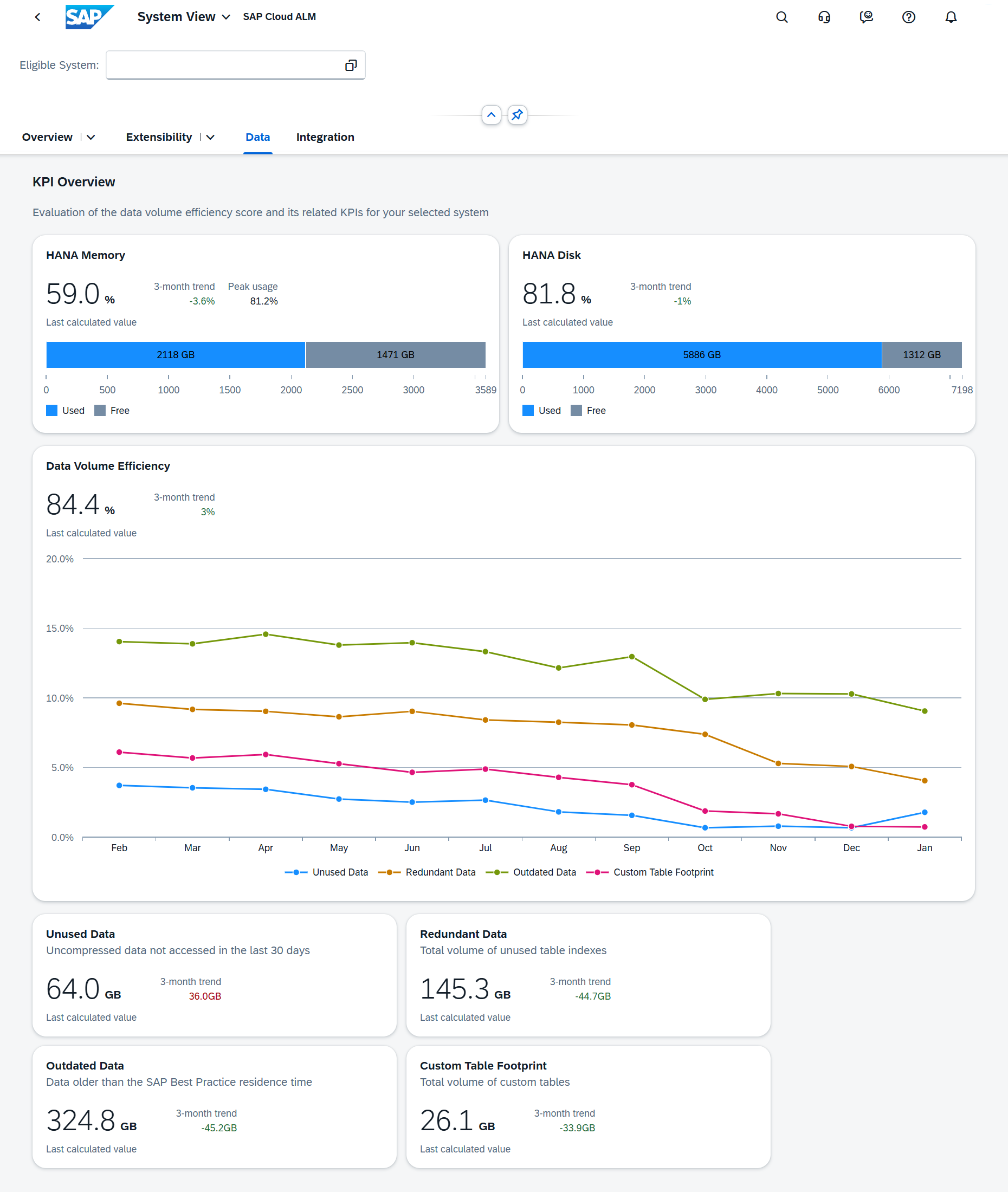
By combining these KPIs, the Data tab provides a clear, consolidated view of data growth and quality. This makes it easier to identify concrete follow-up actions – such as archiving, cleanup, or data deletion – to improve system performance, reduce costs, and keep landscapes fit for innovation.
The Data Volume Efficiency score and KPIs are available only for productive systems, and all technical prerequisites must be fulfilled for the cards to display data.
TL;DR:
The new Data tab in System View adds data-related clean core KPIs, enabling better visibility into data volume, clearer optimization priorities, and improved cost and system efficiency management.
New Customer Objects App
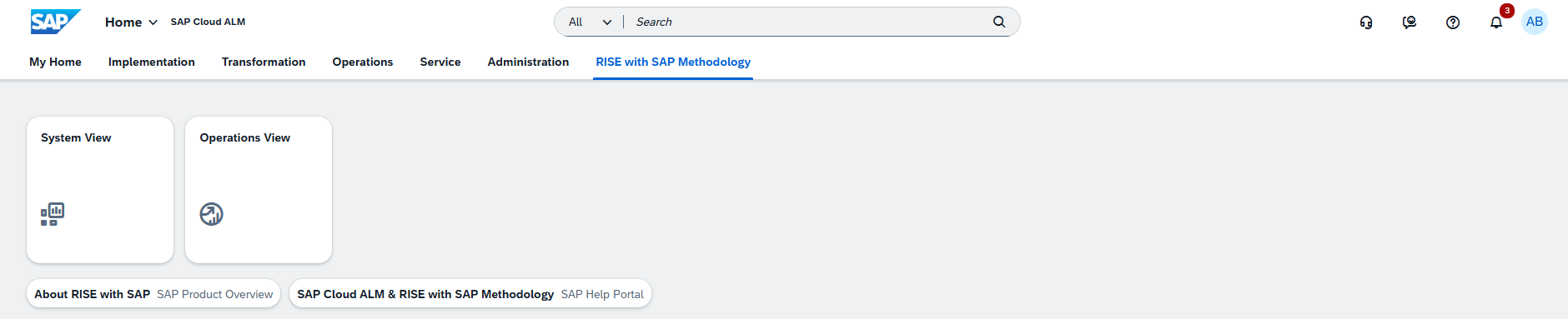
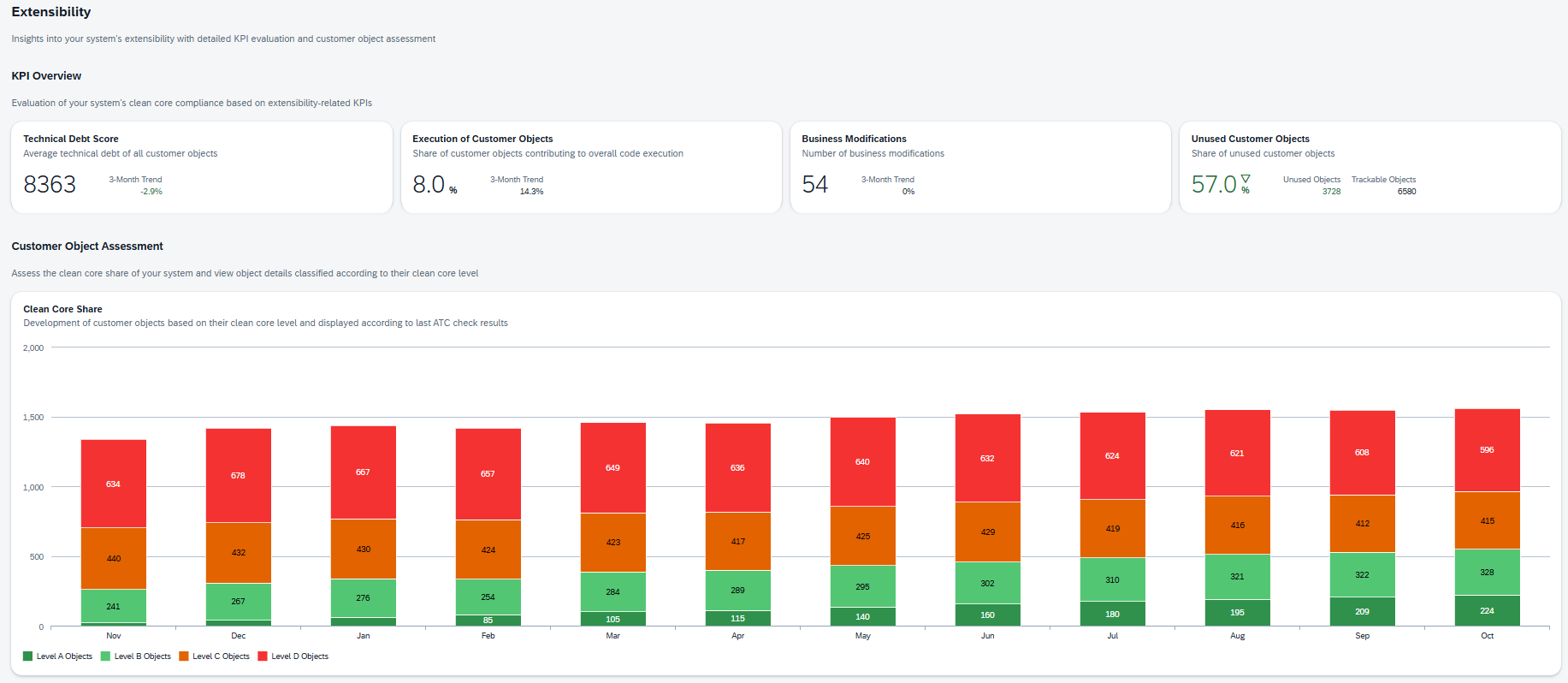
A new Customer Objects app is now available under the RISE with SAP Methodology page on the SAP Cloud ALM launchpad. This new dashboard provides a dedicated deep dive into extensibility and clean core compliance, building on the KPIs already available in the System View.
The Customer Objects dashboard allows teams to analyze customer-specific developments in much greater detail. It complements the high-level view with object-level insights, making it easier to understand where technical debt exists and which extensions require attention. Both the Customer Objects and Referenced SAP Objects table views include key information such as:
- Clean Core Level
- Technical Debt Score and Technical Debt Share
- Level B, C, and D findings
- Classification of objects
- Total references
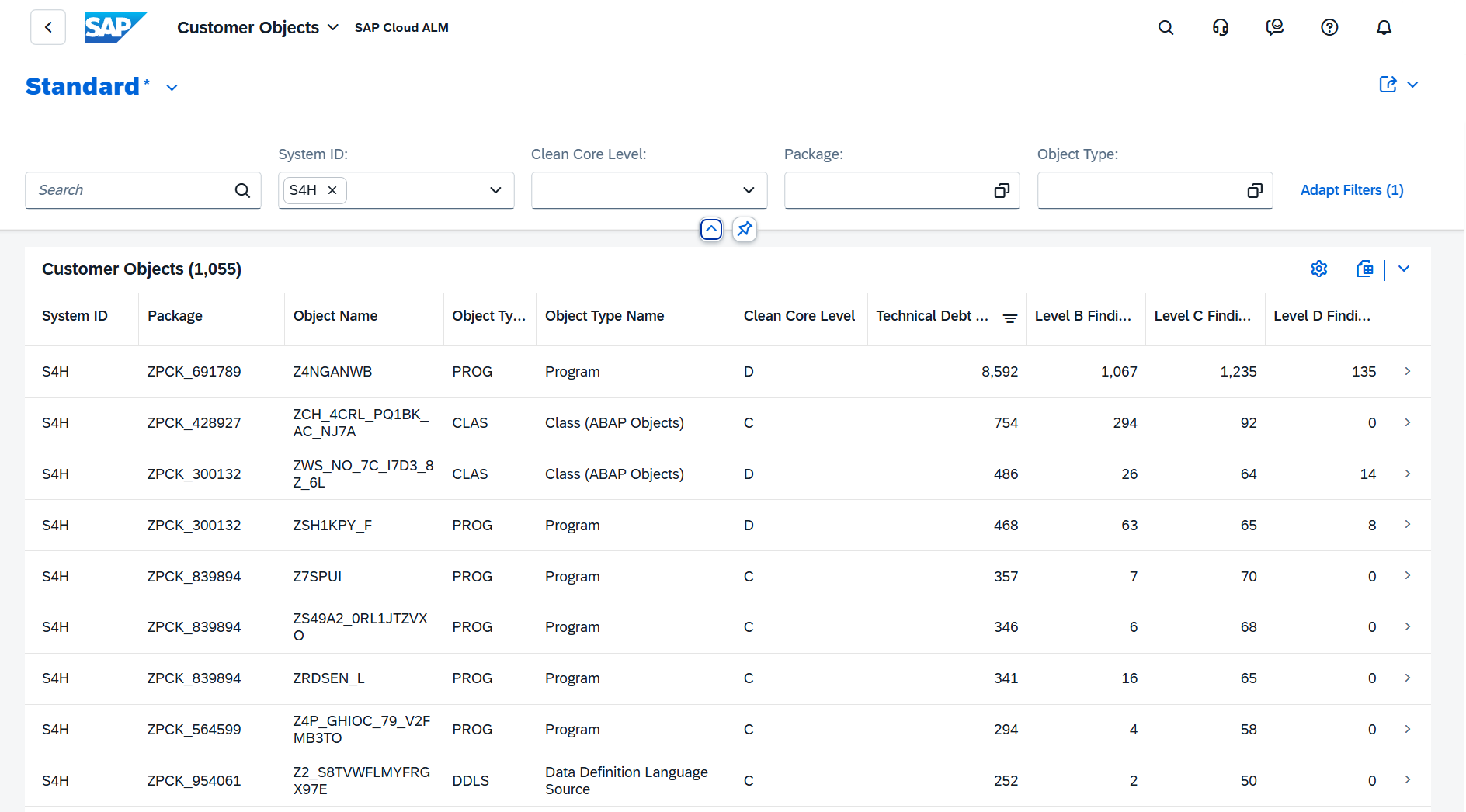
This level of transparency helps development, architecture, and operations teams prioritize remediation efforts, distinguish between upgrade-stable and critical extensions, and plan modernization steps more effectively.
TL;DR:
The new Customer Objects app adds a deep-dive view on extensibility, giving detailed insight into clean core levels, technical debt, and findings for customer objects – making it easier to analyze, prioritize, and modernize extensions.
Direct Access to Customer Objects from System View
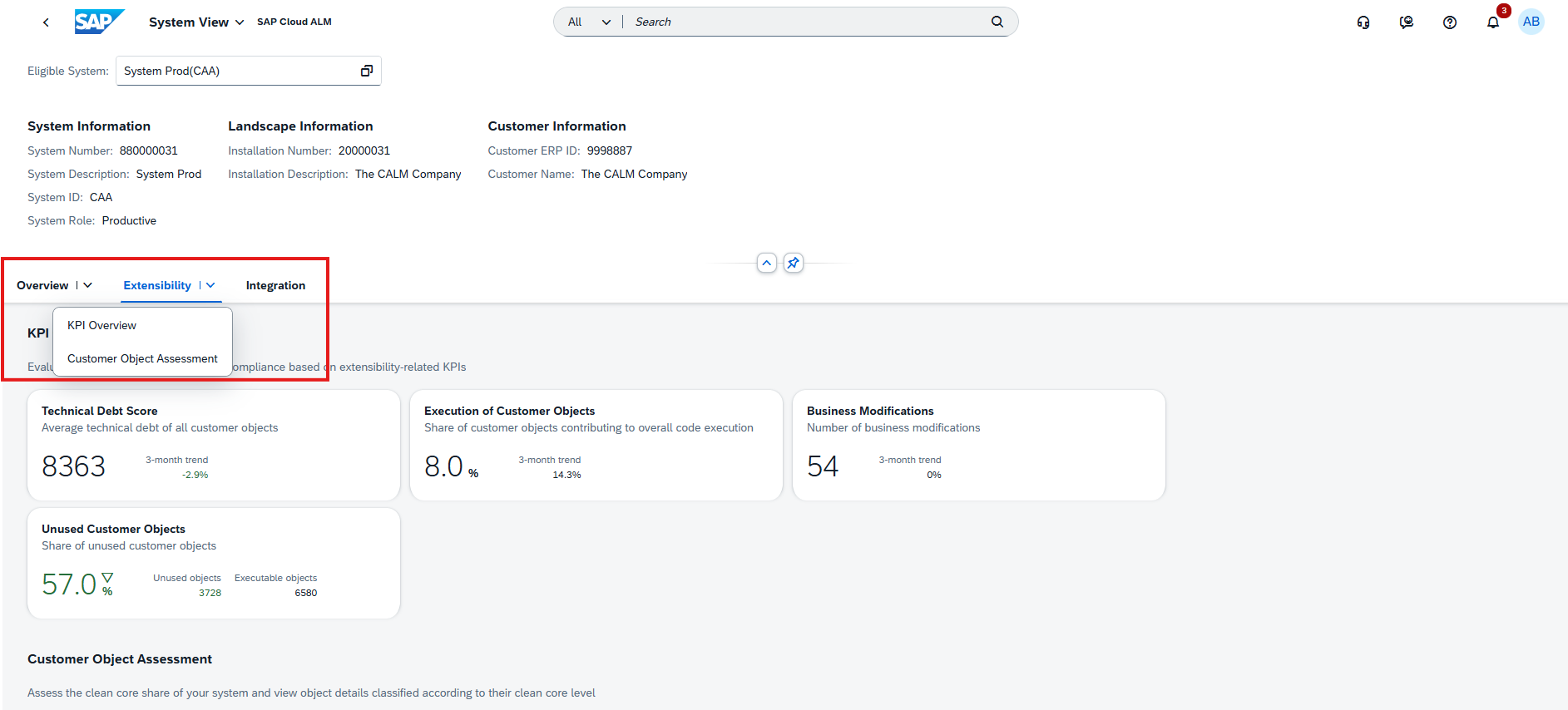
Access to the Customer Objects deep-dive dashboard is now fully integrated into the System View of SAP Cloud ALM. This enhancement makes it easier to move from high-level clean core insights directly into detailed object analysis without switching context.
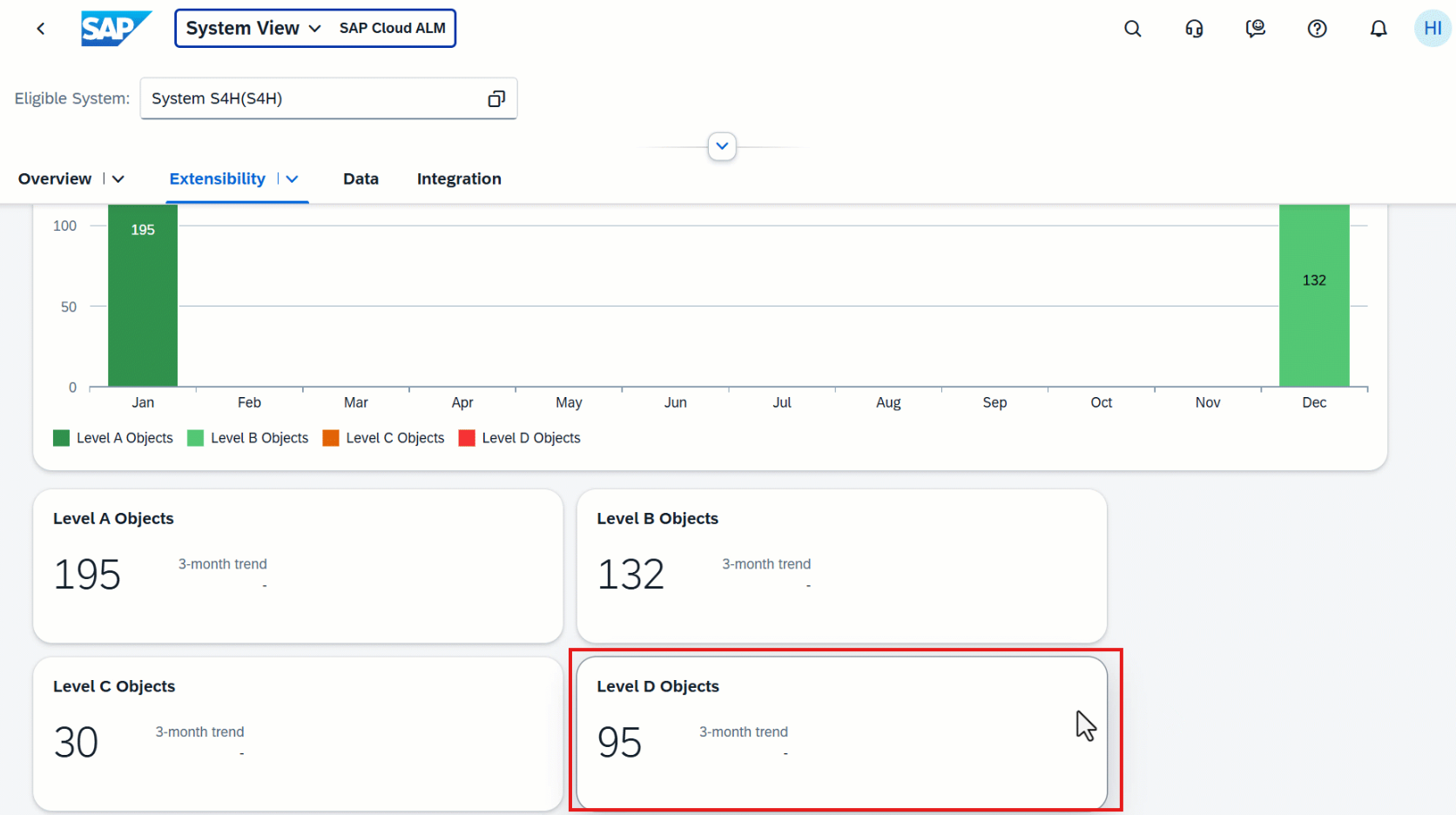
From the Extensibility tab in the System View, selecting the Level B Objects, Level C Objects, or Level D Objects cards now takes you straight to the Customer Objects dashboard. The data is automatically pre-filtered for both the selected system and the chosen clean core level, enabling a smooth drill-down from overview KPIs to object-level findings.
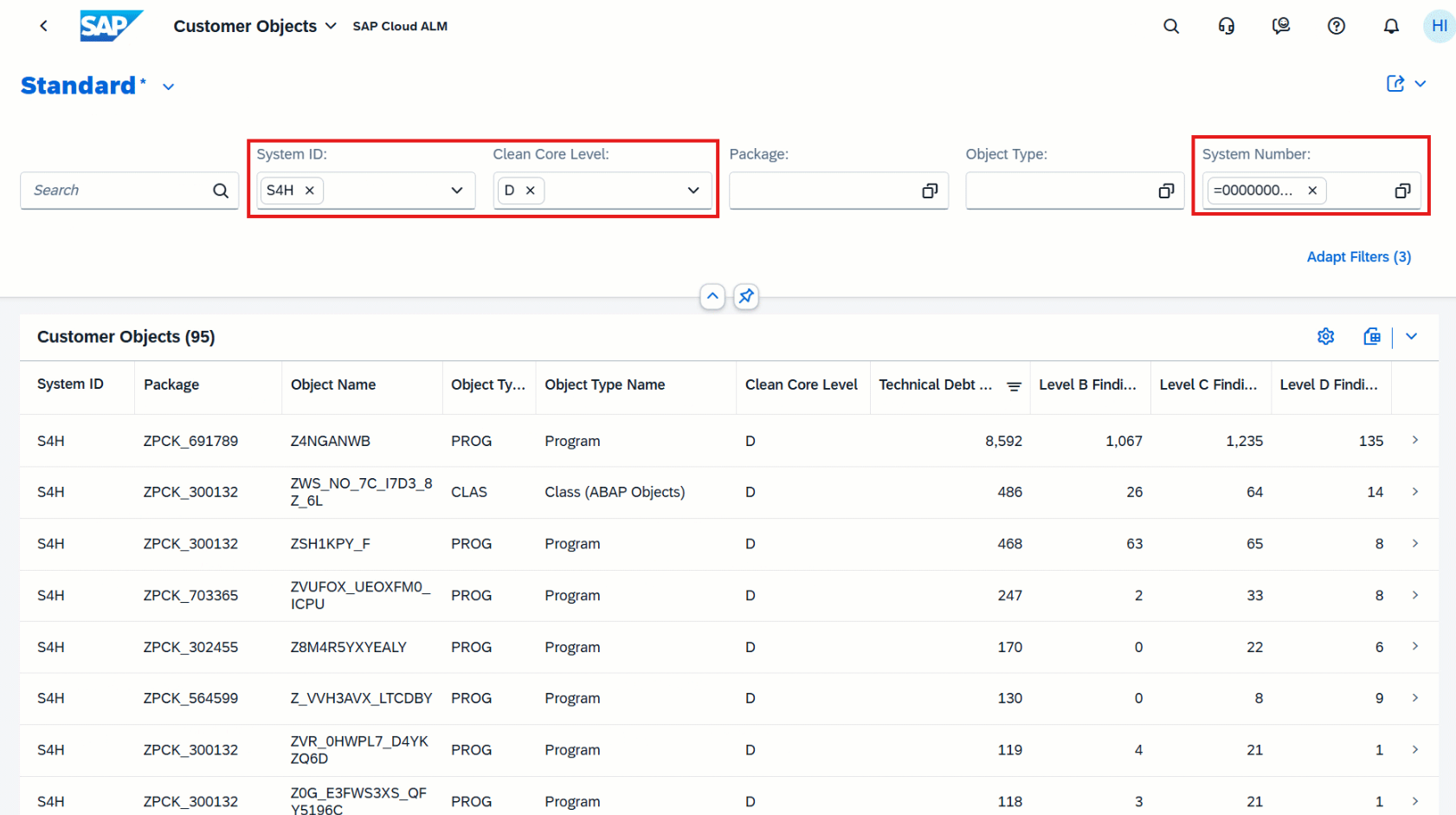
This tighter integration supports faster analysis of technical debt and extensibility risks, helping teams quickly identify which customer objects require modernization or corrective action.
Data is only displayed if the latest ABAP Test Cockpit (ATC) check results have been imported by a dashboard administrator. Without up-to-date ATC data, the Customer Objects dashboard remains empty.
TL;DR:
The System View now links directly to the Customer Objects dashboard, enabling one-click drill-down from clean core KPIs to detailed object analysis – pre-filtered by system and clean core level.
Operations – Job & Automation Monitoring, Integration & Exception Monitoring, Business Process Monitoring
The latest updates in the Operations area focus on greater precision and control in day-to-day monitoring. Enhancements across Job & Automation Monitoring, Integration & Exception Monitoring, and Business Process Monitoring give operations teams more flexible filtering, richer analytical access, and expanded KPI coverage for industry-specific scenarios. Together, these improvements help teams detect issues faster, analyze operational behavior more effectively, and keep complex system landscapes running smoothly.
Not Contains Filter Option for Monitoring and Analysis Filters
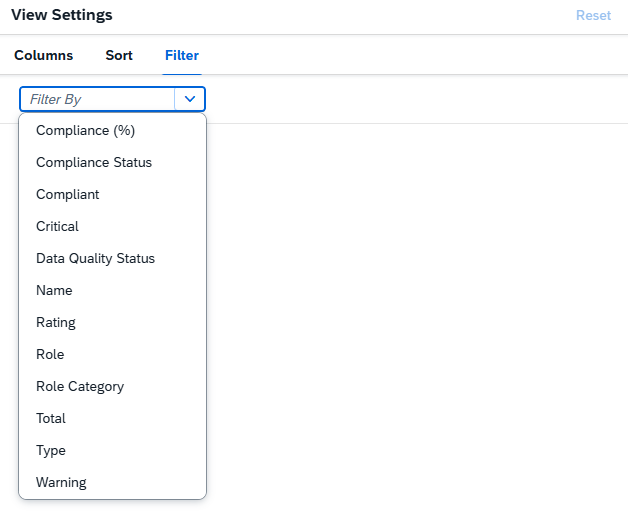
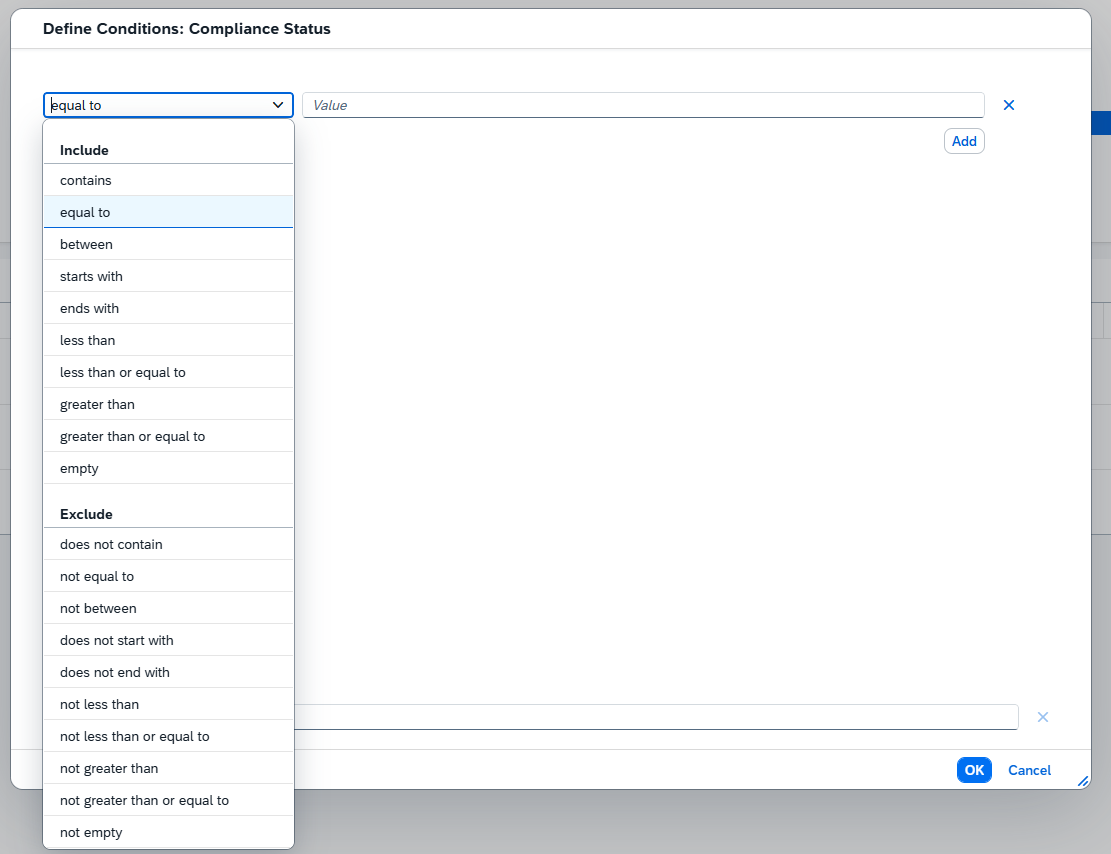
Filtering in Job & Automation Monitoring has become more flexible. A new Not Contains condition is now available for the Executed By and Scheduled By filters in Monitoring and Analysis view.
By adding an exclamation mark (!) before a value, operations teams can explicitly exclude jobs or automations based on who executed or scheduled them. This makes it easier to narrow down results, remove noise from large job lists, and focus on the executions that actually matter for analysis or troubleshooting in SAP Cloud ALM.
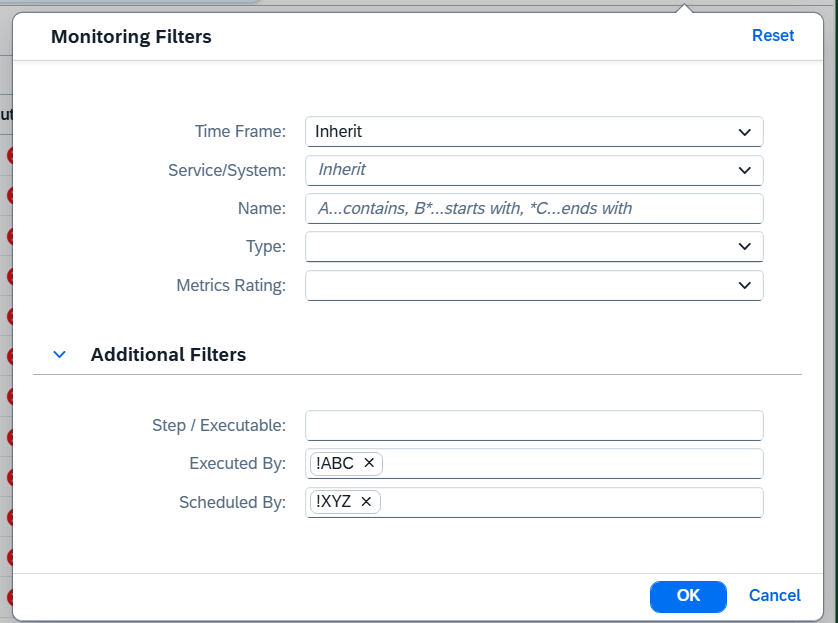
For example, filtering with !ABC for Executed By and !XYZ for Scheduled By will show only those jobs that were not executed by ABC and not scheduled by XYZ.
TL;DR:
Use the new Not Contains filter to exclude specific executors or schedulers and refine job and automation analysis more precisely.
Enhanced Category Selection in Generic Integration Monitoring Analytics API
The Generic Integration Monitoring Analytics API has been enhanced to support more flexible analysis scenarios. It is now possible to select up to five categories (messageType) within a single API call. Previously, each call was limited to just one category, often requiring multiple requests to retrieve a broader view.
This improvement reduces the number of API calls needed for analytics, simplifies reporting logic, and enables more efficient aggregation of integration data across multiple message types in SAP Cloud ALM.
To ensure stable performance, the API enforces a limit: if more than five categories are selected, the request returns a 412 response.
TL;DR:
The Integration Monitoring Analytics API now supports up to five categories per call, enabling more efficient and flexible integration analytics with fewer requests.
Business Process Monitoring KPIs for Commodity Expense Management and Foreign Exchange Risk Management for commodity businesses
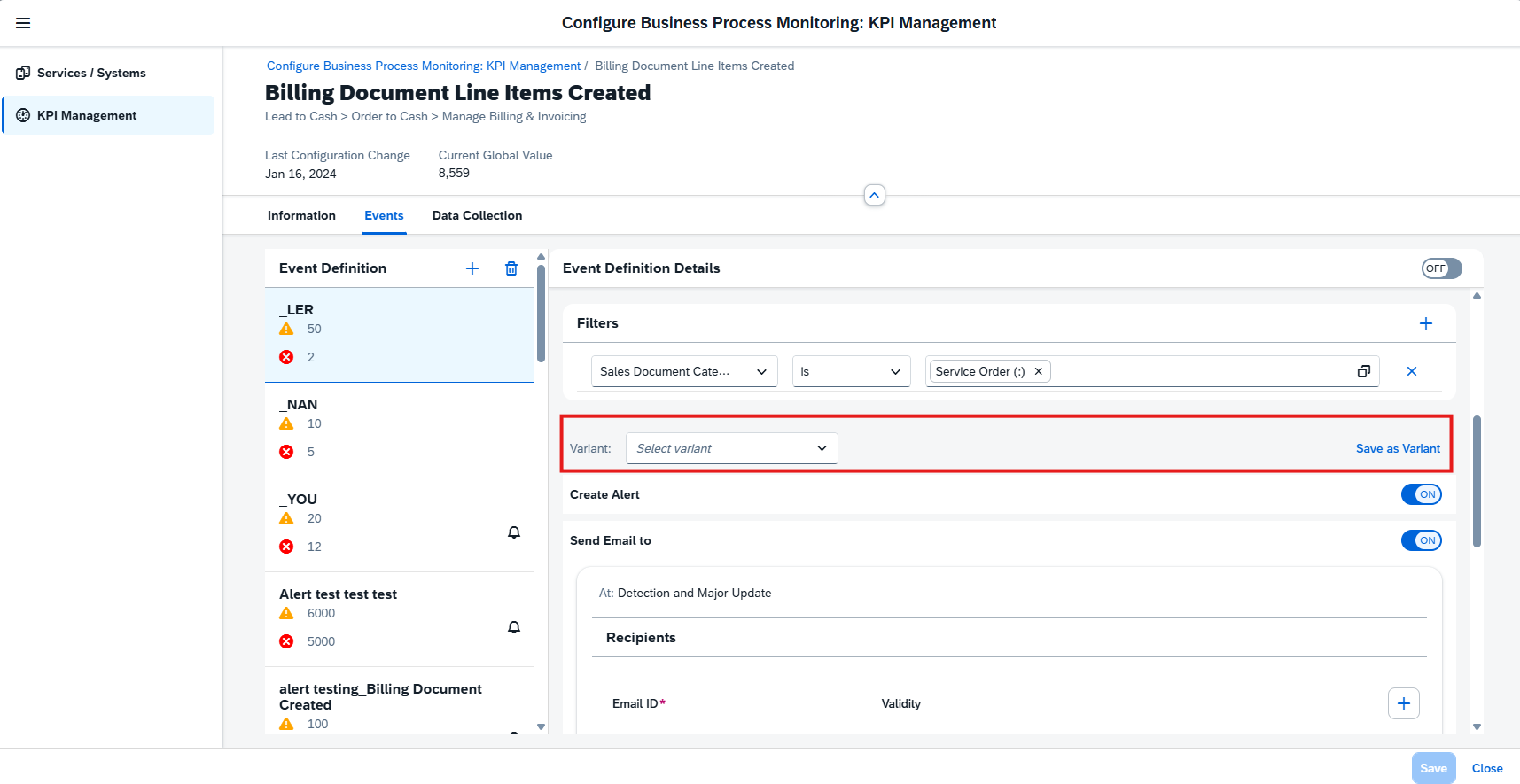
Business Process Monitoring has been extended with new KPIs tailored for commodity-driven scenarios, giving operations and finance teams deeper insight in SAP Cloud ALM. These KPIs help monitor execution quality, identify exceptions early, and improve control over cost and risk processes.
Commodity Expense Management – New KPIs
- Commodity Expense Accruals Created
- Commodity Expense Planning Objects Created
- Commodity Expense Planning Object Items Created
- Commodity Expense Settlements Created
- Commodity Expense Settlement Items Created
- Failed Commodity Expense Accruals
- Failed Commodity Expense Settlement Items
- Open and Reversed Commodity Expense Accruals
- Open Commodity Expense Settlement Items
Foreign Exchange Risk Management for Commodity Businesses – New KPIs
- Exposures Released
- Exposures with Errors
- Hedge Requests Canceled
- Hedge Requests Pending Approval
- Hedge Requests Sent for Trading
- Hedge Requests Trade Completed
- Open Hedge Requests
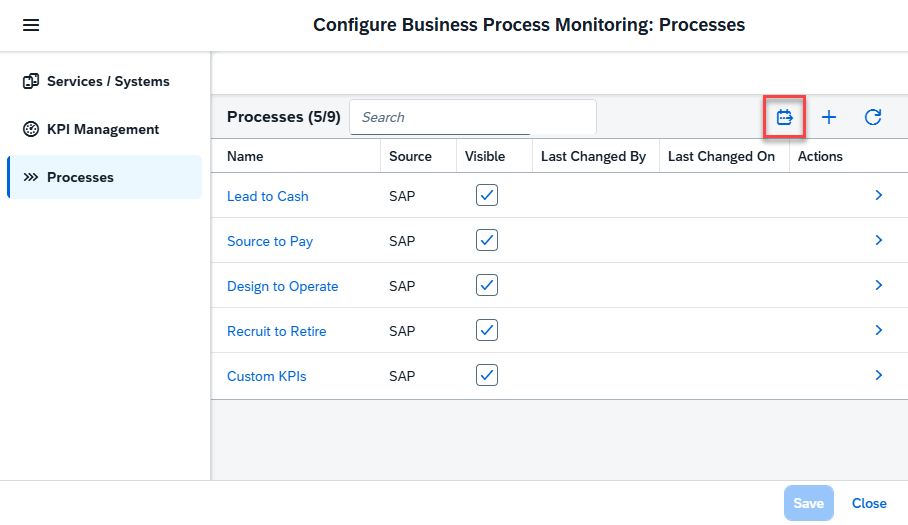
Note: These KPIs are not part of the standard end-to-end processes. To use them, first create a custom process and assign the relevant KPIs.
TL;DR:
New KPIs for commodity expense and foreign exchange risk management provide detailed visibility into accruals, settlements, exposures, and hedge activities – enabling stronger monitoring and faster issue resolution when assigned to custom processes.
Implementation – Features, Documents, Cross-Project Overview
This week’s updates in the Implementation area focus on automation, integration, and efficiency across the project lifecycle. New APIs and workflow integrations improve how features, documents, and approvals are managed, while usability enhancements in analytics and cross-project views help teams find, filter, and act on information faster. Together, these improvements reduce manual effort and support more streamlined, scalable project execution.
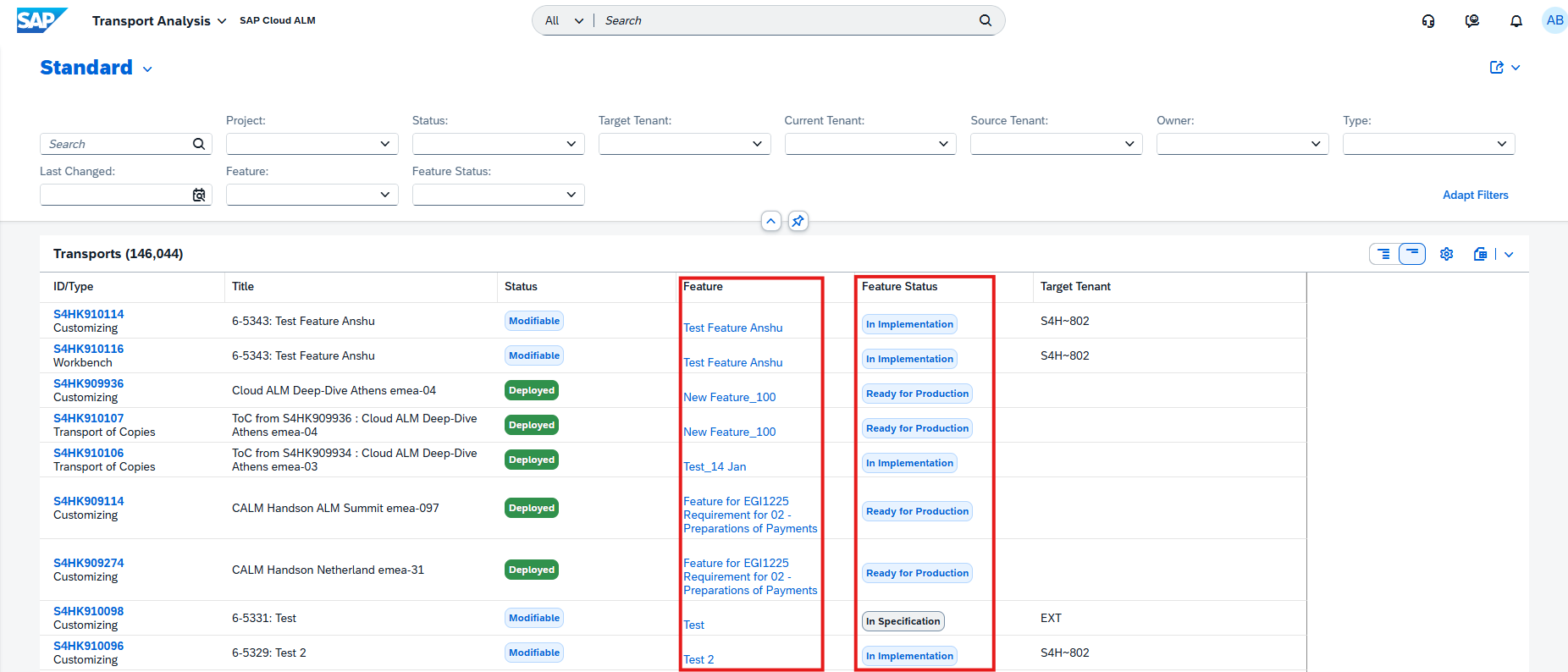
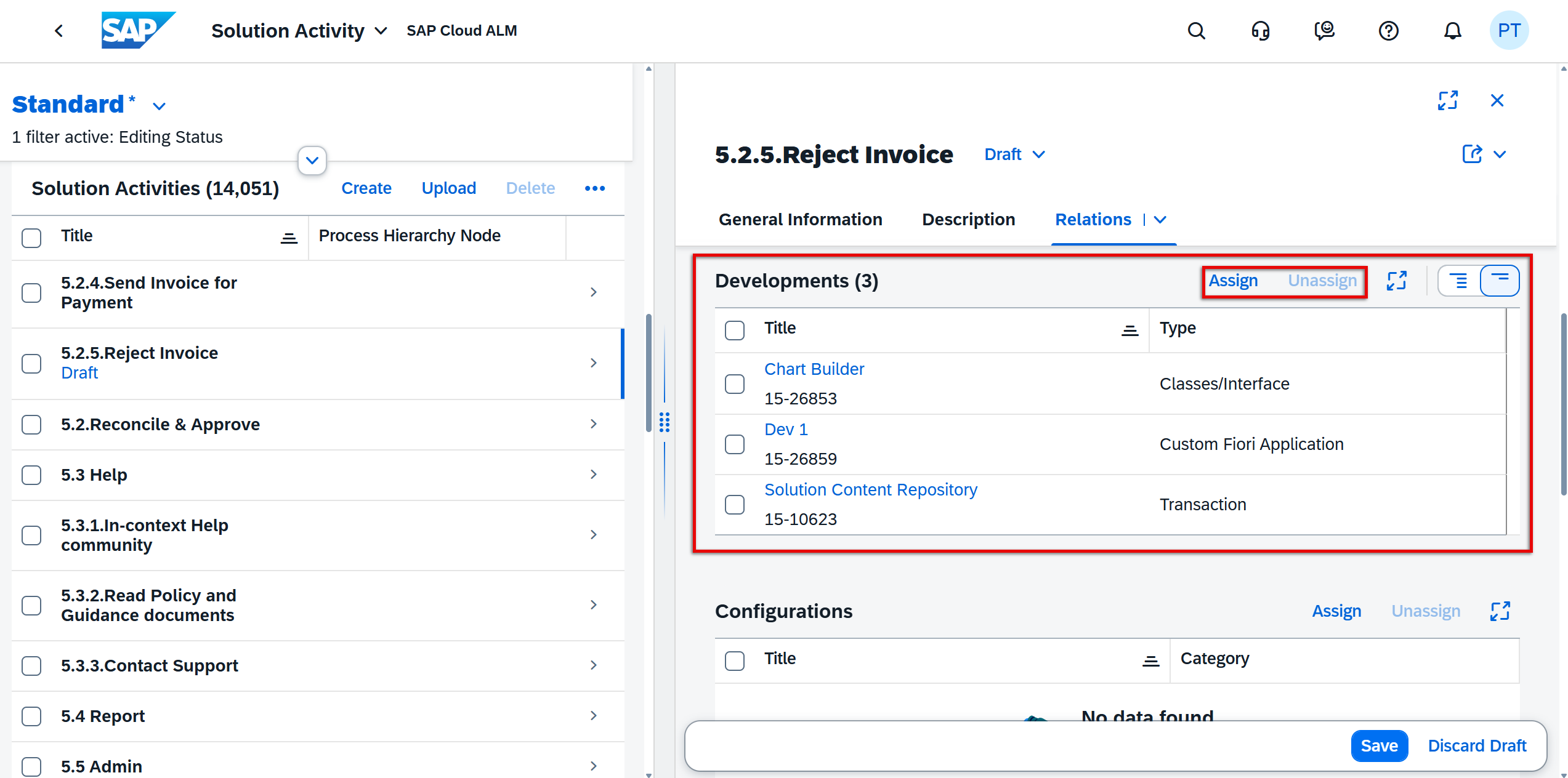
Feature Status Updates via Features API
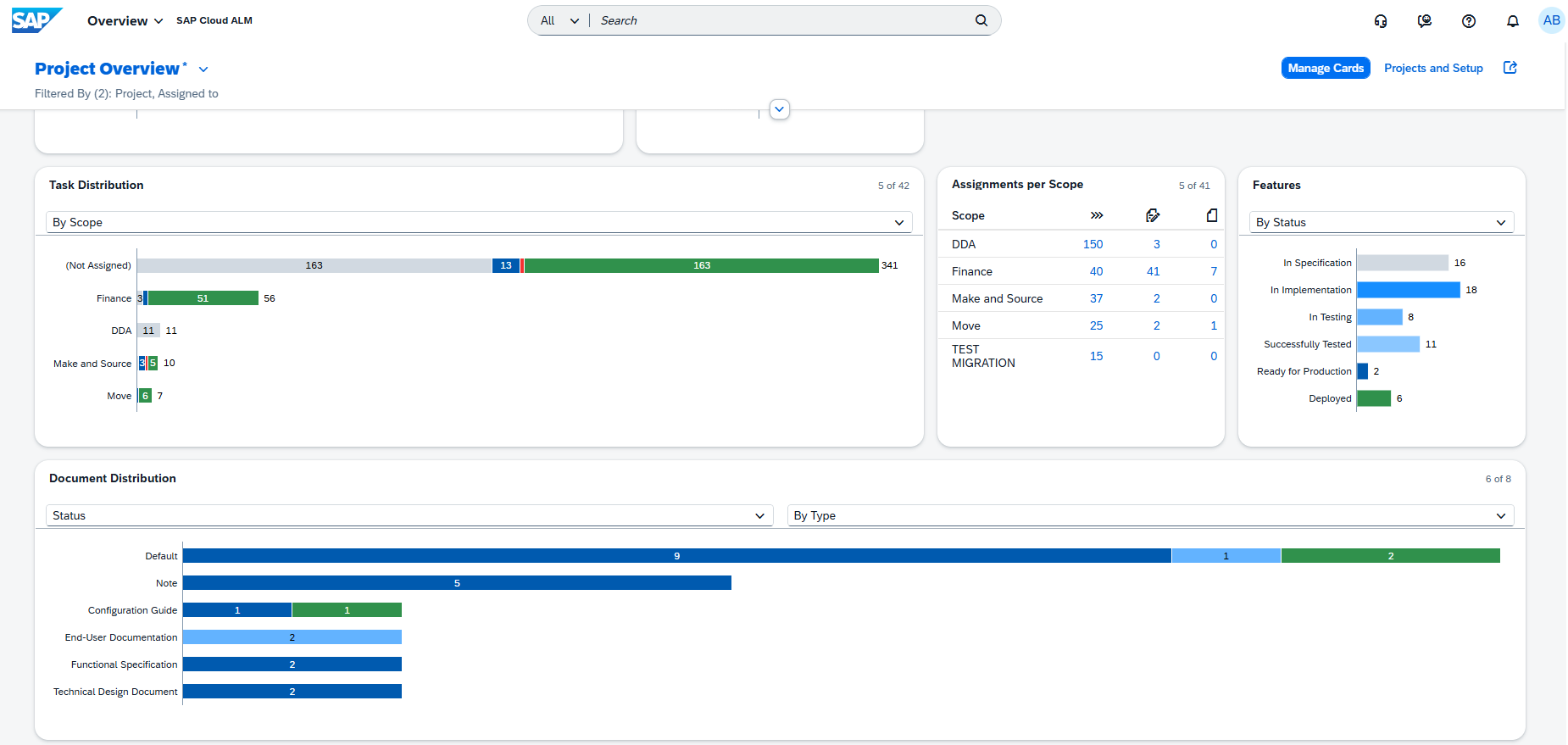
The Features API has been enhanced to allow teams to update the status of features programmatically. This enables tighter integration with external tools, automated workflows, and CI/CD pipelines, reducing the need for manual status updates in the UI.
Using the API, feature statuses can now be switched to the following states:
- Not Planned
- In Specification
- In Implementation
- In Testing
- Successfully Tested
- Deployed
One important exception remains: the transition from Successfully Tested to Ready for Production is intentionally excluded from the API and must still be performed directly in the Features app. This ensures an explicit review step before production readiness is confirmed.
This enhancement is particularly useful for teams aiming to automate release processes, synchronize feature status with development tools, or keep SAP Cloud ALM aligned with external delivery pipelines.
TL;DR:
The Features API now supports automated feature status updates for most lifecycle stages, enabling better integration and reduced manual effort – while keeping final production readiness under controlled review.
Integration of SAP Build Process Automation for External Approval Procedures in Documents
Document approvals in SAP Cloud ALM can now be extended with external workflow integration using SAP Build Process Automation. This new approval procedure allows document approval processes to run outside SAP Cloud ALM while remaining fully connected to the Documents app.
When external workflow integration is enabled, approval requests are handed over to SAP Build Process Automation, where approvers receive their tasks directly in their BPA inbox. Approval workflows can be tailored to organizational needs, including:
- Single or multiple approvers
- Parallel or sequential approval steps
- Email notifications
- Conditional logic based on document type or tags
Once the workflow is designed and deployed in SAP Build Process Automation, it can be connected back to SAP Cloud ALM and used seamlessly for document approvals.
TL;DR:
Document approvals can now be handled via SAP Build Process Automation, enabling flexible, customizable external workflows while keeping documents managed centrally in SAP Cloud ALM.
Faster Navigation in Process Hierarchy Assignment
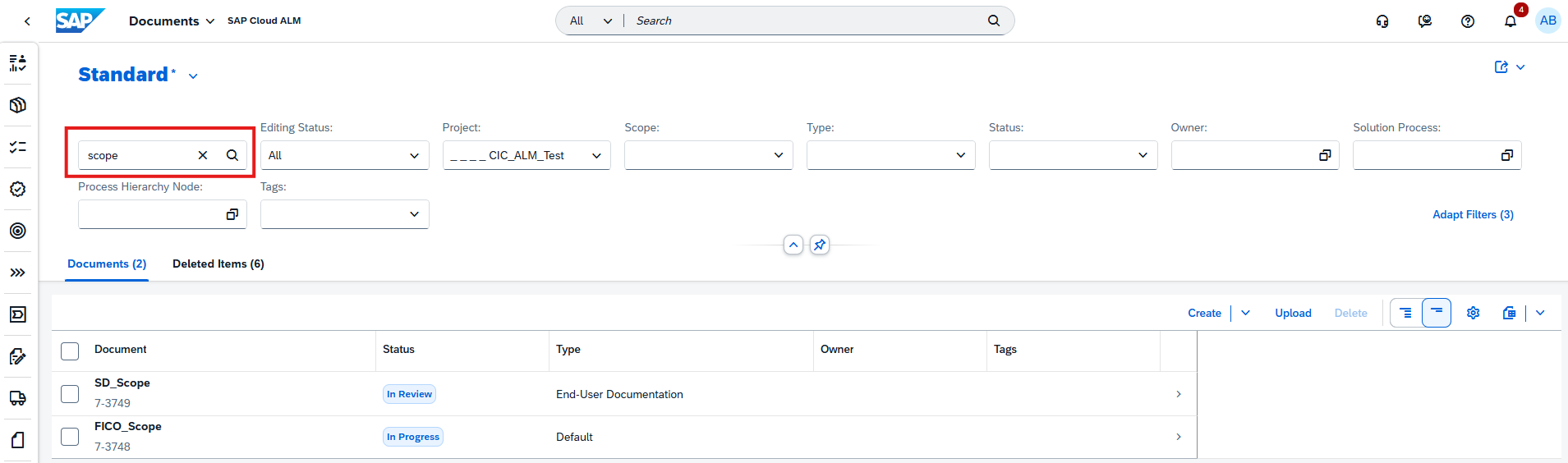
The Process Hierarchy Assignment app now includes a search field, making it easier to work with large and complex hierarchies in SAP Cloud ALM.
Users can quickly find process hierarchy nodes by title or ID, reducing manual scrolling and speeding up cross-project assignments – especially helpful when managing extensive process structures across multiple projects.

TL;DR:
Search hierarchy nodes by title or ID in the Process Hierarchy Assignment app for quicker navigation and easier cross-project work.
Administration – Landscape Management
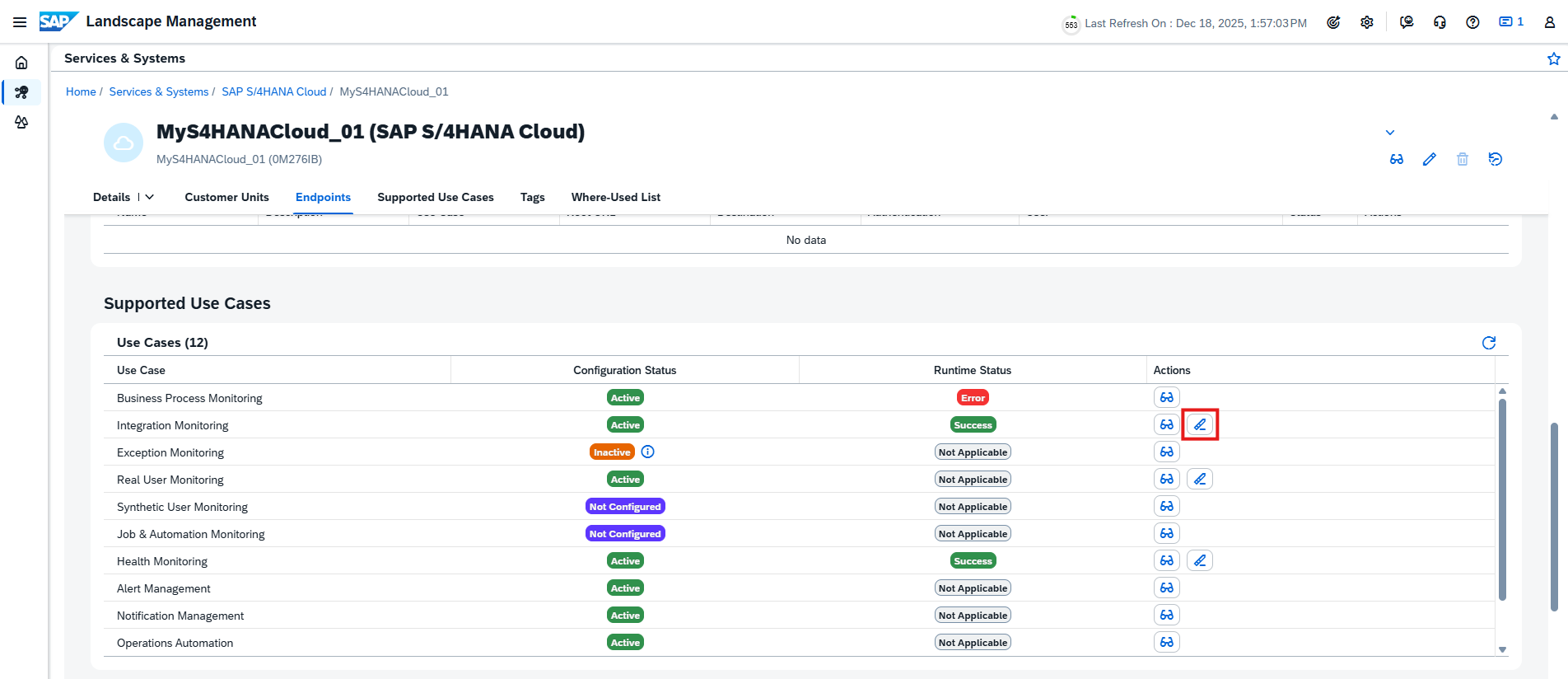
New clean-up option for obsolete customers and systems
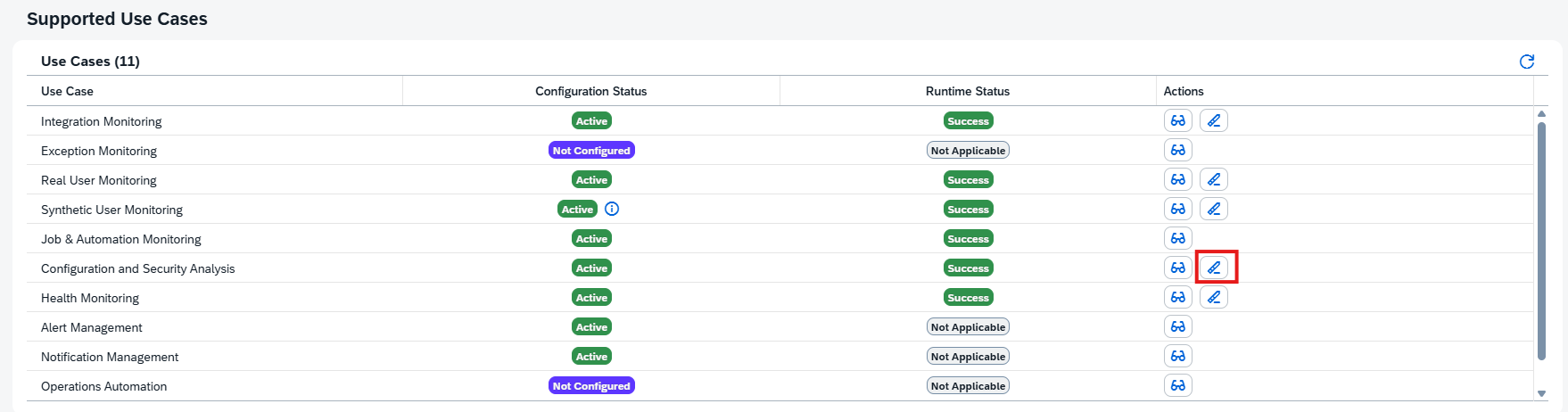
Managing landscapes stays clean and accurate with a new clean-up option for obsolete customers and systems in SAP Cloud ALM. SAP Cloud ALM now automatically flags customer numbers and systems that are no longer part of the daily backend import and marks them clearly as obsolete with a red indicator in the Landscape Management tables.
This situation can occur for several reasons, such as changes to SAP Cloud ALM customer numbers, updates to customer numbers of managed cloud systems, removals from the SAP Corporate Group, or missing authorizations of the S-user used for landscape synchronization.
Using the Configuration view in Landscape Management, administrators can now permanently delete obsolete customer numbers, their related systems, and all associated assignments. In addition, individual obsolete systems can be removed selectively, provided they no longer have any active use cases. This helps keep the landscape lean, avoids confusion, and ensures that only relevant and actively used systems remain visible.
TL;DR:
Landscape Management now highlights obsolete customers and systems and allows administrators to safely delete them, keeping SAP Cloud ALM landscapes clean, accurate, and up to date.
Cross-Area Update – Increased Memory and API Data Transfer
To better support larger landscapes and more advanced monitoring scenarios, SAP Cloud ALM now provides significantly increased baseline resources per tenant. The available SAP HANA memory and monthly data transfer for outbound APIs have been expanded from 8 GB to 24 GB.
This increase applies equally to:
- Base tenants included with Enterprise Support
- Tenants provided via the SAP Cloud ALM tenant extension
The enhancement is effective for both existing tenants and all newly provisioned tenants, ensuring immediate benefits without additional configuration. With more memory and higher data transfer limits, teams can handle larger datasets, enable richer monitoring scenarios, and integrate outbound APIs more comfortably without hitting resource constraints.
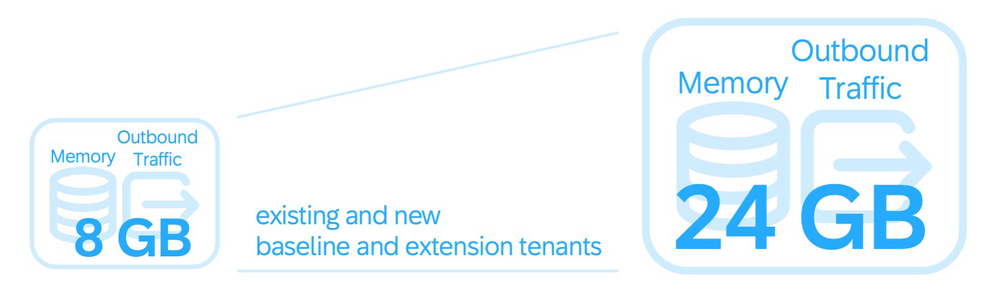
TL;DR:
SAP Cloud ALM tenants now come with 24 GB of base HANA memory and outbound API data transfer (up from 8 GB), supporting larger landscapes and more demanding monitoring use cases out of the box.